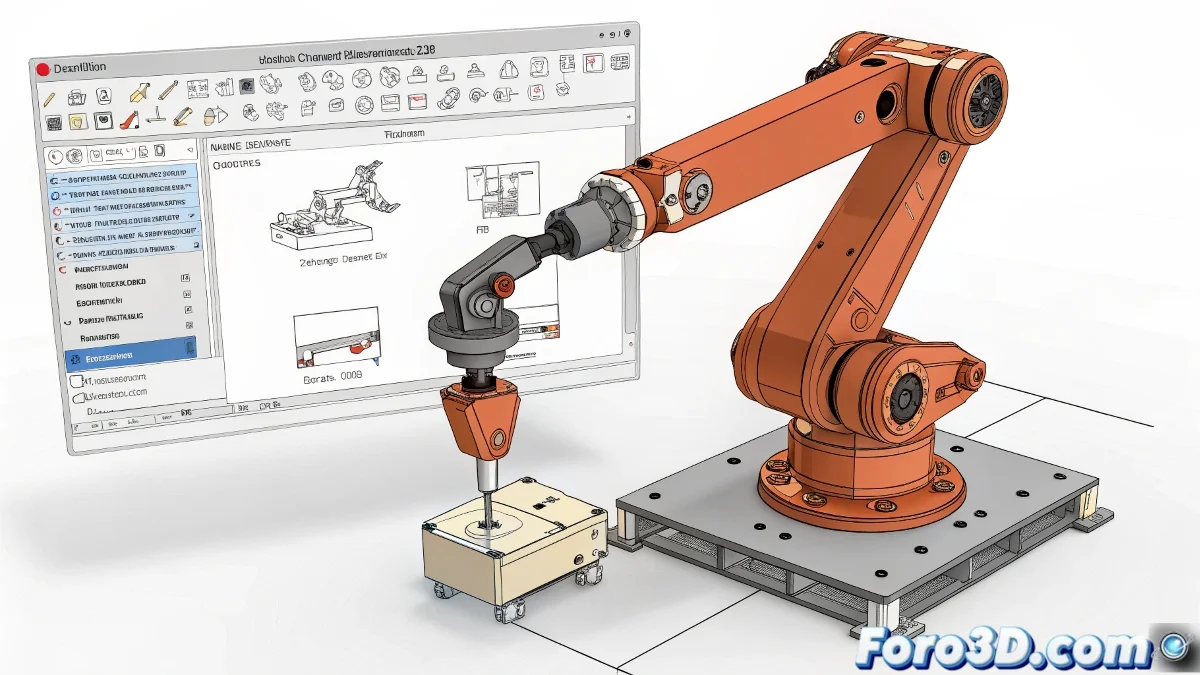
Achieving Complex Movements in a Robotic Arm with SketchUp
SketchUp is not designed for complex animations with control hierarchies and kinematics. Its focus is more oriented toward architectural modeling or static objects.
SketchUp Limitations for Mechanical Animation
What happens to you, where you can only apply one movement at a time, is because SketchUp does not have a hierarchical rigging system or inverse kinematics (IK) support like specialized programs such as Blender, 3ds Max, or Cinema 4D. In SketchUp, the animation tools are very basic: you can move, rotate, or scale, but everything independently, without one movement naturally influencing another.
Options to Improve Movement Control
If you still want to continue with SketchUp, you can try some plugins like Animator or Keyframe Animation, which allow creating more complex animations within their limitations.
But if your goal is something more serious, with joint control, limited rotation angles, and mechanical simulation, I recommend switching to other software more focused on technical 3D or animation. Here are some alternatives:
- Blender: Free, powerful, and with full support for IK/FK, constraints, and bone animation.
- 3ds Max: Ideal for technical animation, with tools like the CAT Rig or the biped system.
- Cinema 4D: With its character module and expressos for movement control.
A Touch of Realistic Humor...
If you feel frustrated because SketchUp won't let you do what you want... relax, we've all gone through that stage. It's like trying to run a Formula 1 race on a tricycle. Yes, you can pedal hard... but at some point, you have to change vehicles 🚗.