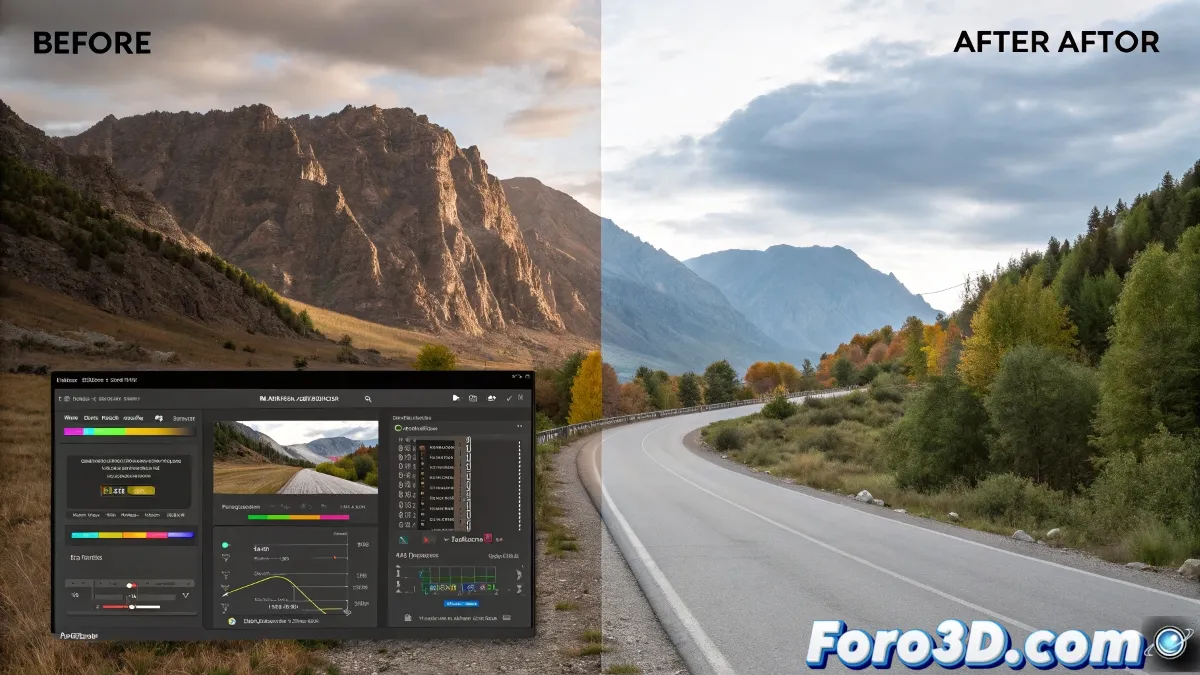
Automation in Color Management for Renders
The transition between different color spaces in 3D projects represents a technical challenge that can now be resolved through automated solutions. A recent development optimizes this process for V-Ray users in 3ds Max environments, significantly simplifying the workflow.
Intelligent Transformation of Visual Elements
This technical solution performs precise adaptations on all scene components:
- Automatic conversion of standard bitmaps
- Appropriate color space assignment based on file type
- Preservation of the original material properties
Precision in color space conversion is essential to maintain the original artistic intent
Optimized Resource Management
The system demonstrates special efficiency when handling complex texture configurations. Its intelligent algorithm:
- Identifies instances requiring modification
- Creates only the necessary minimal variations
- Maintains visual coherence throughout the scene
Adaptability to Different Needs
Users have multiple implementation options:
- Selective application to specific elements
- Complete scene processing
- Mass conversion of files and libraries
Simple Implementation
The installation process follows conventional methods, while the licensing system offers flexibility for hardware changes. This combination of ease of use and technical robustness makes it accessible to both individuals and studios.
Compatibility and Performance
Designed for recent versions of 3ds Max and V-Ray, this tool represents a significant advancement in render pipeline optimization. Its ability to handle complex projects positions it as a professional solution for production.