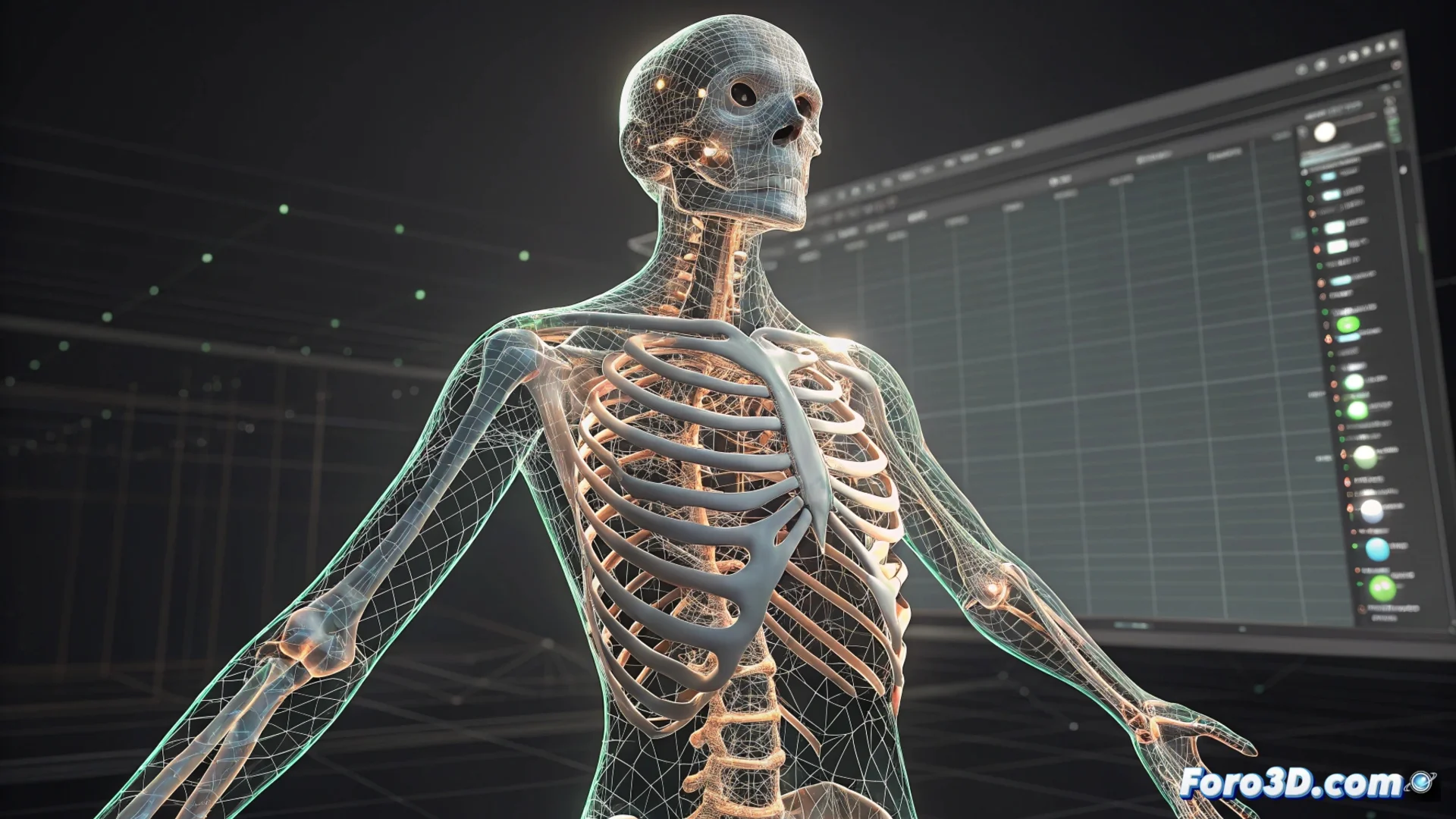
AccuRig Automates Creating a Skeleton for 3D Models
The rigging process, essential for animating 3D characters, used to demand hours of specialized technical work. AccuRig changes this paradigm by analyzing the geometry of an imported model and proposing a complete and functional bone structure in minutes. This tool frees artists and hobbyists from the most complex task, allowing them to focus their efforts on bringing their creations to life in Blender, Maya, or Unreal Engine. 🦴
The Workflow with Auto-Rigging
The user starts by importing their 3D model in a common format like FBX or OBJ. AccuRig's algorithm then scans the mesh to identify the main body parts: head, torso, limbs. It interprets the shapes and suggests the optimal location for the bones. Subsequently, it builds the animation controls, such as IK/FK systems, and calculates the skin weight influence on the model. The artist has the final say, being able to review and adjust the proposal before exporting the finished rig to their target software.
Key Steps in the Process:- Import the Model: The 3D mesh is loaded from any modeling software.
- Geometric Scanning: The software analyzes the silhouette and detects key joints.
- Generate and Adjust: The base skeleton is created, and the artist can refine bone placement and weights.
- Export and Animate: The final rig is exported ready to use in the chosen animation engine.
Finally, no more suffering with weight painting and a toe acting like an independent tentacle. The future where the model does what it should, not what it wants.
Benefits of Automating Rigging
Implementing a system like this drastically reduces the learning curve needed to animate 3D characters. It is an ideal solution for modelers who do not specialize in rigging. Additionally, it accelerates production pipelines in projects with tight deadlines or when functional prototypes are needed quickly. It establishes a consistent technical standard that facilitates sharing files between different team members or across diverse software applications.
Main Advantages:- Reduce Time: Transforms hours of work into a minutes-long process.
- Lower the Entry Barrier: Makes character animation accessible to more artists.
- Accelerate Production: Allows iterating and testing animation ideas much faster.
- Maintain Compatibility: Facilitates file exchange within a professional workflow.
A Change in 3D Production
AccuRig represents a significant advancement by automating one of the most technical phases of the character pipeline. By delegating the base skeleton construction to the software, creators can focus their talent and time on the performance, movement, and visual narrative of their animations. This tool does not replace the specialized rigger, but empowers a wider range of artists to bring their static models into the world of animation with efficiency and less frustration. 🚀