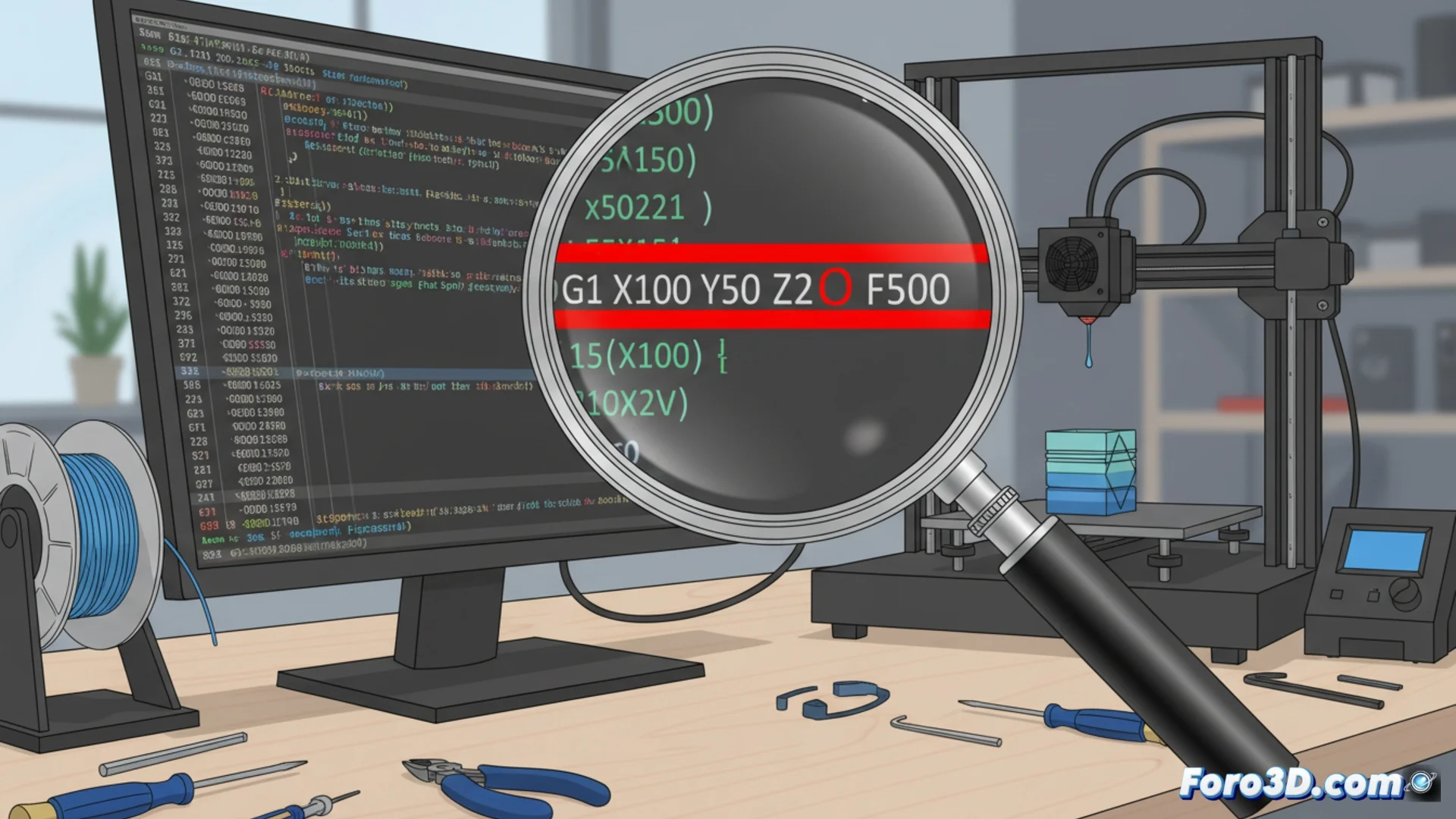
A simple error in the G-code can stop your 3D printer
A single incorrect character within a G-Code file has the power to stop a print completely. These files contain the orders that the 3D printer reads and executes sequentially. If a letter is missing, a number, or a symbol is misspelled, the machine's firmware cannot interpret the command and production is interrupted. The reason is that the system processes the instructions literally and strictly. 🔍
Use a text editor with syntax highlighting
To find these faults, it is useful to open the file in a plain text editor that has the syntax highlighting feature. Applications like Notepad++ or Visual Studio Code color the commands and their values, making it much easier to detect a letter that doesn't belong or a mistyped parameter. This visual review allows identifying problematic lines quickly, before sending the job to the printer. 🛠️
Advantages of using a specialized editor:- Clear visualization of the G-Code structure with differentiated colors.
- Immediate detection of out-of-place characters or numbers.
- Ability to correct the error directly in the same environment.
Sometimes, the problem is not in the printer, but in a semicolon that decided to be absent on line 1,504.
Verify the code with online validators
Another effective strategy is to use G-Code validators that are available on the internet. These tools scan the entire file, looking for unrecognized commands, parameters that are out of the allowed range, or incorrect structures. Then, they generate a report with the detected errors and their precise location, which greatly speeds up the correction process. It is a complementary method that ensures the code meets the standards the printer needs to function. ✅
Features of online validators:- Automatic and exhaustive analysis of the entire instruction file.
- Detailed report with the exact location of each inconsistency.
- Serve as a double verification to ensure code integrity.
Keep your prints error-free
Reviewing the G-Code before starting any job is a crucial step to avoid unexpected stops. Combining visual inspection in an editor with highlighting with the use of an online validator forms a robust workflow. This proactive approach not only saves time and material, but also gives you greater control and understanding of the commands that direct your 3D printer. 🚀