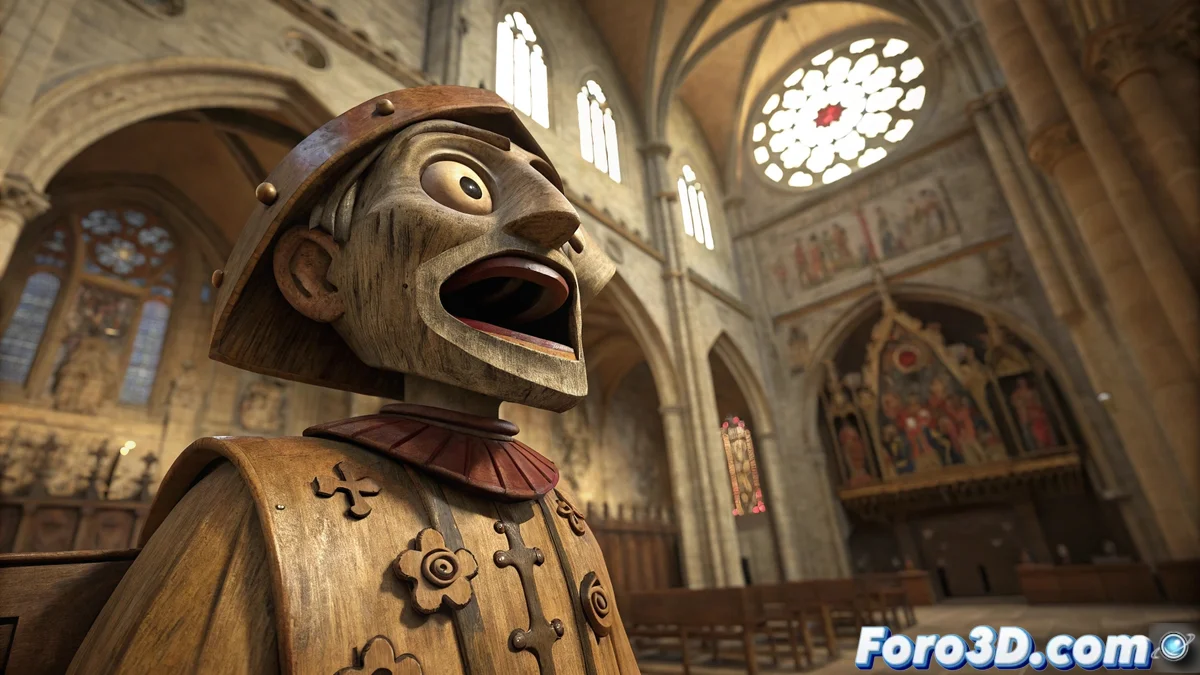
An Automaton with a Broken Heart
In the majestic Burgos Cathedral dwells a unique character: the Papamoscas (Flycatcher). This 15th-century automaton not only marks the hours by opening its mouth, but also holds a romantic and tragic legend. It is said that King Henry III the Sufferer, deeply in love with a young woman he met in the temple, ordered the creation of a figure to perpetuate her memory after her death from plague. The result was this peculiar mechanism whose hourly lament ended up sounding more like a snort, giving origin to its curious name. A perfect story to inspire a 3D recreation full of character.
Bringing the Legend to Digital Life
Blender becomes the ideal tool to revive this historical figure with all its drama. The challenge goes beyond precise modeling; it's about capturing the melancholic essence of the legend through aged materials and an animation that conveys that failed lament. It's a perfect project for practicing the creation of complex mechanisms and visual storytelling. After all, how many 3D models can boast of having a real love story behind them? 💔
Key Elements for an Authentic Recreation
Achieving a digital life for the Papamoscas requires attention to several technical and artistic aspects that will make the difference.
- Expressive Anatomy: Model a face that conveys the melancholy of the legend.
- Plausible Mechanics: Create a gear system that works coherently.
- Patina of Time: Apply textures that show centuries of wear on the wood.
- Gothic Ambiance: Recreate the dim lighting of the Burgos Cathedral.
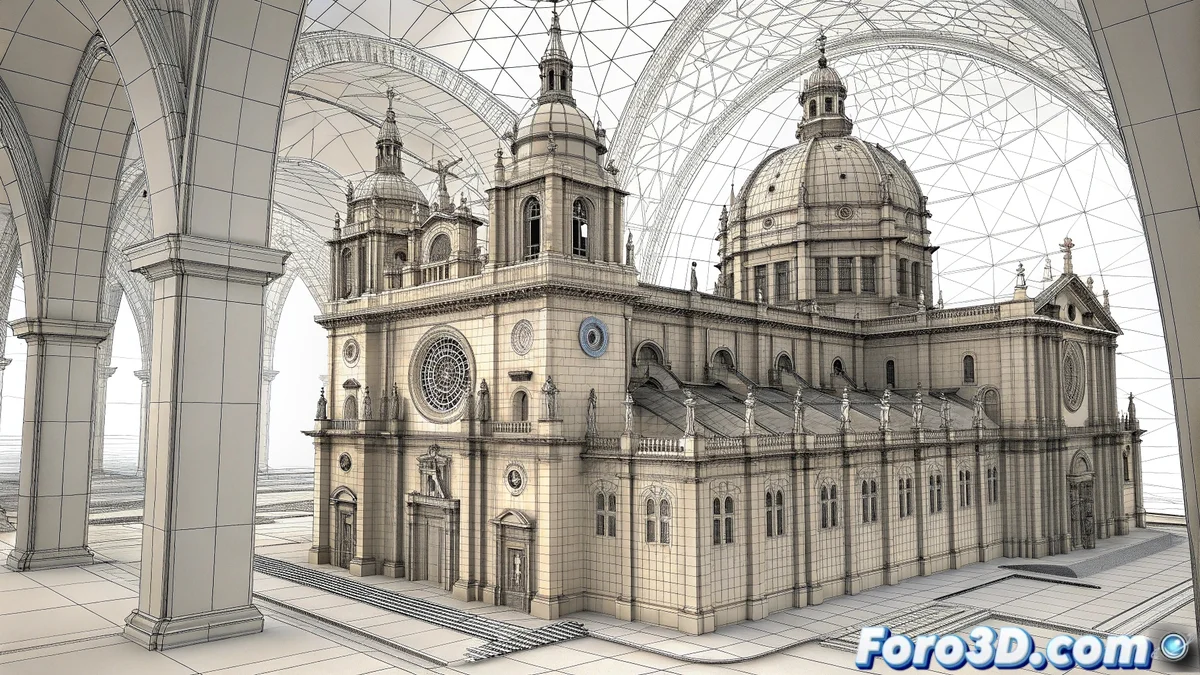
The digital recreation of historical heritage allows preserving and disseminating cultural legacies in an innovative way.
Practical Guide in Blender
Start by organizing the project methodically. Open Blender and save the file as papamoscas_catedral_burgos.blend. Set the units to the metric system and create collections for each element: Automaton, Mechanism, Scene, Lighting. This structure will be your best ally when complexity increases 😅.
Modeling the Character and Its Mechanism
For the automaton, use cubes and cylinders as base geometry. Sculpt mode will be essential to define facial features and clothing folds. Pay special attention to the mouth, modeling it carefully to allow a natural opening. The internal gear mechanism can be created using the Array modifier to duplicate gear teeth efficiently.
Textures that Tell a Story
Material assignment is where the story gains strength. For the Papamoscas body, use aged wood textures with pronounced grain and edge wear. Add dirt in the cracks to increase realism. The metal mechanism should have a dim shine and slight imperfections. Don't forget that the patina of time is the best special effect for this type of historical recreations.
Dramatic Lighting
Set up lighting that evokes the solemn atmosphere of the cathedral. Use a soft main light that simulates the one filtering through the stained glass, with a slightly warm tone. Complement with cooler spot lights to highlight specific volumes of the automaton. A church interior HDRI will help achieve credible global lighting full of ambiance 🕯️.
Animation and Final Render
Animate the mouth opening using simple keyframes, synchronizing the movement with the passage of hours. For rendering, Cycles will offer the best quality in materials and lights. Set a resolution of 1920x1080 and enable the denoiser for a clean result. In post-production, slightly adjust the contrast and add a subtle vignette to direct the gaze toward the automaton. And done! Your digital Papamoscas will be ready to tell its story to the world.
While the automaton has spent centuries trying to express a loving lament, modern visitors only see a funny doll that opens its mouth. The irony of fate is, without a doubt, the best screenwriter. 😌