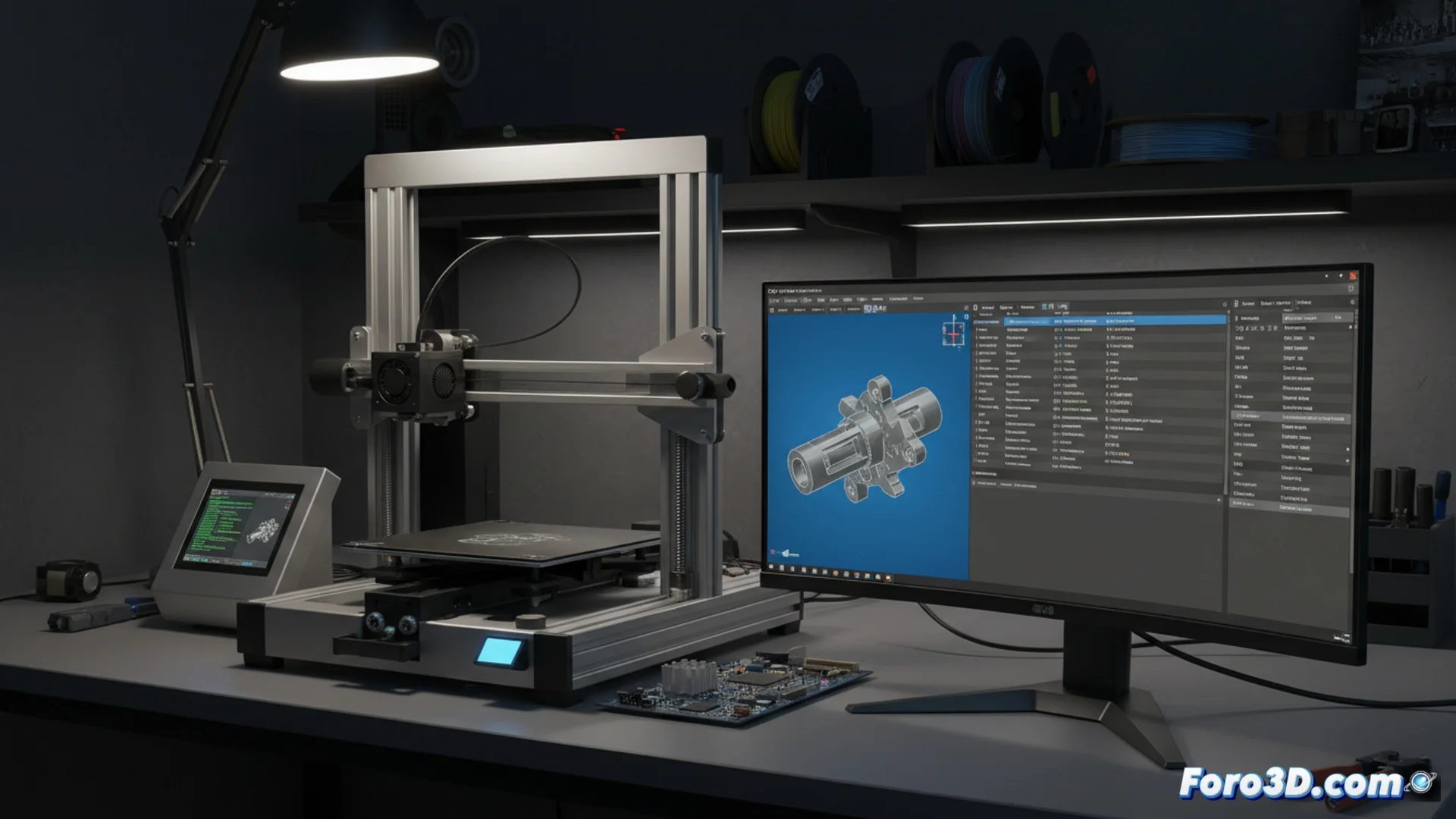
3D Printer Compatibility with Cura G-code
It is common to find 3D printers that only operate reliably with G-code files created by the Cura software. This phenomenon is not because Cura is inherently better, but because it generates commands that some machine firmwares understand without issues. Other slicing programs may produce code that the printer cannot execute the same way, causing failures in the final part. 🖨️
The Crucial Role of Printer Firmware
The root of the issue usually lies in how the firmware (such as Marlin or Klipper) handles specific functions. Cura can be configured to send instructions that these systems expect, such as a specific type of bed heating or a nozzle cleaning routine. If the printer profile in a different slicer does not replicate these nuances accurately, the machine is likely to stop or behave erratically.
Details that make the difference:- The style of commands for automatic bed leveling.
- The exact sequence for purging the filament before starting to print.
- The way to manage layer changes and retractions.
Perfect compatibility between the slicer and the firmware avoids hours of frustration adjusting parameters.
How to Ensure Your Slicer Works
To solve these issues, you can modify the printer profile in the alternative slicer to emulate Cura's output. Reviewing and transferring settings like retraction distance, fan speeds, or start and end code blocks usually works.
Practical steps to achieve it:- Open and compare the G-code files from Cura and the other software with a plain text editor.
- Identify the different lines or commands, especially in the header and end of the file.
- Transfer those key differences to the printer profile in your current slicer.
Evaluating the Most Efficient Option
Often, the most direct path is to use Cura directly, which can save a lot of time that you would otherwise spend calibrating only to discover that the error came from an overlooked G-code instruction. The final decision depends on how much you value your time versus the desire to use specific software. ⚙️