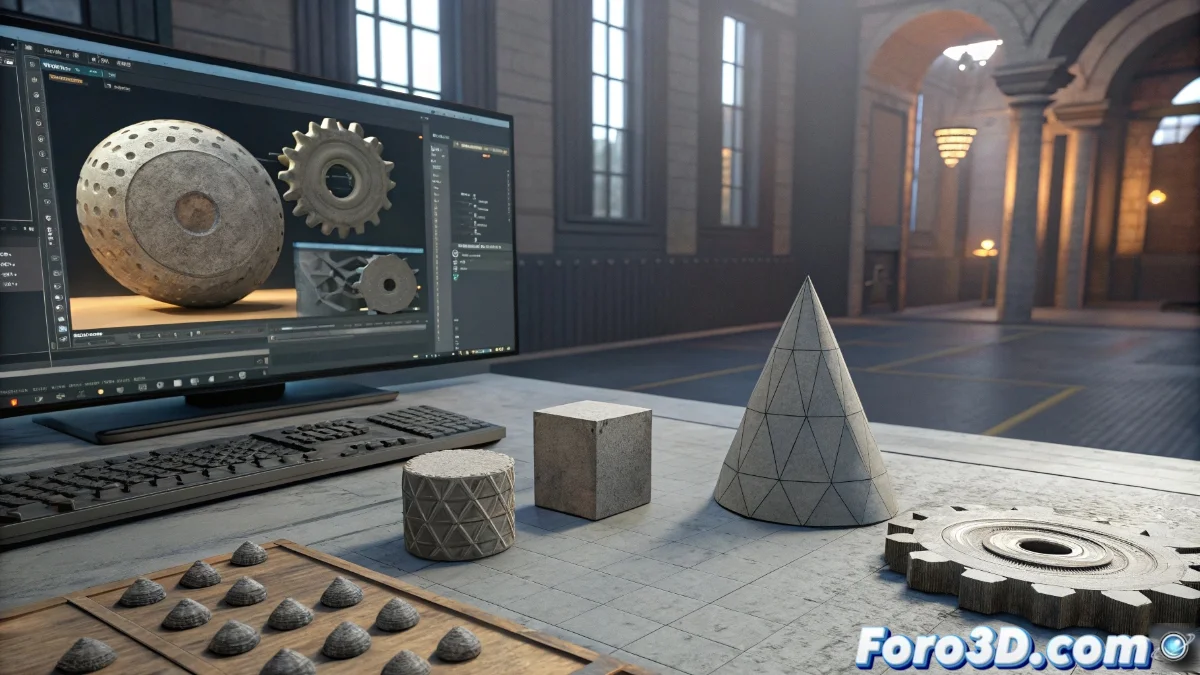
3D Modeling Tools in Godot: Capabilities and Limitations
The Godot engine incorporates native functionalities for creating and modifying 3D meshes, allowing developers to generate elementary geometries directly within the engine environment. These tools are ideal for accelerated prototyping and basic level design, where transformations can be manipulated and boolean operations applied without the need for external software. However, these capabilities remain at a fundamental level compared to more comprehensive market solutions. 🛠️
Comparison with Professional Software
When compared to engines with advanced tools like Unity Pro with ProBuilder or more sophisticated integrated modeling systems, Godot shows significant shortcomings in multiple specialized areas. The absence of features such as detailed sculpting, complex polygonal modeling, and high-quality subdivisions limits its applicability in professional production pipelines where precision and resource optimization are required.
Key Technical Limitations:- Sculpting and Retopology: Minimal capabilities for sculpting organic models or optimizing existing meshes
- Advanced Texturing: Basic tools for UV application and complex material management
- Rigging and Animation: Elementary functionalities for skeleton creation and control systems
While Godot allows you to create a cube and call it a castle in minutes, players will notice the difference when the dragon looks like it's built from basic blocks.
Applications in the Development Workflow
For small-scale projects or initial development stages, Godot's modeling tools are sufficient to implement functional prototypes and basic geometric structures. This significantly accelerates the initial design process, although in larger productions, the complement of specialized external software is inevitably required to meet quality standards in advanced modeling, professional texturing, and complex animation systems.
Practical Use Scenarios:- Rapid Prototyping: Ideal for testing mechanics and composing basic levels
- Environment Blocking: Creation of simple structures to define spaces and volumes
- On-Site Minor Adjustments: Quick modifications directly in the engine without interrupting the workflow
Integration into Professional Pipelines
While Godot's integrated tools offer agility advantages for early development stages, their implementation in professional production pipelines requires a combined strategy. Developers must complement these basic functionalities with specialized applications for high-precision modeling, complex material creation, and advanced animation systems, keeping Godot as the core for project integration and final execution. 🎯