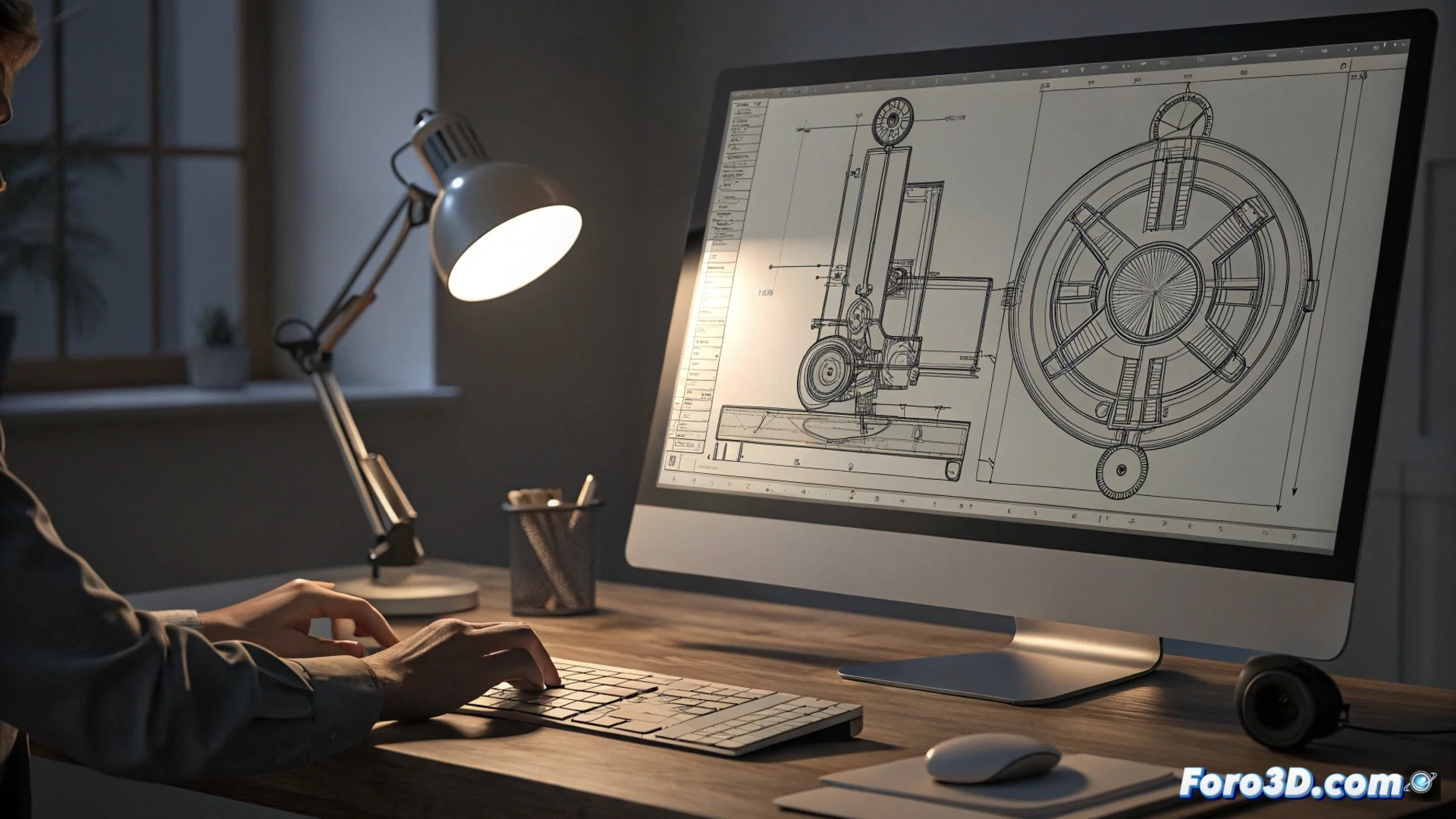
2D Technical Drawing Tools in LibreCAD
LibreCAD is a free CAD software that implements a set of utilities for drawing technical plans in two dimensions. Its workflow logic, familiar to users of other platforms, focuses on offering essential functions for precise design. 🛠️
Generate Basic Geometric Shapes
The core of the program lies in its tools for producing lines, circles, and arcs. The user can define these elements in two ways: by clicking on the graphics area or typing exact coordinates and parameters in the command line. This system combines the speed of visual handling with total control over measurements.
Main creation functions:- Lines and Polylines: For tracing contours and straight profiles.
- Circles and Arcs: For defining curves and rotational elements.
- Coordinate Input: For positioning geometry with absolute numerical precision.
Drawing a straight line is simple; the real challenge is deciding where it should end.
Adjust and Refine the Design
Once the initial geometry is established, editing tools allow adjusting the drawing. Operations like trimming and extending are vital for joining or cutting lines at defined intersections. The chamfer function, for example, generates an angled joint between two lines, very useful for representing industrial parts. 🔧
Key modification utilities:- Trim and Extend: For editing the length of entities at specific points.
- Chamfer: For creating bevels or angular joints between lines.
- Other operations: That transform an initial sketch into a definitive technical plan.
An Environment Focused on the Essentials
LibreCAD focuses on offering basic CAD capabilities at no cost. Its goal is to serve those who need a free environment to produce 2D plans, prioritizing precision and a direct workflow. It is a solid option for getting started in computer-aided technical drawing. 📐