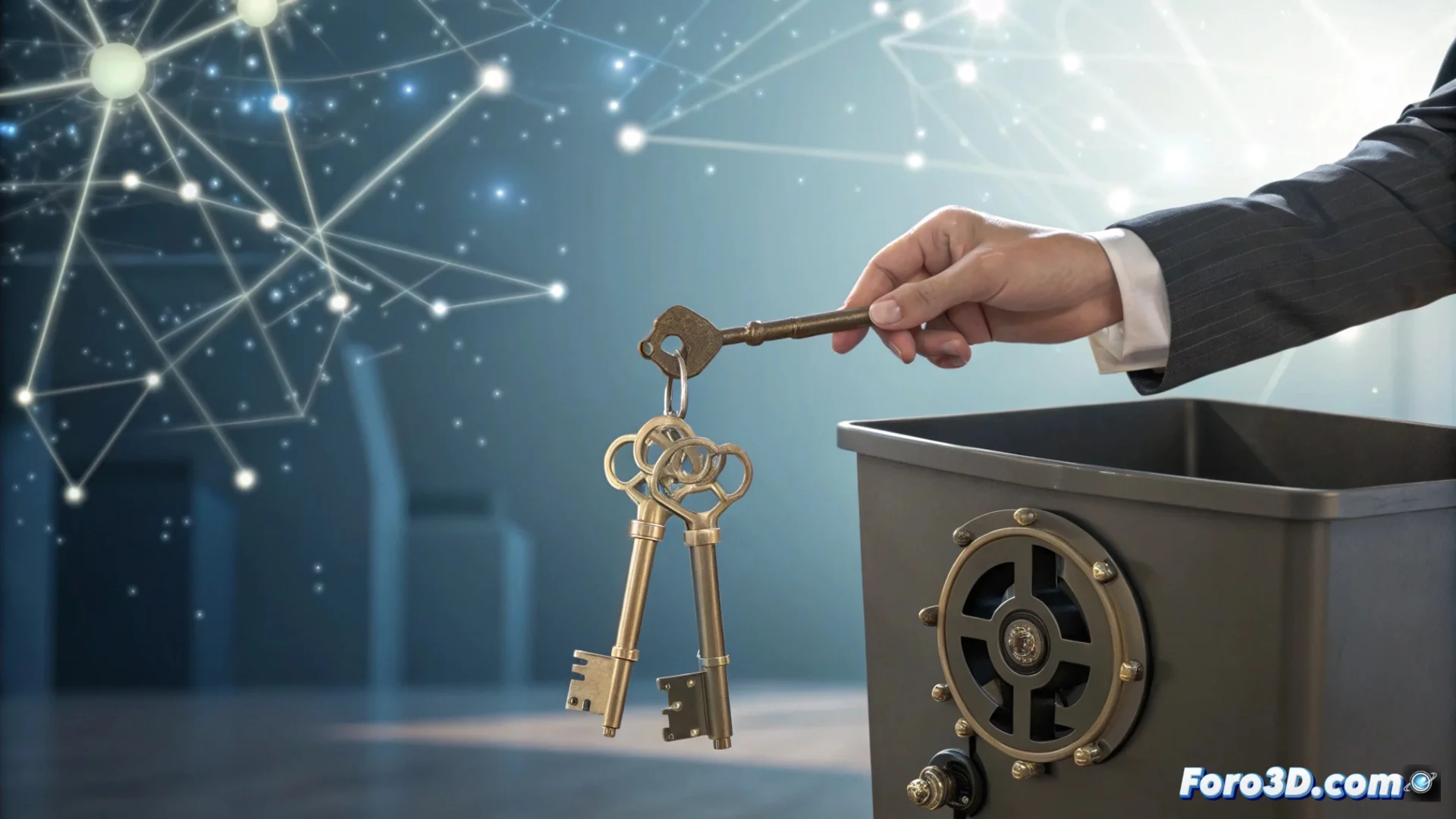
Stop Recycling Passwords and Use a Manager
Reusing the same password or making minimal changes across multiple websites is a very common dangerous practice. If one of these passwords is compromised, it greatly facilitates someone accessing the rest of your accounts. The most effective solution is to adopt a password manager. These applications generate strong and unique combinations for each service and protect them in an encrypted vault. You only need to remember one master password to manage all the others, simplifying your digital life. 🔐
Two Approaches to Manage Your Passwords: Bitwarden and KeePass
There are different types of managers. Bitwarden operates in the cloud, automatically syncing your data across all your devices. It offers a robust free plan and paid options for groups or families. On the other hand, KeePass follows a different philosophy. It stores your database in a local file that you manage. To sync across multiple devices, you need to use an external storage service or move the file manually. Both tools help you eliminate the habit of repeating passwords.
Main Features of Each:- Bitwarden: Automatic cloud synchronization, multi-platform access, and fully featured free version.
- KeePass: Total control over the data file, no dependency on external servers, highly customizable.
- Common Goal: Both prevent you from reusing passwords and drastically improve your online security.
A password manager not only remembers for you, but also generates unguessable passwords, creating a solid barrier against intrusions.
Steps to Implement a Password Manager
Getting started is a simple process. First, choose the tool that aligns with your needs, whether it's a cloud or local solution. Then, install the application and create your main vault with a strong and unforgettable master password. This step is critical. Next, start adding your credentials, either by importing them or entering them manually. Enabling autofill in the browser will make your browsing smoother. Gradually, replace weak passwords with new ones generated by the manager.
Quick Start Guide:- Select and install the manager (Bitwarden, KeePass, or another).
- Create a unique and very secure master password.
- Import or manually add the passwords for your important accounts.
- Enable the browser extension for autofill.
- Gradually replace old passwords with new generated ones.
Simplify and Protect Your Digital Identity
Imagine leaving behind the doubt of whether you used Cat123, Cat123!, or Cat123? for each service. A password manager knows that information for you, eliminating that stress and, more importantly, preventing serious security breaches. Adopting this tool is one of the most effective actions you can take to protect your accounts and your personal information on the internet. 🛡️