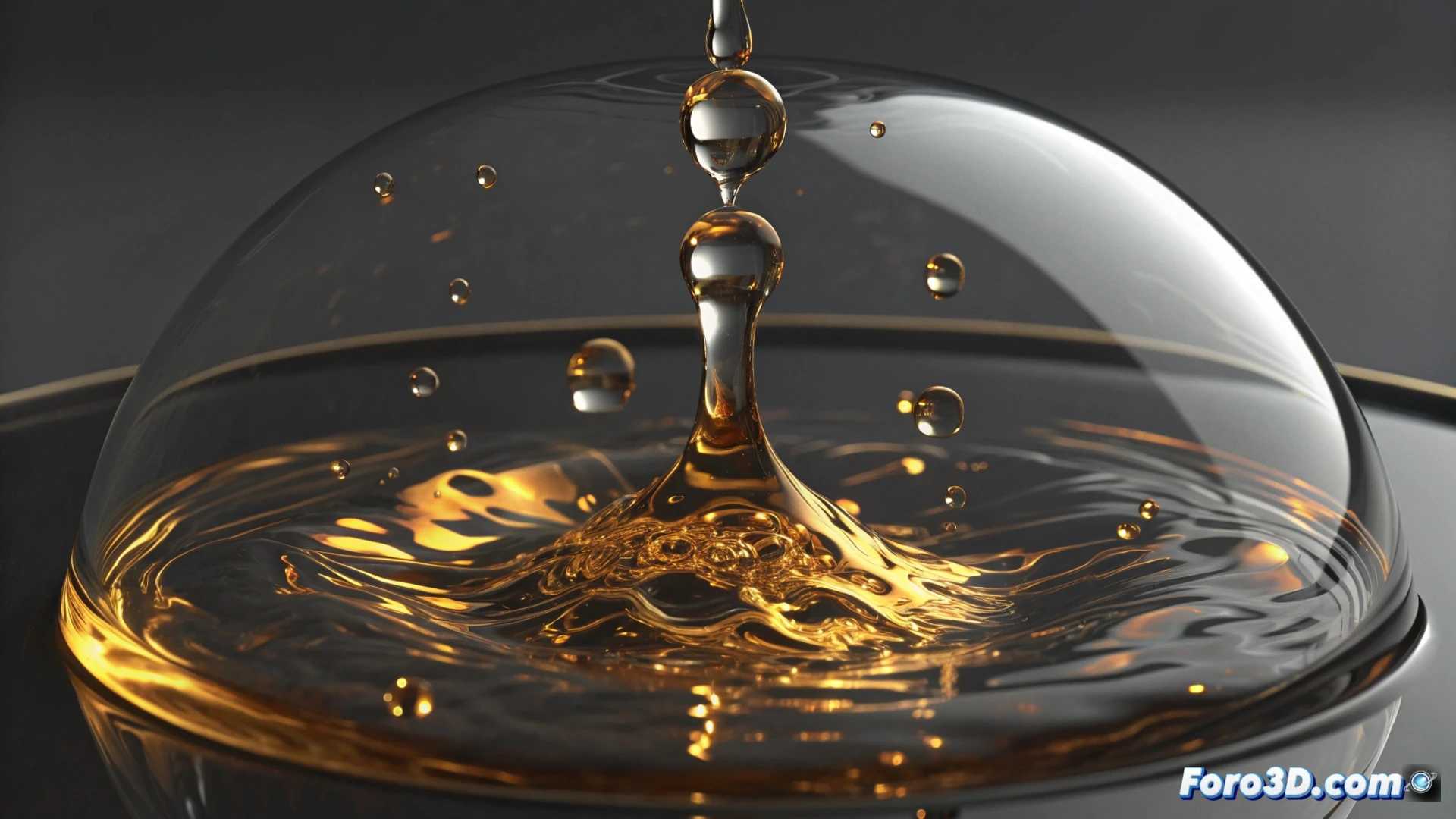
Simulating molten metal in Cinema 4D with advanced techniques
Creating the appearance of liquid metal in Cinema 4D opens doors to stunning visual effects. There are several approaches, from particle-based methods to complex volumetric simulations, that allow control over flow, viscosity, and characteristic shine. 🧪
Basic method with rigid body physics
An effective way to start is to use the Rigid Body system. Use an emitter to generate spherical particles and define a container. Configure the spheres as Dynamic type and the container as Static. Friction and bounce parameters are key to mimicking how the mass moves and clumps together.
Metallic material setup:- Apply an intense Reflectance with a dark base tone, such as anthracite gray or navy blue.
- Adjust the roughness to control how diffuse or specular the shine is.
- Test with different high refraction indices (IOR) typical of metals.
The physical interaction between the particles defines the sensation of weight and fluidity of the virtual metal.
Realistic simulations with the Pyro engine
For results with greater detail and realism, the Pyro engine is a powerful tool. Instead of individual particles, a continuous volume is simulated. Define a Pyro domain and a smoke emitter. Modifying temperature and density allows emulating the slow and heavy movement of molten metal.
Material and appearance in Pyro:- Assign a material that combines powerful Luminance and Reflection channels.
- Use gradients to vary the brightness, creating hotter and brighter zones in the center of the flow.
- Add turbulence and swirls in the simulation to break uniformity and make it more organic.
Optimize the render for maximum impact
This phase is decisive for the final result. Use render engines like Physical or Octane. Setting a high number of samples is vital to clean up noise, especially in reflections. Integrate an environment using an HDRI file so the metal reflects a credible and detailed environment. Play with lighting to accentuate the viscosity and shapes of the fluid. A subtle Glow effect in post-production can enhance the brightest and hottest areas of the simulation. Remember that these processes can demand a lot of computation time, so plan ahead. ⏳