Simulate Wind with Gusts in 3ds Max
Creating a realistic wind effect that includes irregular gusts is key to animating natural elements in 3ds Max. The main tool to achieve this is the Wind deflector within SpaceWarps, which can be combined with particle systems or the Cloth modifier. 🌬️
Setting up the Wind Deflector
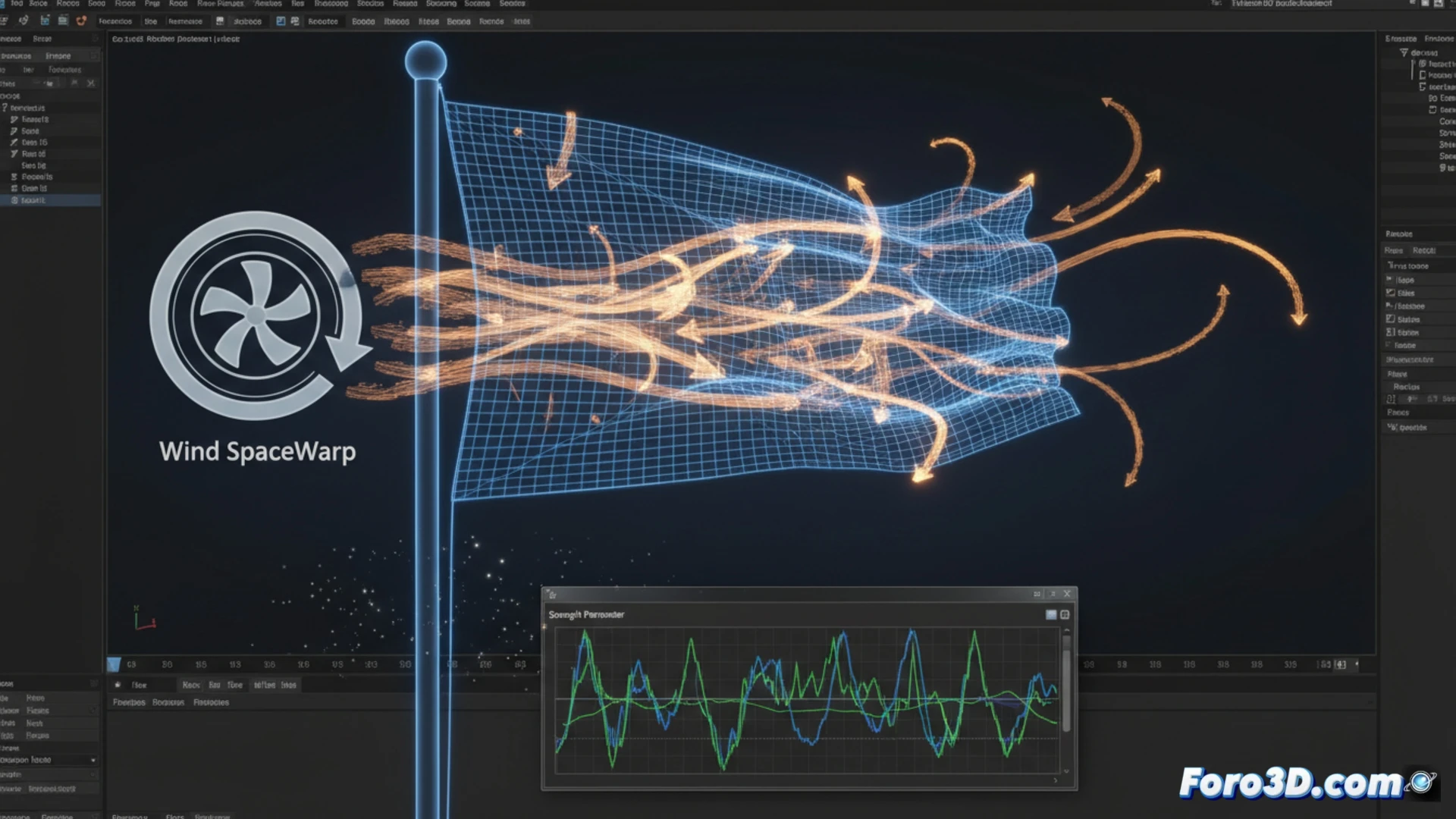
The Wind deflector allows control over the airflow. To avoid constant and artificial movement, you must adjust the Turbulence parameter. This value introduces irregular variations in intensity, mimicking real gusts. Additionally, modifying Frequency alters the speed at which this turbulence changes, and Scale defines the size of the undulations in the airflow.
Key parameters for turbulence:- Turbulence: Adds irregular variation to the wind force.
- Frequency: Controls how quickly the turbulence oscillates.
- Scale: Affects the dimension of the undulations in the flow.
Perfect wind is often the one that isn't noticed too much; if the audience thinks more about the simulation than the scene, perhaps the gust was a disguised hurricane.
Handling Intensity and Direction
The base force is managed with Strength and Decay. To simulate gusts, it is necessary to animate the Strength value over time. Using a noise controller in the curve editor generates peaks and valleys procedurally, creating a non-repetitive force pattern. The direction is set by rotating the deflector icon or linking it to a Dummy helper object that you can animate for complex direction changes. 🎚️
Integrating the Effect into Geometries- For fabrics or flags: Apply the Cloth modifier and add the Wind deflector to the list of external forces.
- For particles or foliage: Use a PF Source system and include the deflector in the force operators.
- Adjust the object's mass and stiffness so it responds credibly, avoiding overly uniform movement.
Final Tip for a Natural Result
The credibility of the effect lies in subtlety. Adjust the turbulence and force parameters so that the movement is varied but not chaotic. Testing with different mass values on the affected object and reviewing the animation at various frames will help you refine the result and ensure the audience focuses on the scene, not the simulation. ✅