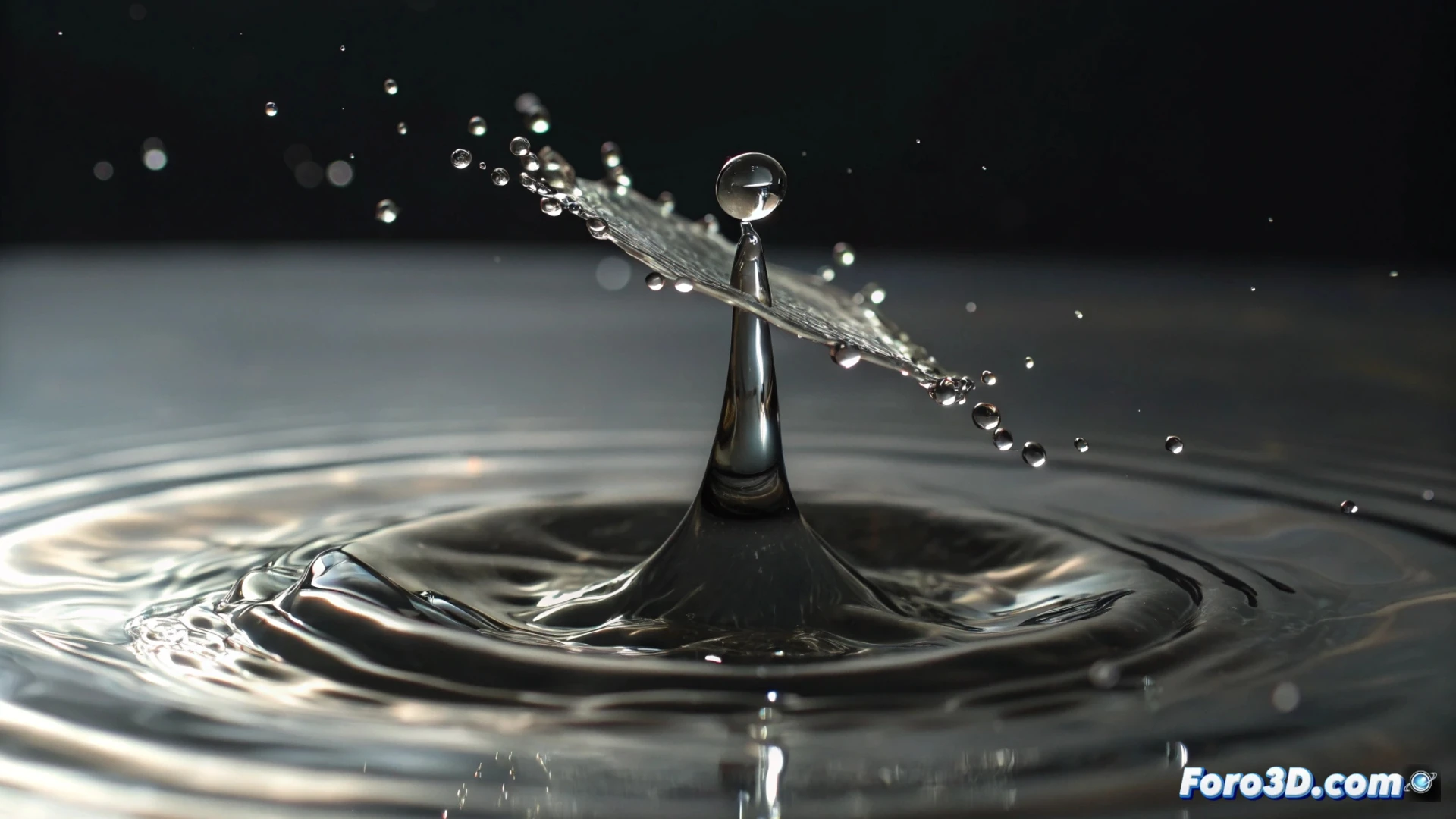
Simulate Water Splashes in Blender with Particles and Mantaflow
Creating the effect of a liquid splashing adds dynamism and realism to your 3D scenes. In Blender, you can achieve this effect through two main approaches, each with its balance between speed and detail. Choosing the right one depends on the level of realism needed for your project. 💧
Quick Method with the Particle System
For basic simulations where speed is priority, the particle system is your best ally. This approach avoids the complexity of a full fluid simulation. You must create a particle emitter from a simple object, like a plane or a vertex. The magic happens by changing the physics type to Fluids and adding a mesh domain. This domain converts the particles into a visible mesh that you can manipulate and texture. The key parameters to adjust how the liquid behaves are viscosity and mesh resolution.
Essential Steps for Fluid Particles:- Set up the emitter and define a domain that delimits the simulation.
- Select Fluids physics in the particle properties.
- Adjust the viscosity to control whether the fluid is more watery or thick.
- Enable Mesh in the domain to generate a renderable object.
For simple and quick effects, the particle system with fluid physics offers great results without consuming too much processing time.
Mantaflow Engine for Advanced Realism
When seeking fidelity and detail in water movement, the integrated Mantaflow engine is the professional solution. Here you work with a fluid emitter and a container domain. In the fluid properties tab, define the emitter as Flow and the container as Domain. The most important factor here is the final division resolution. Increasing this value dramatically improves the splash detail, showing smaller drops and more defined waves, but multiplies the time your computer needs to calculate each frame. ⏳
Setting up Materials and Rendering WaterA convincing material is as crucial as the simulation. For water, start with a Principled BSDF node. Configure it with a refraction index (IOR) of 1.33, low roughness for calm surfaces or higher for turbulent water, and adjust transparency. To break the surface perfection and simulate micro-details, connect a Bump or Normal Map node to a noise texture. When rendering, especially in Cycles, increase samples to reduce noise and don't forget to enable the Caustics option in the render properties. This allows light to refract through the water, creating those characteristic sparkles on nearby surfaces.
Key Tips for the Final Render:- Use a Principled BSDF material with IOR of 1.33 and play with roughness.
- Add surface details with Bump nodes using noise textures.
- Enable Caustics in Cycles for realistic light refractions.
- Plan for long processing times for high-resolution simulations.
Final Considerations
Simulating fluids requires balancing several factors. The domain resolution defines the detail, but also the calculation time. Patience becomes an indispensable resource; it is recommended to plan and let the simulation process for the necessary time, taking advantage to do other tasks. Mastering both the particles method and the Mantaflow method will give you the flexibility to tackle any project, from a quick animation to a high-realism visual production. 🚀