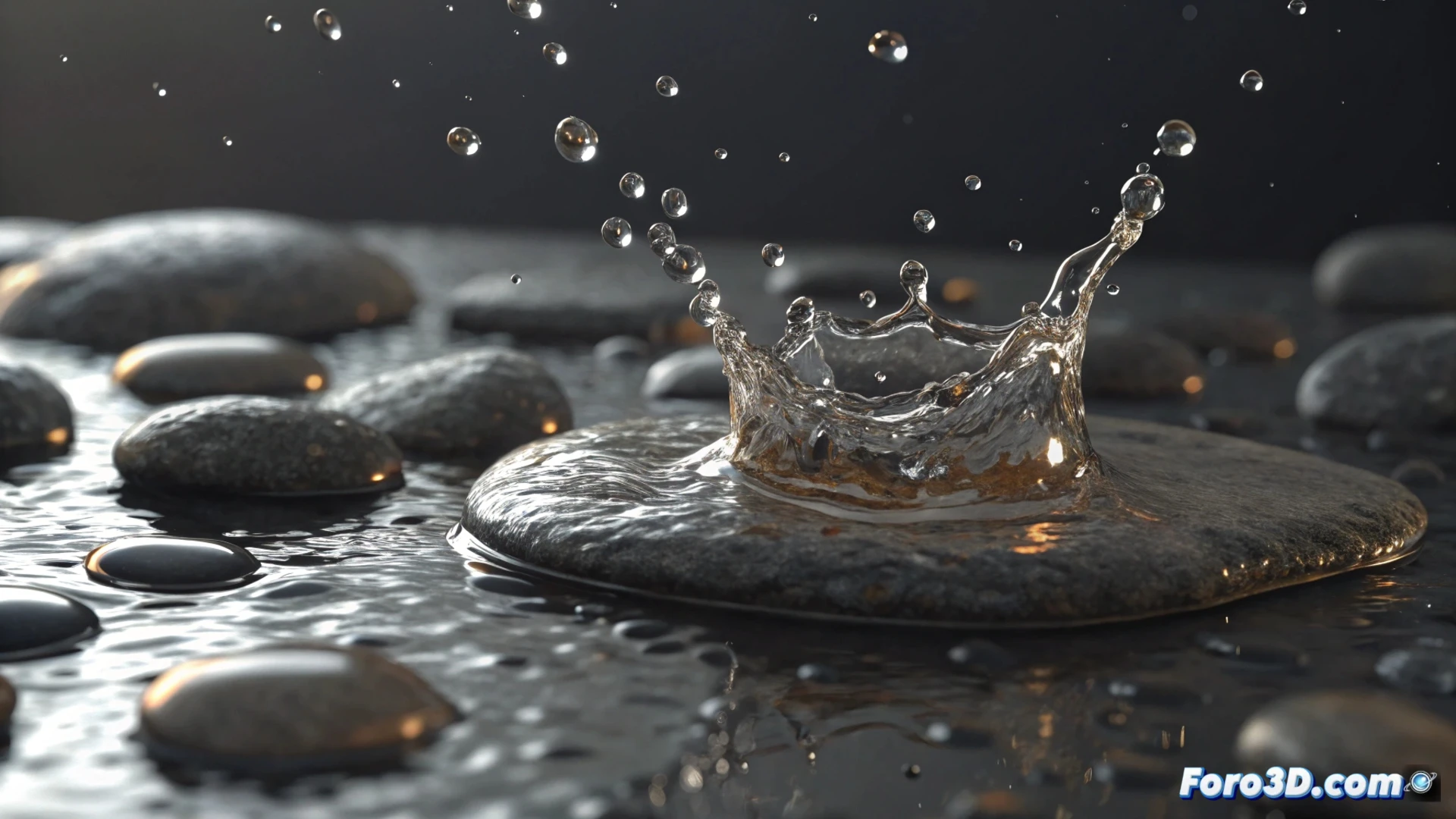
Simulate Water Splash in 3ds Max with Particles and Dynamics
Generating the effect of water droplets splashing in 3ds Max requires choosing between two main tools: the versatile Particle Flow or the physics engine MassFX. The first provides total control over the lifecycle of each particle, while the second is ideal for simulating realistic collisions with other objects in the scene. 🎯
Choose the Right Tool
To control precisely how the droplets appear, move, and disappear, Particle Flow is the recommended option. If the goal is for the droplets to interact and bounce credibly when hitting a surface, like the ground or a wall, then it's best to use MassFX. The decision depends on the type of realism you're seeking in your project.
Initial Steps with Particle Flow:- Open the Particle Flow editor and create a new system.
- In the Birth operator, set the number of particles and the time interval in which they will be created.
- Use the Position Object operator to define the source geometry, such as a stone impacting the water.
Patience is key; your first attempt might resemble a rain of shiny spheres more than an authentic splash. Adjust the parameters methodically.
Shape and Animate the Droplets
Once the origin is defined, it's time to configure the appearance and physics. Select the Shape operator and choose a simple shape, like a tiny sphere or a tetrahedron, to represent each droplet. To animate them, add a Force operator and link a space warp, such as Wind or Gravity, to direct their trajectory. Don't forget to use the Delete operator so that particles are removed after a certain time and don't overload the simulation.
Apply Materials and Render:- Create a standard material with low Opacity and a high Refraction value.
- Add a Noise map in the Bump channel to mimic the irregularities of a liquid.
- For the final render, use engines like Arnold or V-Ray, which handle transparencies and reflections very well.
Tips for a Convincing Result
Achieving a perceptibly realistic splash is an iterative process. Start with conservative values for force and particle birth rate, and refine them gradually. Pay special attention to the interaction with lighting and materials during the render. Combining the detail of Particle Flow with the physics of MassFX can take your water effects to a higher level of realism. 💧