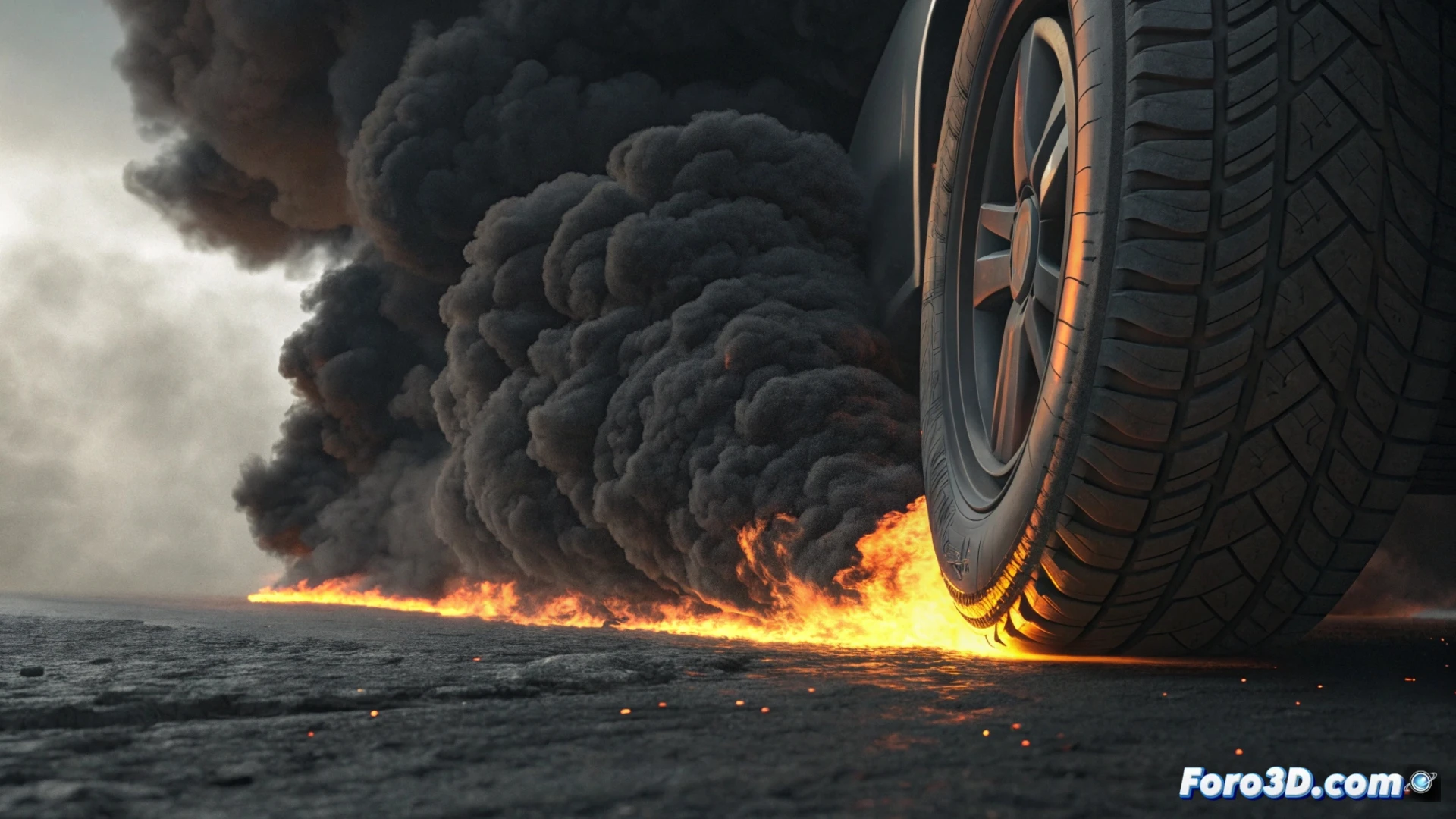
Simulate Tire Combustion Smoke with Cinema 4D Pyro
Creating convincing smoke effects for a burning tire is an accessible process in Cinema 4D using its Pyro dynamics engine. This tutorial will guide you step by step to achieve that effect, from the emission source to the final render details. 🎬
Set Up the Smoke Emission Source
Start with a tire model, either created from scratch or imported. Go to the Simulate menu and choose the option to create a Pyro Emitter. It's crucial to position and scale this emitter to cover the specific area of the tire you want to generate smoke from, such as the tread surface. Within the Pyro container settings, define initial values for parameters like temperature and density to activate the simulation.
Key initial steps:- Model or import the tire geometry.
- Place the Pyro emitter around the combustion area.
- Activate the simulation by adjusting density and temperature in the container.
Controlling the emission from the start is essential to direct the smoke's behavior.
Define the Smoke Behavior and Appearance
To make the smoke rise credibly, increase the turbulence and velocity values in the Pyro panel. The visual appearance is built in the material. You can use a dedicated Pyro Shader or a standard material. In the latter, connect a Noise node to the opacity and luminance channels. Assign dark, gray, and black colors for the smoke, and incorporate orange or yellowish tones near the origin to suggest the presence of flames. Modifying the noise scale will allow you to refine the texture of the smoke swirls. 🌫️
Elements for a realistic material:- Use noise (Noise) nodes for opacity and glow.
- Define a color palette that goes from warm tones at the base to cool tones in the dispersion.
- Adjust the noise scale and complexity to vary the smoke density.
Light, Detail, and Process the Simulation
Lighting is vital. Add light sources that illuminate the smoke from below, mimicking the radiant heat of the fire. For greater realism, integrate a particles system that emits sparks or embers from the contact point. When rendering, select an engine that efficiently handles volumes, such as Redshift or C4D's internal physical engine. It's always recommended to test the simulation with low resolution to fine-tune the shape and speed, and only then increase the quality for the final render. Remember to monitor computation times to avoid overloading your system. 💻