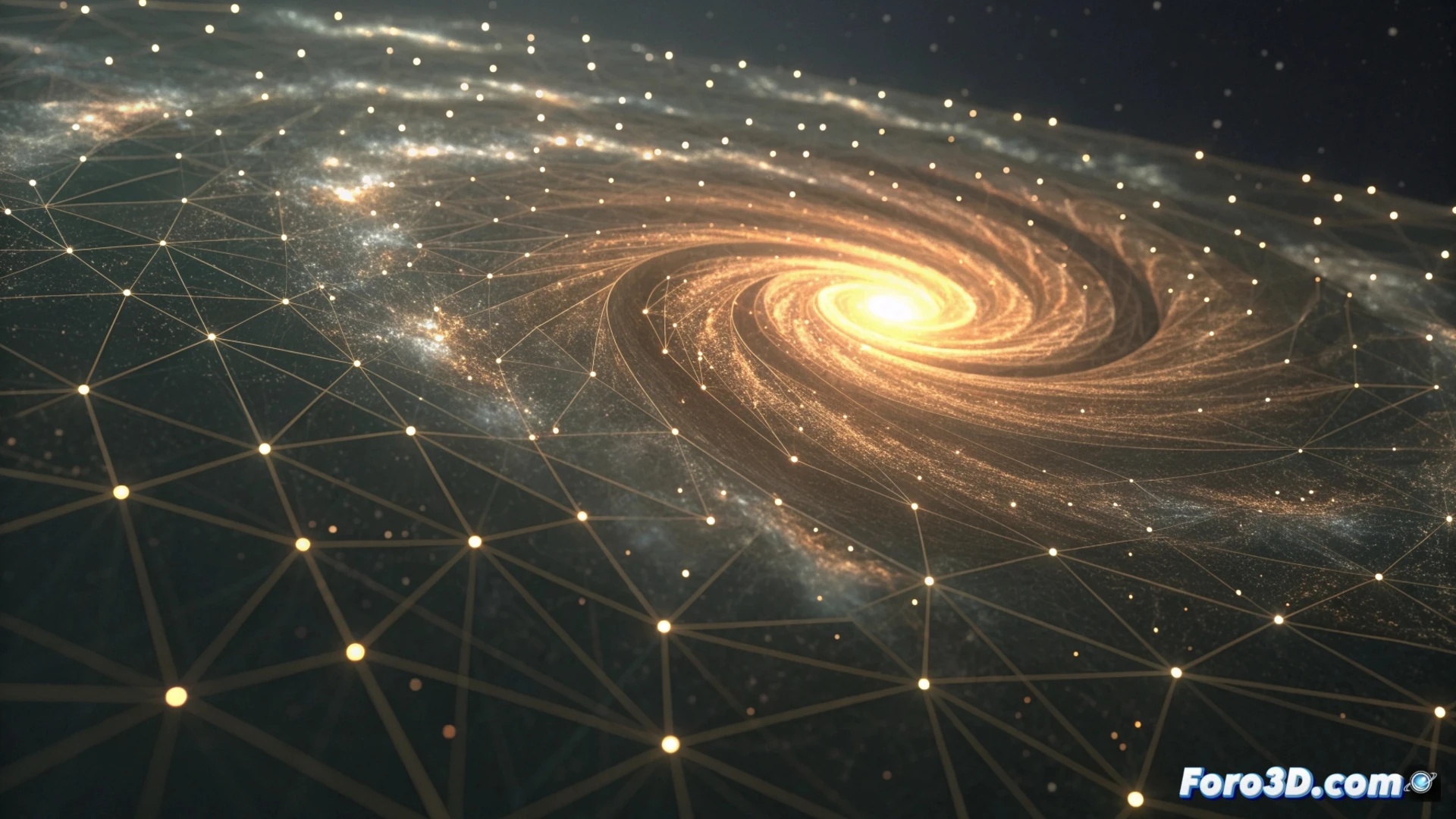
Simulate Particle Systems in Houdini
Creating animations with particles in Houdini requires working within a dynamics network, specifically using a POP Network container. This environment is designed to process and direct the behavior of thousands of particles over time. Here you can integrate external forces, define the emission origin, and manipulate fundamental properties to achieve the visual effect you're looking for. 🌀
Set Up Emission and Apply Forces
The first step is to generate the particles. This is normally achieved with the POP Source operator, where the initial shape and frequency of appearance are determined. To bring them to life and make them move, it is necessary to add physical influences. Nodes like POP Wind or POP Force are essential for this. It is crucial to calibrate their intensity and orientation. Applying noise fields can help break uniformity and give the movement a more natural and unpredictable character.
Key steps in this phase:- Use POP Source to establish the point and rate of particle creation.
- Add and adjust force nodes (POP Wind, gravity) to drive the movement.
- Incorporate variations through noise to avoid mechanical and artificial patterns.
The art of simulating particles lies in the balance between controlling forces and allowing some controlled chaos for an organic result.
Adjust Properties and Manage Collisions
Within the POP network, you can alter specific attributes that govern the behavior of each particle. Attributes like @v (velocity vector) or @life (lifetime) are fundamental for changing trajectories or deciding when they disappear. To add a layer of realism through interactions with the environment, collisions need to be configured. This involves importing geometry as a Static Object and then connecting a POP Collision Detect node. This way, particles can bounce, slide, or stop upon hitting surfaces.
Elements to manipulate behavior:- Modify @v and @life directly in the network to control dynamics and longevity.
- Introduce a static object that acts as an obstacle for the simulation.
- Connect POP Collision Detect to define the impact response (bounce, adhesion).
The Unpredictable Factor of Simulation
Mastering these workflows gives you great control, but particle simulations have a mind of their own. After spending time fine-tuning every parameter, the result can sometimes be unexpected, like particles organizing into perfect static patterns, reminding you that in particle dynamics, you guide, but physics finishes the job. It is this interaction between technical direction and natural emergence that makes Houdini powerful. 💥