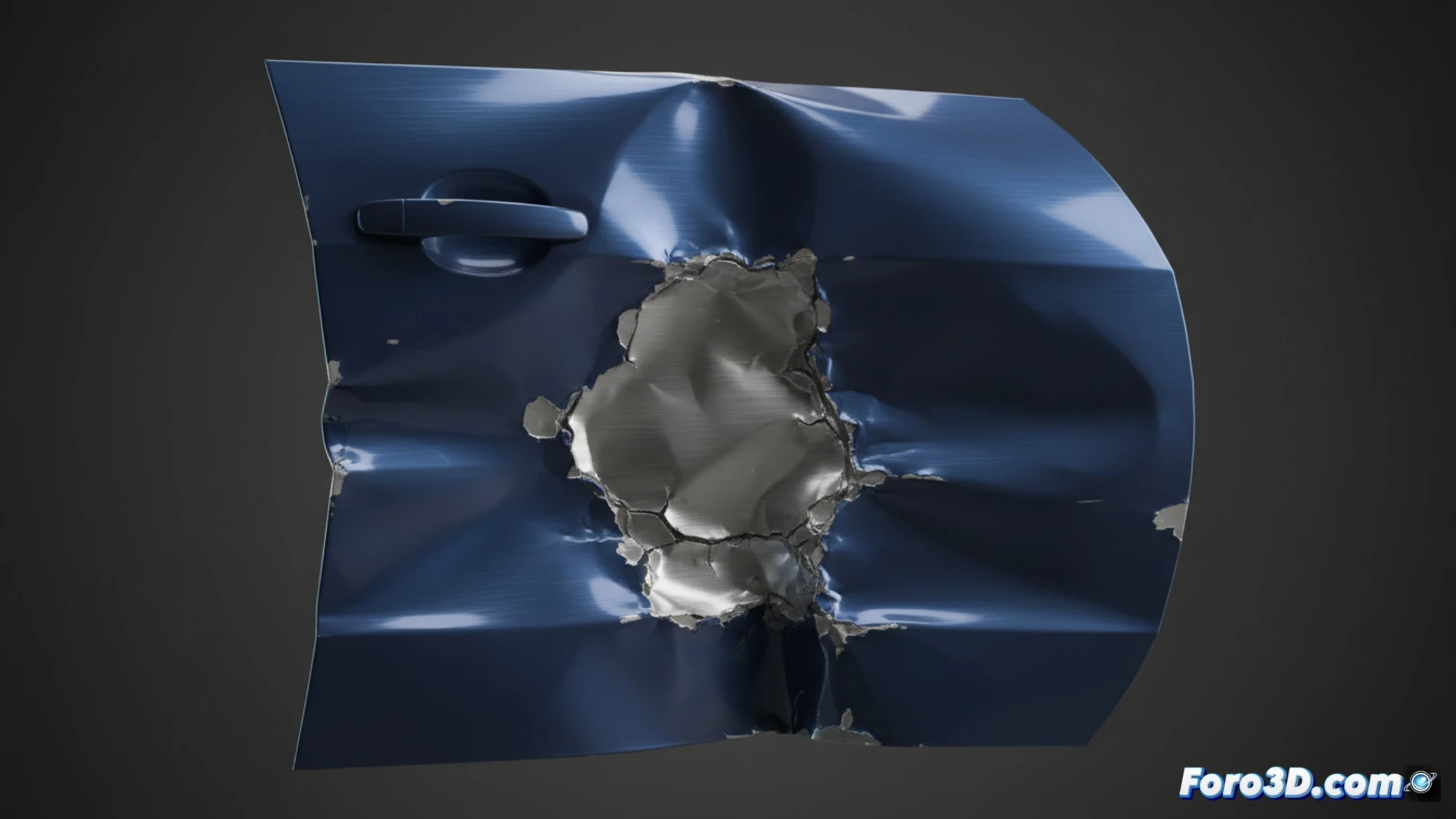
Simulate Impacts and Deformations in Cinema 4D with Dynamics
Generating realistic collision damage in Cinema 4D is possible by leveraging its powerful dynamics engine. This method is ideal for representing impacts on surfaces like a vehicle's bodywork, where the geometry must yield and deform in a believable way. 🚗💥
Prepare the Object to Receive the Impact
The first step is to ensure that the model that will be dented has an appropriate topology. Add enough subdivisions so that the mesh can bend without artifacts. Then, from the simulations menu, add the Collision deformer or, more commonly, apply a Rigid Body tag.
Key steps to configure the receiving object:- Select the object (e.g., car panel) and add the Rigid Body tag to it.
- In the Collision tab, define the type; Static for fixed objects or Kinematic for animated objects that initiate the simulation.
- Enable the crucial Use Mesh Deformation option to activate geometric deformations.
- Modify parameters like Mass and Friction to adjust how the virtual material responds to the impact.
A common mistake is forgetting to activate gravity, causing the impacting object to float without colliding, ruining the realistic simulation.
Run the Simulation and Adjust the Result
For the impacting element, such as a heavy ball, also apply a Rigid Body tag, but configured in Dynamic mode. This gives it active physical properties. When executing the dynamics calculation on the timeline, the sphere will fall (if gravity is active) and deform the surface.
To refine and control the effect:- Use the Field Intensity parameter in the dynamics options to influence the impact force.
- After calculating the simulation, you can use manual tools like the Sculpt deformer to add or correct details in the generated dents.
- Always review the frame rate and solver precision to avoid unstable or unnatural results.
Final Tips for a Convincing Effect
Achieving authentic-looking dents requires testing and adjusting. Combine the power of automatic simulation with the artistic control of sculpting tools. Remember that well-prepared geometry and coherent physical setup are the foundation for making the virtual crash believable and visually striking. 🛠️