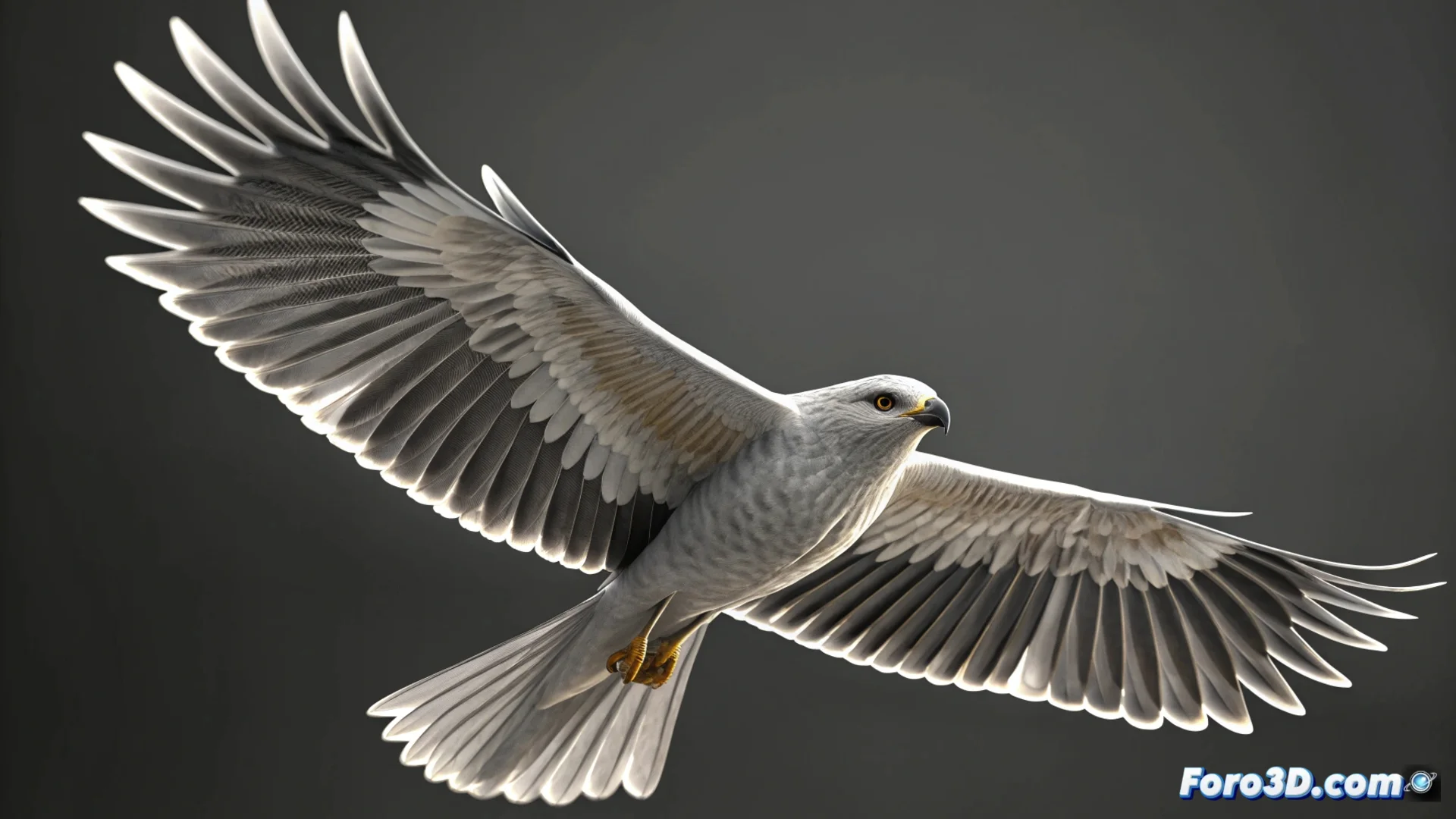
Simulate Bird Wing Movement in 3ds Max
Creating the illusion of a bird flying realistically in 3ds Max requires a specific animation strategy. Instead of animating frame by frame, you can leverage modifiers and controllers to automate the flapping cycle, saving time and delivering a smoother result. 🕊️
Prepare the Structure and Apply Flexibility
Before starting, ensure the bird model has a well-organized bone skeleton. The key step is to give the wings the ability to bend naturally. To do this, apply the Flex modifier directly to the wing geometry. This modifier adds a sense of smoothness and bounce to the movement.
Configure the Movement Source:- Create an auxiliary object, such as a point, which will act as the animation engine.
- In the Motion tab, add a Position List controller to the point and then incorporate a Noise Position controller.
- Adjust the frequency and amplitude values of the noise to generate a constant vertical oscillation, mimicking the basic rhythm of flapping.
Link the rotation of the wing bones to the Y position of this auxiliary point using a LookAt Constraint controller or by writing simple mathematical expressions.
Connect and Refine the Animation
To achieve more direct control and avoid robotic movements, the Wire Parameters tool is essential. It allows establishing a dynamic relationship between the auxiliary's position and the wing's rotation.
Steps to Use Wire Parameters:- Right-click on the bone that controls the wing and select Wire Parameters.
- Navigate to Transform: Rotation and connect it to Object: Position of the auxiliary point you created.
- In the dialog box that appears, you can define an expression or adjust the response curve so the wing rises and falls with natural, non-linear acceleration.
Final Adjustments for Realism
Patience is essential in this process. It's common for the initial movement to seem rigid or artificial. To fix it, experiment with the smoothing parameters within the noise controller and modify the phase to vary the cycle. These small tweaks are what transform a simple oscillating movement into the believable flight of a bird, eliminating the "fan" effect that can arise at first. ✨