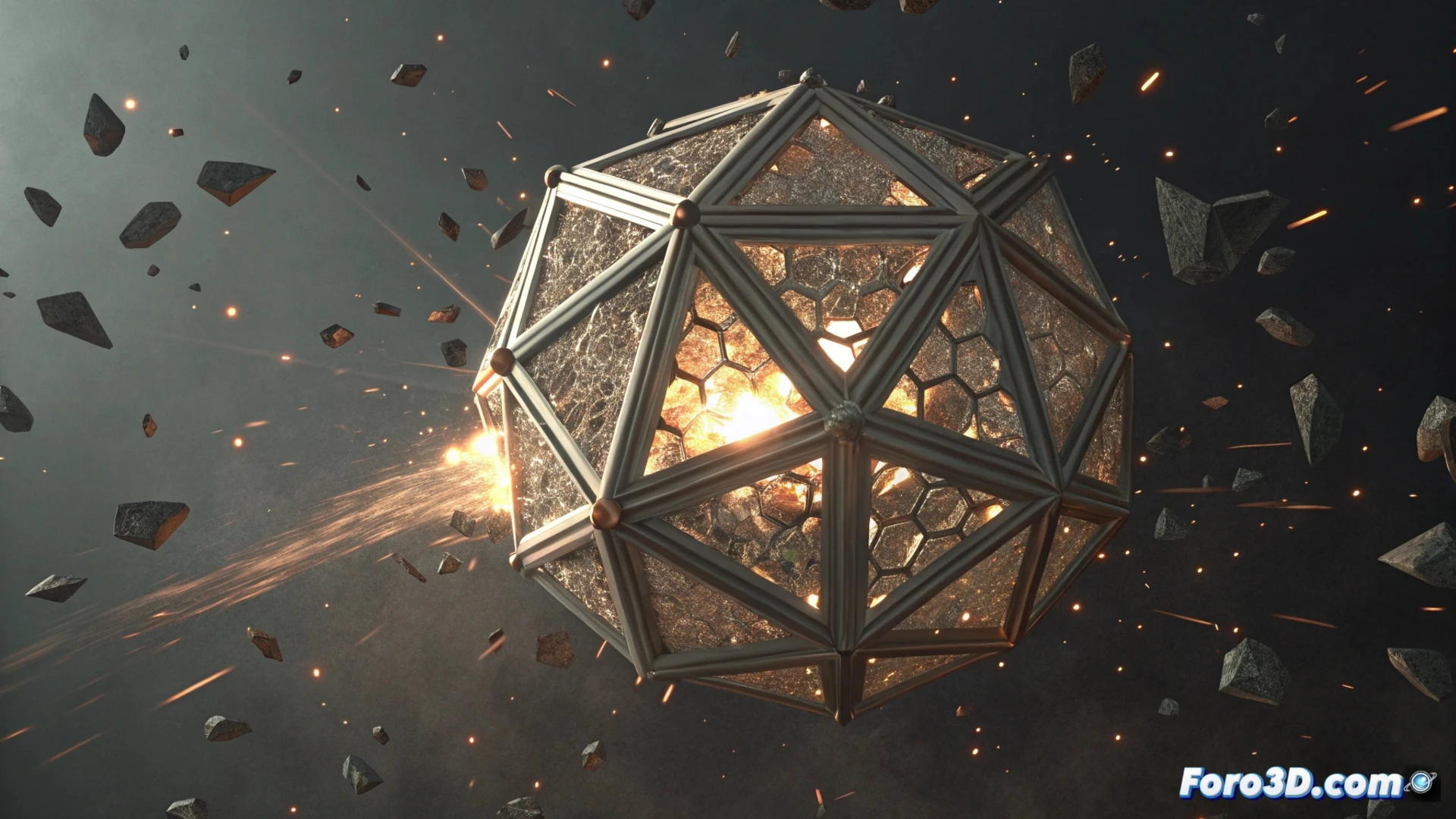
Simulate an Object Disintegrating and Reassembling in Blender
Creating the illusion of a model breaking into pieces and then reassembling is a dynamic visual effect. To achieve it, particle systems are combined with force fields, offering total control over the animation. 🌀
Start with Particles and Forces
The first step is to transform the object into a particle emitter. Configure the particles to spawn from the model's vertices and disperse outward. To direct this chaos and simulate decomposition, apply a force field, such as wind or turbulence, that pushes the particles in the desired direction.
Basic Effect Setup:- Convert the object into an emitter from the vertices.
- Apply a force field (wind/turbulence) to scatter the particles.
- Adjust the particles' speed and lifespan to control the dispersion.
The art is not in making it fade away, but in getting each component back to its place without leaving loose traces.
Animate the Return with Keyframes
To reverse the process and have the pieces return, the system parameters are animated. You can alter the force field's strength to reverse its direction or use a drag field with negative values. An effective technique is to use keyframes on visibility: hide the original object, show the particles moving away, and then reverse the sequence to simulate reassembly.
Control the Reintegration:- Animate the force field's intensity to change its direction.
- Use keyframes on the object and particles' visibility.
- Set up a drag field with negative force to pull the particles back.
Enhance Realism with Appearance and Physics
Polishing the effect involves working on the materials and physical behavior. Assign a material with halo or glow to the particles to simulate energy or luminous disintegration. Adjust the physics to give the particles a brief existence and smooth transitions. For absolute control, consider using the geometry nodes system, where you can manipulate individual points with great precision to direct both the breakup and the final assembly. 🔧