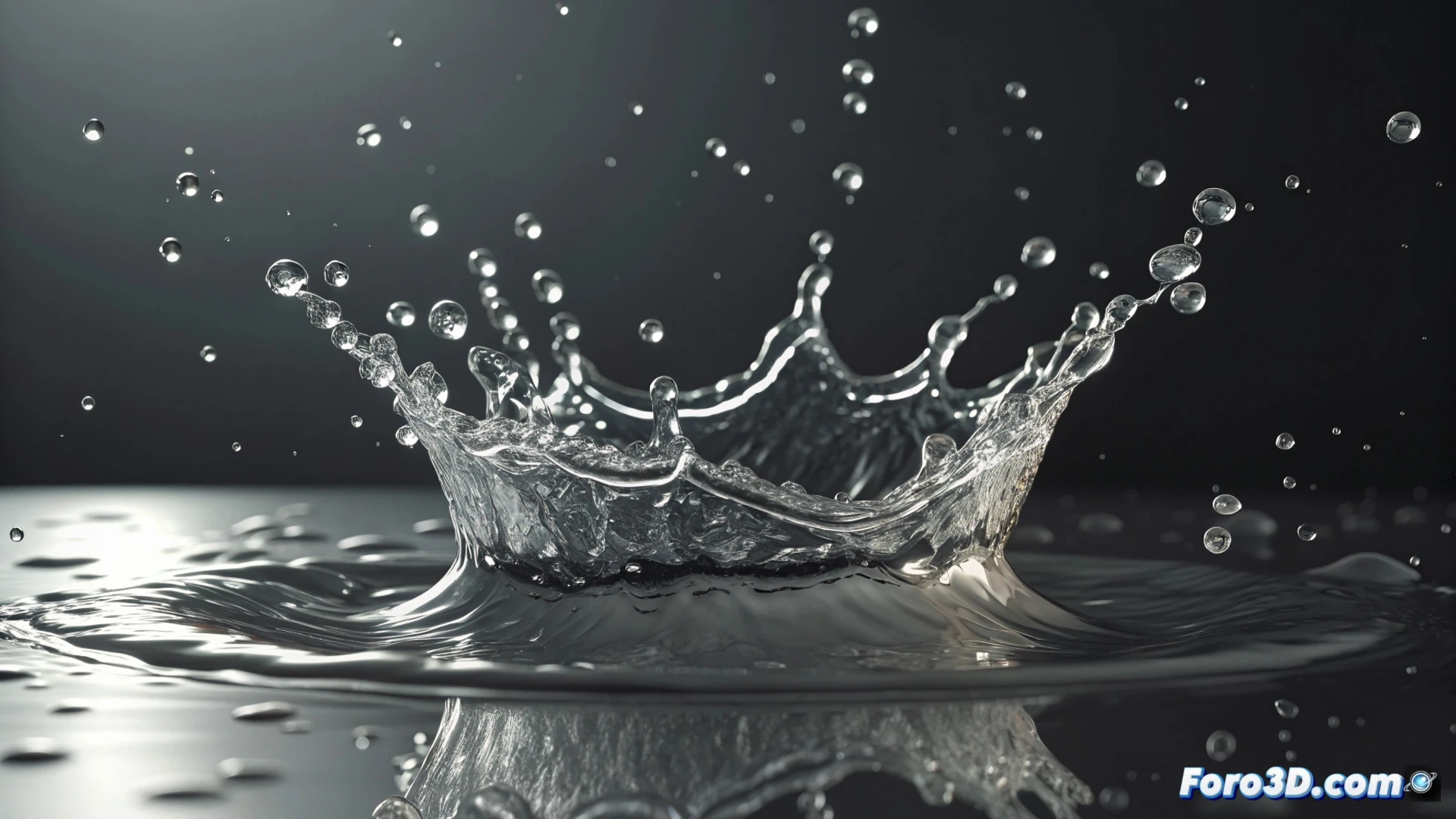
Simulate a Water Splash with the FLIP System in Houdini
Creating dynamic and believable water effects is a common task in visual effects. In Houdini, the FLIP solver is the main tool for achieving this, as it handles fluid particle interactions very precisely. This method is ideal for simulating everything from small splashes to large volumes of water in a controlled manner 💧.
Fundamentals of FLIP Simulation
The process begins by defining a source object that releases particles within a bounded volume. It is crucial to adjust parameters such as viscosity and surface tension so that the fluid moves naturally. The core of the system, the FLIP solver, calculates how particles react to external forces, with gravity being the most influential.
Key Elements to Get Started:- Emission Source: Geometry that defines where the water particles are born.
- Container (Domain): Volume that limits where the simulation occurs, optimizing the calculation.
- Physical Parameters: Viscosity and tension settings that dictate the liquid's behavior.
A simulation can evolve from an elegant splash to an uncontrollable tsunami with just a couple of clicks. Patience is the best parameter.
Define the Impact and Control Emission
To generate a convincing splash, the impact moment must be established. An animated object can be used that collides against an initial water surface. The direction and speed of this collision determine how the particles disperse. Modifying the emission rate and initial velocity allows controlling the effect's intensity. Adding noise to the velocity field introduces variation and realism in the shape of the droplets 🌊.
Steps to Refine the Dynamics:- Collision Animation: Prepare the geometry that will impact the fluid surface.
- Velocity and Angle Adjustment: Precisely define how and with what force the collision occurs.
- Noise Addition: Apply variations to the movement to break perfect and artificial patterns.
Convert to Mesh and Render the Result
Particles alone cannot be rendered as water. For this, a node like Particle Fluid Surface is used to convert the fluid into a polygonal mesh. This geometry is smoothed to eliminate artifacts. Then, a water material is assigned with the correct transparency, refraction, and internal reflection attributes. The lighting must be set up to highlight these properties. Finally, when rendering, it is essential to enable motion blur to give fluidity and realism to the fast movement of the splash 🎬.