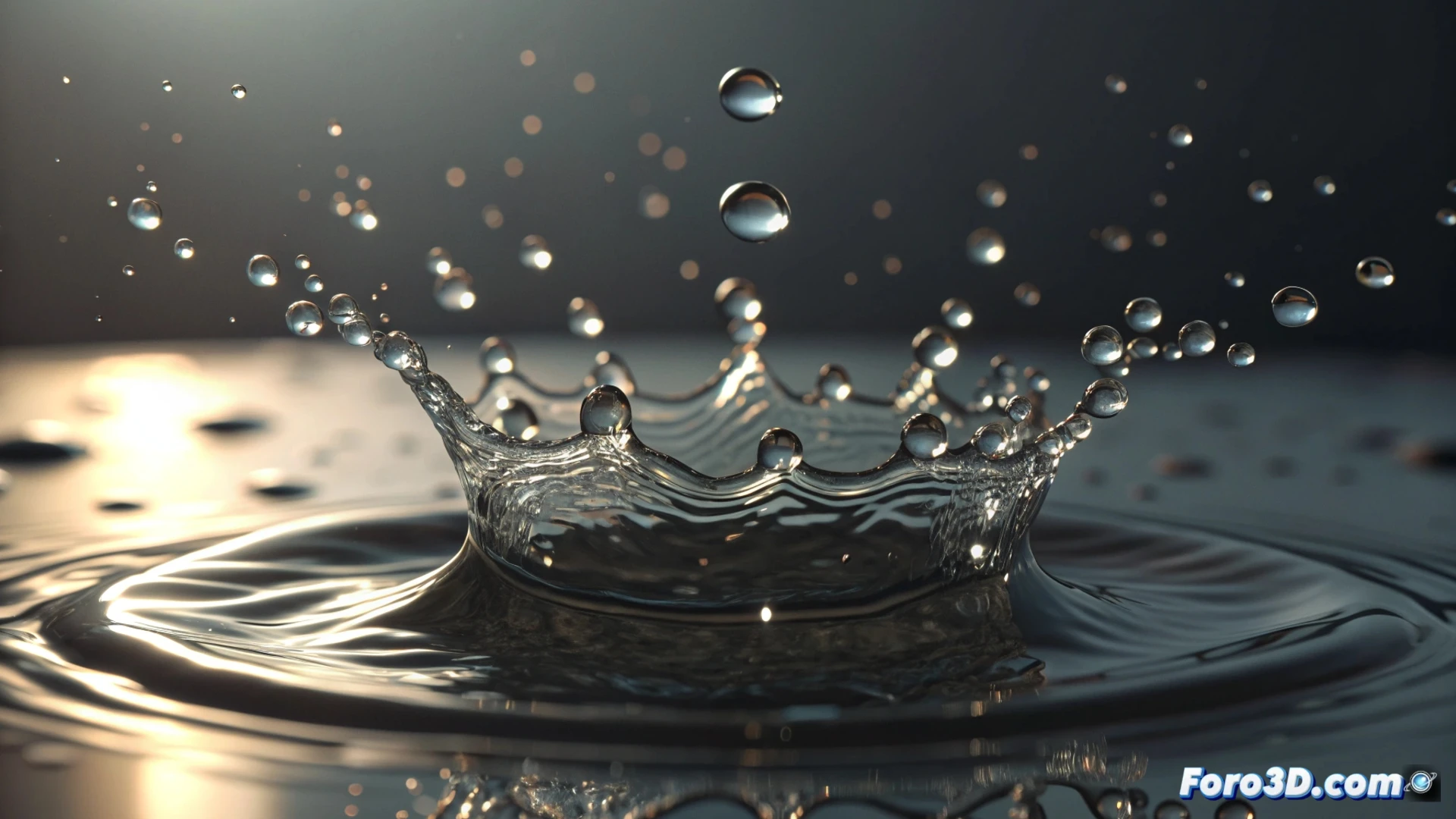
Simulate a Water Splash in Cinema 4D
Generating the effect of splashing water in Cinema 4D requires combining systems. The most effective methods involve the soft body dynamics engine or an advanced particle system. This process allows recreating anything from a simple drip to a complex and dispersed impact 💧.
Prepare the Initial Particle System
The first step is to generate a particle emitter. Define its geometry, such as a circle or square, to control the origin of the fluid. Within its properties, assign a high initial velocity on a specific axis to launch the droplets. Integrating a force field with gravity directs the fall naturally. Activating the preview as solid objects helps visualize the droplets as spheres, making it easier to adjust their number and dimensions before processing.
Key parameters to modify:- Velocity and direction: Defines the force and trajectory of the particle stream.
- Gravity: Adds realism by making the droplets fall toward a surface.
- Size and lifespan: Controls how large the droplets are and how long they remain visible.
The art is not in simulating water, but in maintaining patience while the computer processes each frame without crashing.
Integrate Soft Body Dynamics
For the particles to interact and splash, convert them into a soft body object from the simulations menu. Then, add a plane or surface as a collider within the same dynamics tag. Modifying the collider's elasticity and friction determines how the droplets bounce and slide upon impact. To break the uniformity and achieve a more chaotic and realistic pattern, incorporate turbulence or noise fields into the force system.
Elements for organic realism:- Collider with physical properties: Adjust how the surface absorbs or reflects the impact.
- Deformation fields: Use turbulence or noise to disorder the fall trajectory.
- Particle interaction: Configure the dynamics so that the droplets affect each other.
Optimize and Process the Simulation
The final step involves adjusting performance parameters and running the calculation. Review the emission speed, number of particles, and soft body resolution to balance quality and processing time. A well-configured simulation prevents the system from overloading, allowing the desired visual effect to be obtained efficiently. The key is to test, adjust, and render patiently 🖥️.