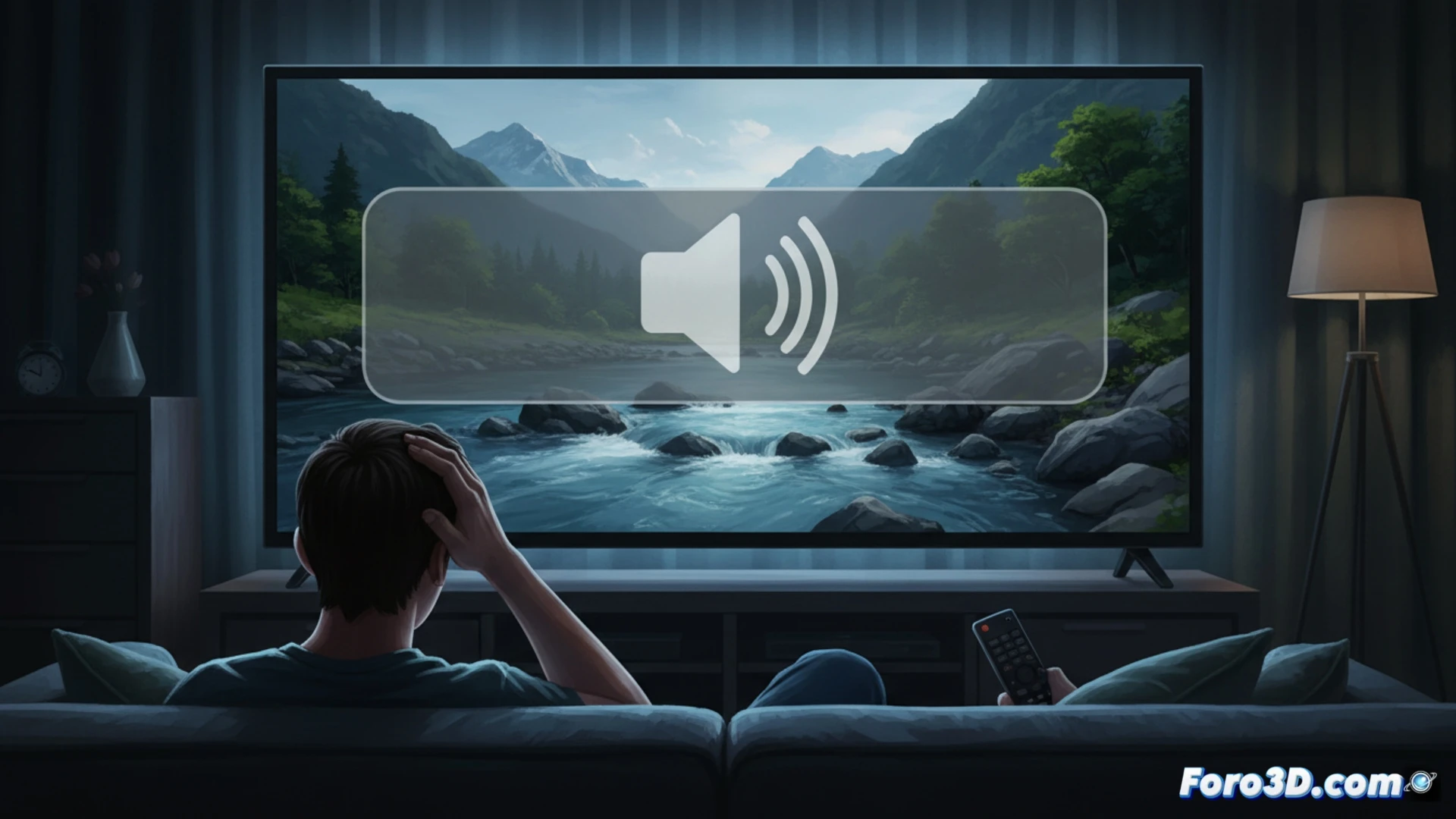
Samsung TV owners with One UI have been pointing out a common problem on forums and social media for some time. The on-screen volume indicator, which appears with every adjustment, is considered excessively large and intrusive. On large models, such as 77-inch ones, this element can occupy a central part of the image, interrupting the viewing experience. The complaint has even reached a petition on Change.org asking Samsung for an option to disable it.
A UI Design That Doesn't Scale with Screen Size 📏
The problem seems to lie in a user interface design that doesn't scale correctly. While on a mobile or small TV a certain-sized indicator is functional, on screens over 75 inches its fixed pixel dimensions translate into a physically huge box. One UI uses the same graphic component for the entire range, without considering pixel density or viewing distance. A technical solution would involve making the element responsive or simply offering a opacity and size adjustment in the system menus.
Samsung Thinks You Need Subtitles for the Volume 🤦♂️
It seems that Samsung's engineers assume that when raising the volume, our brain needs visual confirmation of the exact number size. Hearing the change isn't enough; we need a full-screen reminder, just in case we'd forgotten what decade we're in. It's an extra service: while you're watching a crucial scene, the TV offers you an ad break from your own finger on the remote. Maybe in the next update they'll include a 5-second ad inside the indicator to make good use of that valuable space they give us.