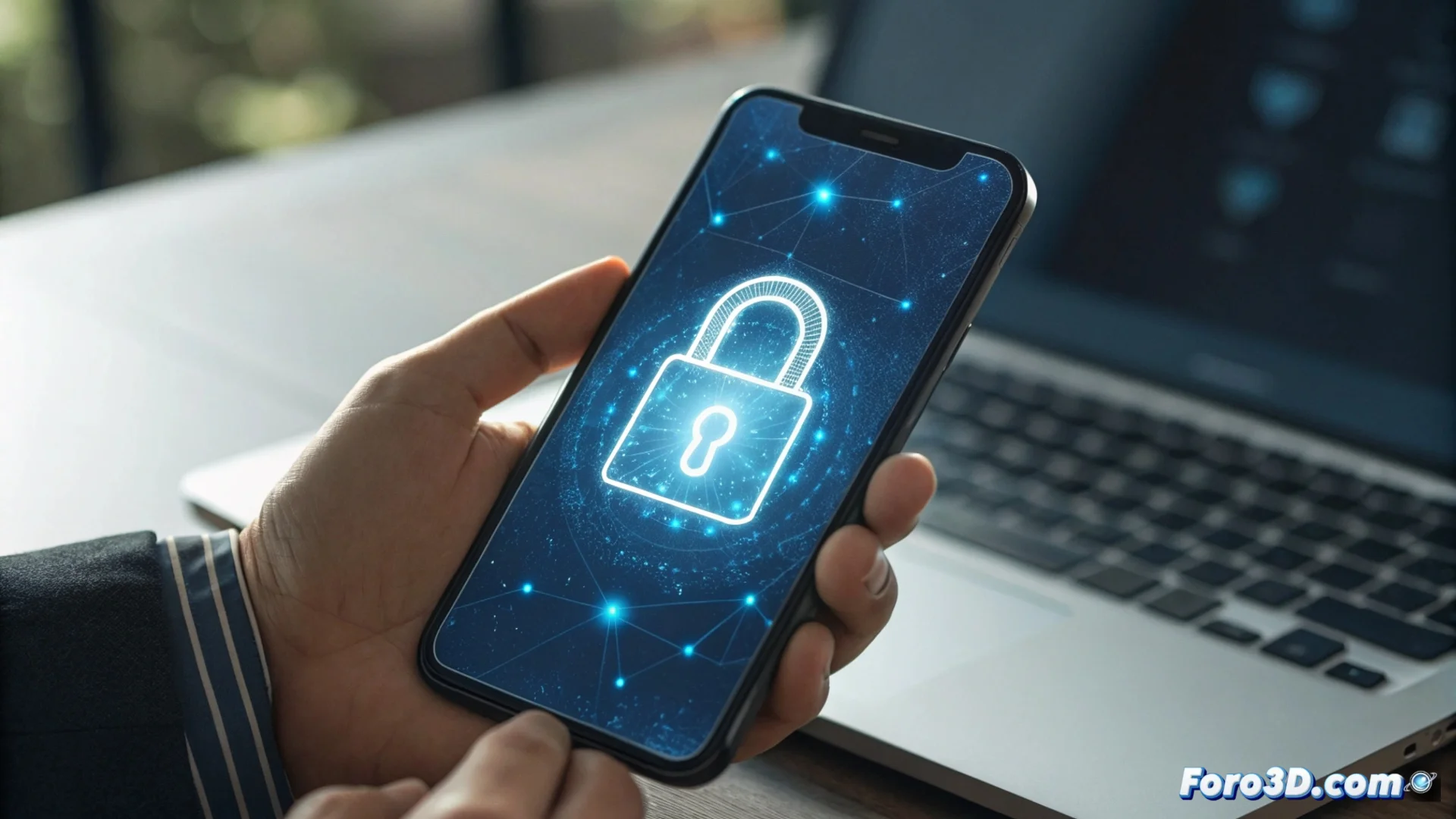
Protect Your Accounts with Two-Factor Authentication
Adding an extra layer of defense to your digital profiles is crucial nowadays. Two-factor authentication (2FA) works precisely for that, requiring two distinct proofs of your identity before allowing access. This transforms a simple login into a much more robust process. 🛡️
The Mechanism Behind Double Verification
This system operates on a clear principle: combining something you know (your usual password) with something you have (a unique access code). Even if a stranger discovers your main key, they will face an insurmountable wall without that second temporary element.
Ways to receive the security code:- Text message (SMS): The code arrives directly to your mobile phone number.
- Authenticator app: Apps like Google Authenticator or Authy generate codes that change every certain time, without needing a mobile network.
- Physical security key: A USB or NFC device that you must connect or bring close to confirm your identity.
Enabling two-step verification is like adding a biometric lock, an alarm, and a guard to the door of your digital home. Without the temporary key, the intruder stays out.
Steps to Implement This Protection
Setting up this barrier is a straightforward procedure. You must access the security settings of the platform you want to protect and look for the corresponding option.
Recommended activation process:- Go to your account settings and locate the "Security" or "Privacy" section.
- Enable the feature called "Two-step verification" or "Two-factor authentication".
- Select your preferred method to obtain the codes (for example, an authenticator app). Link your device by following the on-screen instructions.
- Generate and store backup codes in a safe place. They are your lifeline if you lose access to your main phone.
Why You Can't Ignore This Tool
In a world where password leaks are common, relying only on a single key is insufficient. Two-factor authentication effectively closes that security gap. It's not a nuisance, but the difference between keeping your data safe or exposing it. Implementing it is one of the smartest actions you can take to protect your digital identity. 🔒