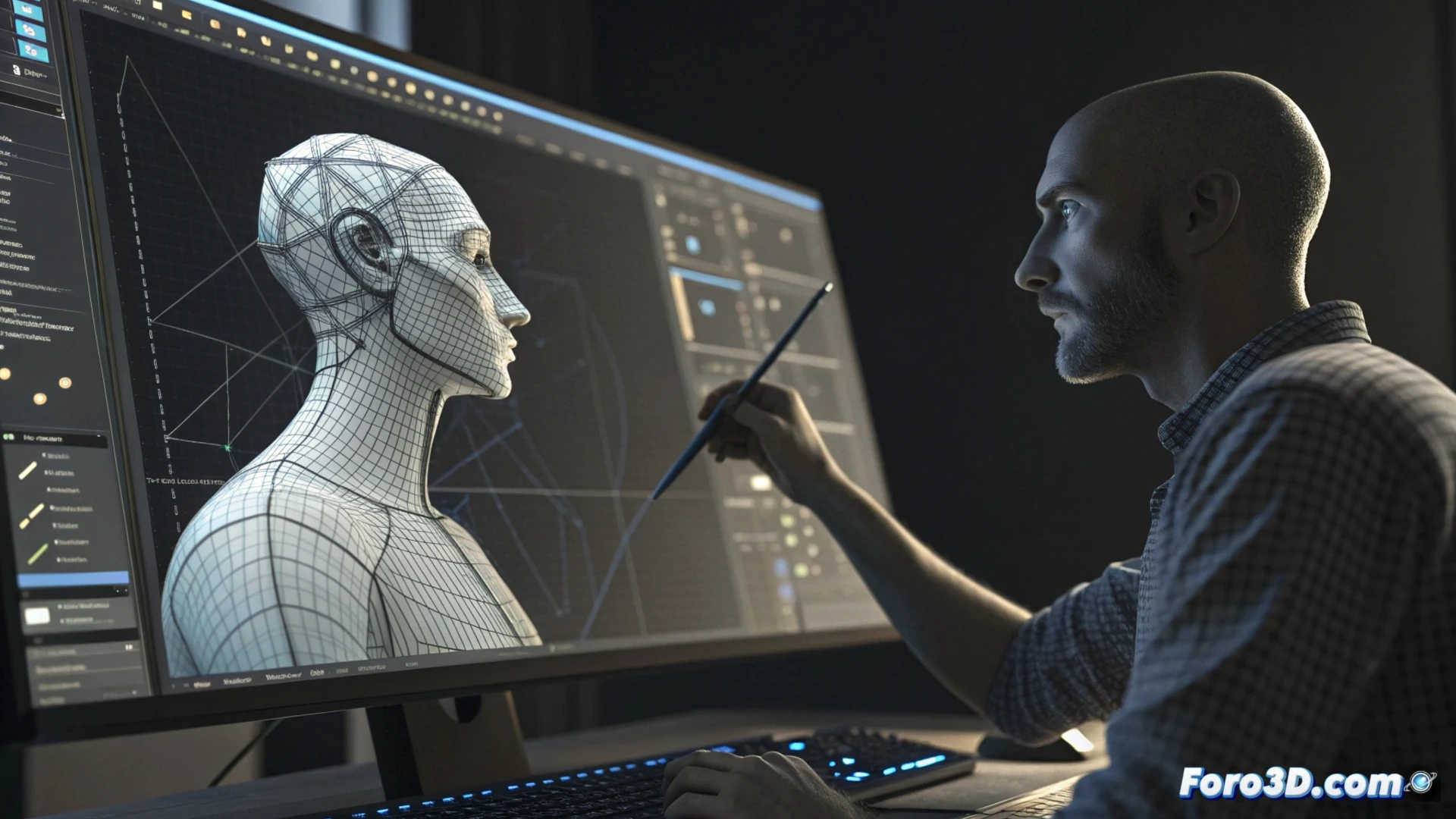
Methods to Animate Models in Houdini
Bringing a model to life in Houdini involves selecting the right approach, which varies depending on the type of movement needed. For characters or objects with multiple connected parts, the most common solution is to implement a rig system. This set of controls makes it easier to manipulate the model smoothly and naturally, defining how its different segments rotate and transform. Houdini includes native utilities for building these systems, such as its Autorig tool, which streamlines parts of the workflow. 🎬
Using Inverse Kinematics and Deforming the Geometry
When animating a limb, such as an arm, it is common to apply inverse kinematics (IK). This technique allows positioning the end limb at a specific location, with the software automatically computing the rotations of the intermediate joints. Subsequently, deformers such as bones and skin weights are used to transfer that movement from the internal skeleton to the model's visible mesh. This achieves convincing curving and stretching of the geometry, avoiding unnatural breaking or folding.
Advantages of using IK and deformers:- Intuitive control when positioning limbs.
- Automatic calculation of intermediate angles, saving time.
- Realistic mesh deformation through skin weights.
A very elaborate rig for a simple character can be excessive; sometimes, animating just a few key points achieves the goal.
Applying Dynamic Simulations and Procedural Animation
When the model must interact with environmental forces, such as gravity or collisions, it is more effective to resort to dynamic simulations. Houdini's integrated physics engine can process how cloth collapses, an object fractures, or a liquid spreads. For generating repetitive movements or those that follow logical rules, procedural animation through nodes and parameters allows designing intricate variations in a non-linear way. This non-destructive method simplifies globally adjusting the result without redoing the work from scratch.
Use cases for dynamics and procedural:- Simulate clothing, hair, or flags moved by the wind.
- Create realistic destruction or collapse effects.
- Generate crowds or complex movement patterns with variations.
Choosing the Right Tool
The key to successful animation in Houdini lies in analyzing what you want to achieve. A rig with IK is ideal for poses and organic character movements. Dynamic simulations are essential for adding physical realism. And procedural animation provides enormous power to create and modify complex behaviors efficiently. Mastering when and how to combine these techniques allows fully exploiting the potential of this software. 💡