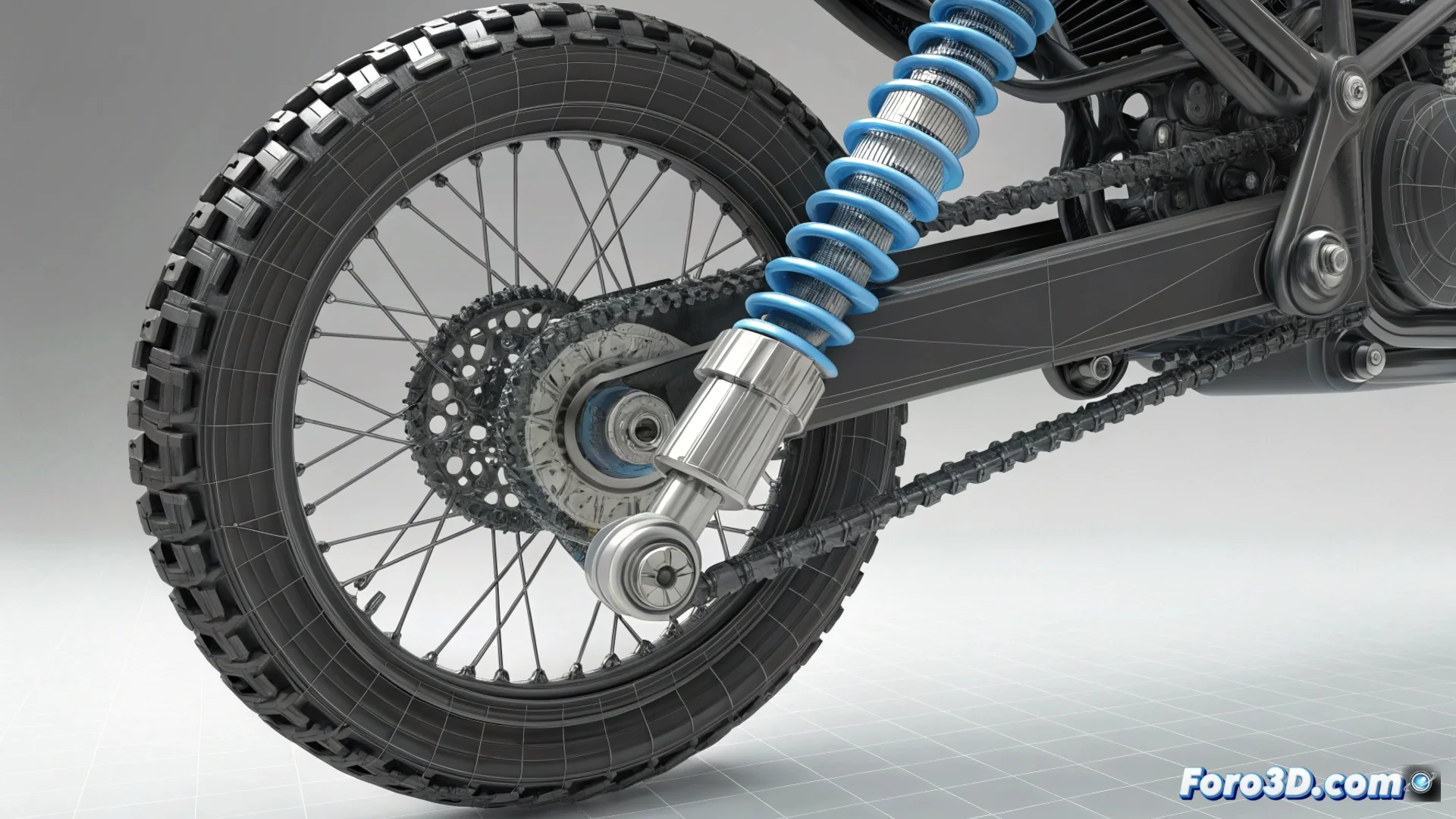
Linking a Dynamic Shock Absorber to a Motorcycle Chassis in 3ds Max
When animating a suspension system, it is crucial that the motorcycle chassis reacts naturally to the shock absorber's movement. To achieve this, you need to establish a dynamic link between both objects. 🏍️
Using an Attachment Constraint Controller
An effective method is to use the Attachment Constraint. First, ensure that the shock absorber's animation is complete. Then, select the chassis object and go to the Motion tab. In the position controller, assign a controller of the Attachment type.
Steps to set up the Attachment:- In the controller parameters, press the Pick Object button and select the shock absorber.
- Adjust the Face and Position values to define the exact anchoring point on the shock absorber.
- The chassis will now precisely follow the movement of the selected point on the shock absorber throughout the entire animation.
Connecting the chassis position to a specific point on the shock absorber ensures precise and realistic tracking.
Advanced Options with Wire Parameters
For more detailed control, you can opt for Wire Parameters. This tool allows you to create direct and customized relationships between object properties.
How to connect with Wire Parameters:- Right-click on the chassis and choose Wire Parameters from the menu.
- Navigate to Transform: Position and then to Position XYZ.
- Drag the wire to the shock absorber object and release it over its position parameter.
- In the dialog box that appears, you can define the relationship, for example, making the chassis move only along the Z-axis of the shock absorber.
Conclusion for Coherent Animation
Both methods solve the problem of a chassis that appears to float independently. The Attachment Constraint is ideal for a direct link to a point, while Wire Parameters offers flexibility to control specific axes. Choosing the right technique will make your motorcycle move as a unified and believable whole. 🔧