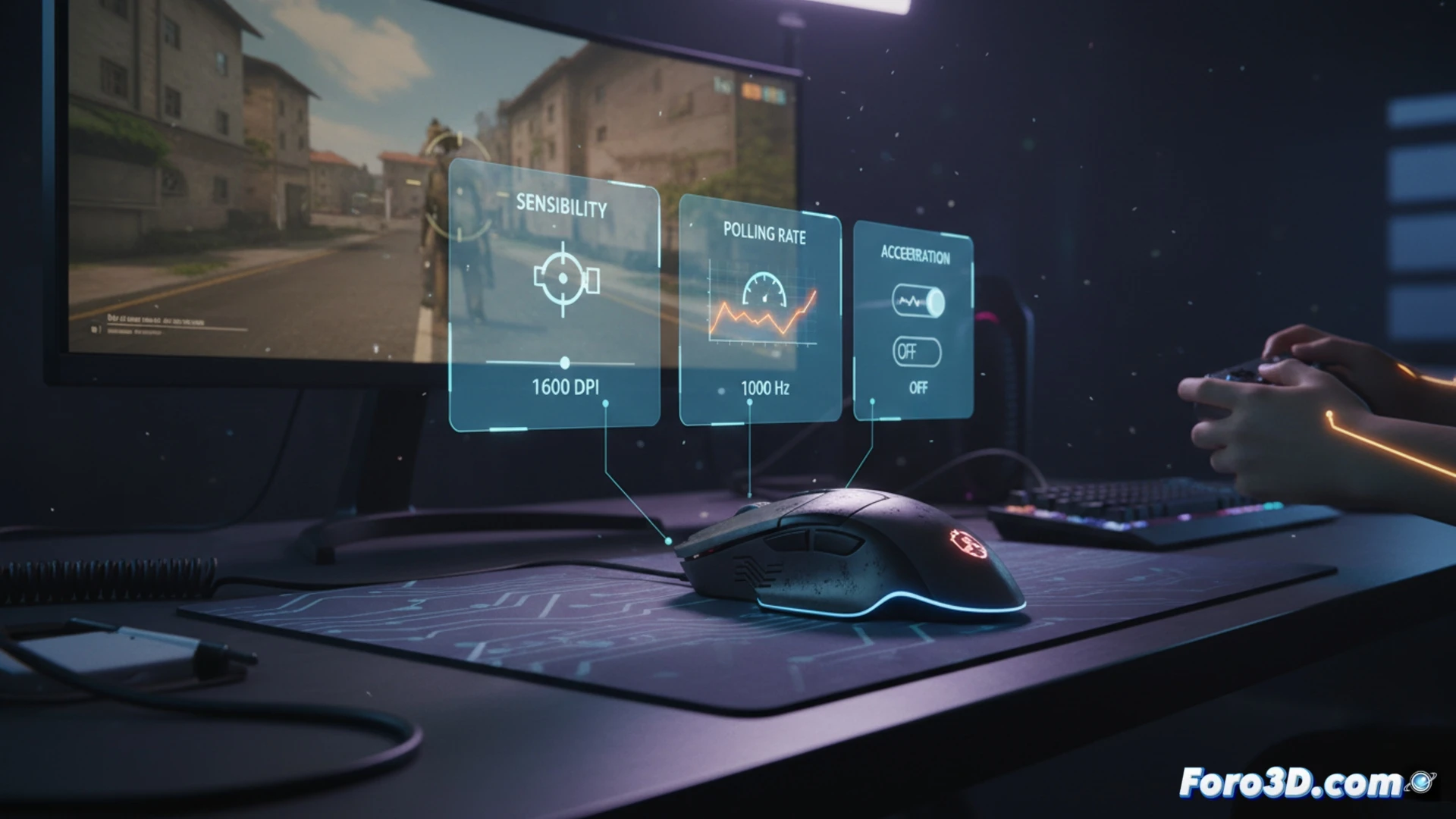
The difference between good performance and outstanding performance with the mouse can lie in its configuration. Beyond the hardware, adjusting parameters like sensitivity, polling rate, and acceleration defines the final control. This article details three essential settings that directly influence the precision and response of the peripheral, adaptable to different play styles and desk spaces.
Technical Fundamentals of eDPI and Polling Rate ⚙️
eDPI (effective DPI) is the product of the mouse's DPI and the in-game sensitivity, providing a standardized metric for comparing configurations. A higher value is not always better; it depends on the game genre and physical space. The polling rate, measured in Hz, determines how frequently the mouse reports its position to the system. A 1000Hz rate reduces latency to 1ms, but on wireless devices it increases power consumption.
When Your Mouse Decides to Play on Its Own 😵
Pointer acceleration is that useful function that moves the cursor variable distances based on the speed of your hand. Ideal for navigating the desktop, but in a game it becomes an unpredictable companion. It's like having a co-pilot who, in a tight turn, decides on its own to turn a bit more just in case. Disabling it ensures that the only creative factor in your game is you, and not an algorithm with its own ideas.