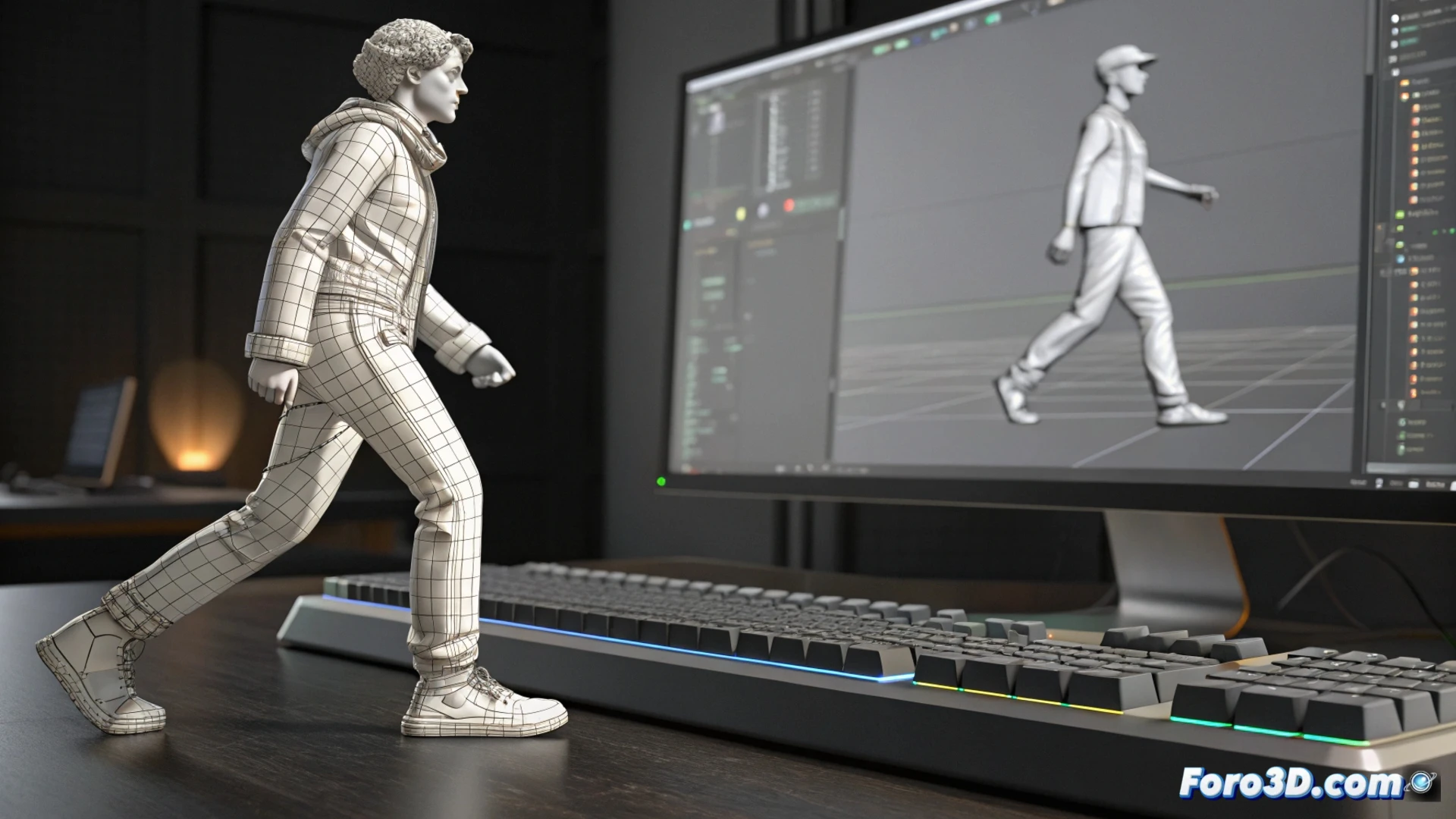
How to Animate in 3ds Max According to the Project Type
Choosing the right method to bring your creations to life in 3ds Max is fundamental. The decision is not unique, but completely depends on the movement you want to achieve and the final destination of your project. 🎬
Bringing Creatures and Characters to Life
When you need to animate organic figures that bend and stretch, the combination of Biped and the Skin modifier is the foundation. This approach consists of building a virtual skeleton inside the model and then precisely defining how the surface fits to each skeleton movement.
Key elements for this process:- Articulate a bone system that mimics a real bone structure.
- Apply the Skin modifier to paint influence weights and control deformations.
- Adjust the envelopes so that transitions between poses are natural and clean.
The best tool is usually the one you master. Practice with a basic cube before tackling a high-complexity dragon.
Moving Solid Objects and Mechanisms
To animate elements that do not change shape, such as machinery or scene pieces, it is more efficient to use controllers. Modifiers like Link Constraint to connect animations and controllers of the Position/Rotation/Scale List type allow you to handle multiple layers of movement non-destructively.
Essential tools for this task:- Activate Auto Key to automatically record keyframes.
- Use the Track View - Curve Editor to refine speed and smooth transitions.
- Organize animation layers to maintain an orderly workflow.
Plan According to the Final Destination
Before starting, it is crucial to define what the animation will be used for. If it is for a video game engine, prioritize a clean and optimized skeleton, ensuring that export to formats like FBX works correctly. For a cinematic render, you can explore more complex options like particle systems or dynamics simulations. Thinking about this workflow from the beginning will save you a lot of time and avoid having to redo work later. 🚀