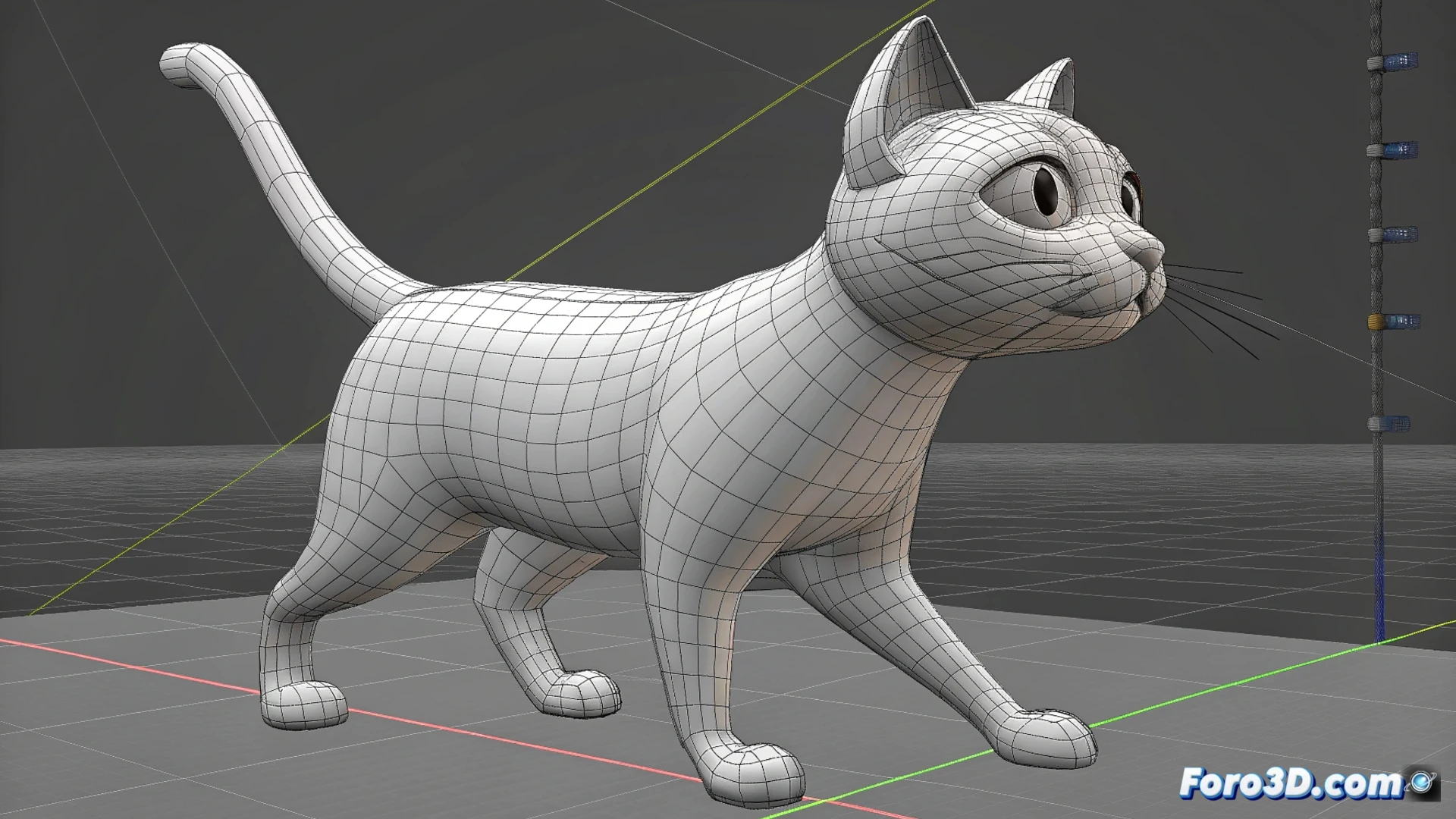
How to Animate a Walking Cat in Blender Step by Step
Creating a convincing animation of a feline walking requires planning and executing several technical steps in Blender. Success depends on a well-built rig and understanding quadruped movement mechanics. 🐱
Prepare the Model and Bone System
Before starting to animate, you need a cat model with a bone structure or armature prepared. You can get one from the built-in assets or import an external model. The main goal is to have a skeleton that allows you to manipulate the limbs, spine, and head independently. Verify that the weight assignment of the mesh to the bones is correct so that the deformation when moving the rig is smooth and believable.
Key initial points:- Select or import a suitable cat model for animation.
- Set up a rig with bones for legs, spine, tail, and head.
- Adjust the paint weights or influence vertices so that the model's skin follows the bones naturally.
A solid rig is the foundation of any character animation; without it, the movement will look stiff and artificial.
Establish the Basic Walk Cycle
Open the Timeline or Dope Sheet editor and define the frame rate of your animation. Start by creating an initial key pose where the front and rear opposite legs are advanced. Then, duplicate and mirror that pose a few frames later to generate the feeling of a complete step. To polish the transition between poses, use the Animation Curves Editor (Graph Editor) to smooth the motion interpolation of each bone, eliminating stiffness. Add a subtle sway to the spine and head to increase realism.
Steps for the cycle:- Define the initial pose with the legs in opposite positions.
- Duplicate and mirror the pose to create the second key step.
- Use the Graph Editor to smooth the animation curves and make the movement more organic.
- Incorporate lateral movement to the back and head to simulate natural swaying.
Polish the Animation and Add Realistic Details
The final layer of realism comes from secondary movements. Animate the tail to swing in opposition to the legs' rhythm. Adjust the inverse kinematics (IK) of the legs to ensure the foot fully plants on the ground during contact, avoiding sinking or floating. Test the animation in a continuous loop and correct any foot sliding by adjusting bone trajectories or using constraints. Pay special attention to the coordination between the rear and front legs to avoid an unnatural gait.
The most valuable tool in this process is patience. Observing real cat references and iterating on the animation are essential steps to capture the feline essence and avoid your creation walking clumsily. 🎬