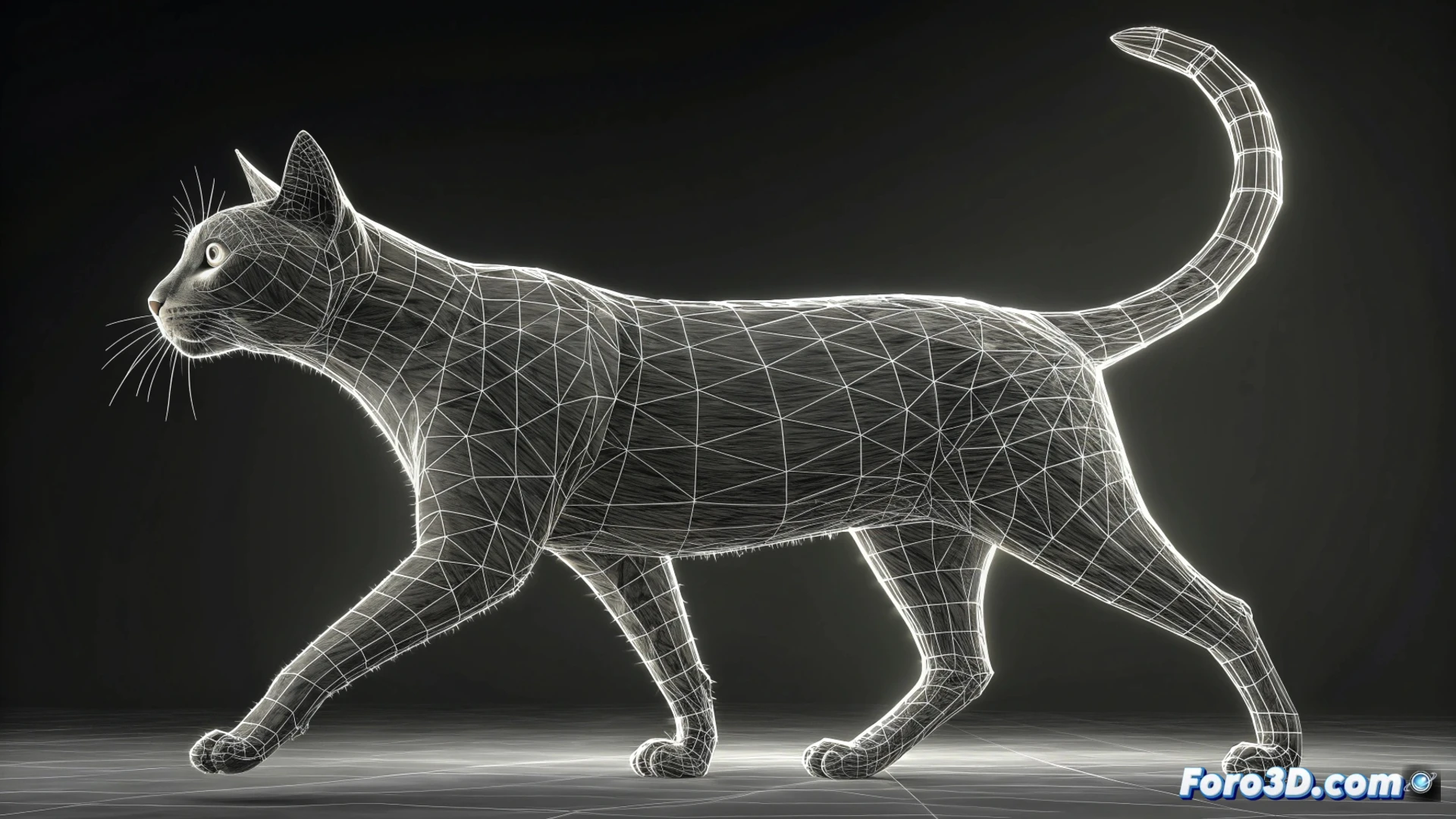
How to Animate a Walking Cat in 3ds Max
To bring a feline to life in 3ds Max, the first fundamental step is to have a model with a well-configured animation structure or rig. This control system must allow precise manipulation of the spine, limbs, and tail. You can opt for the built-in Biped or build a custom bone setup. It is crucial that the skin or skin is correctly assigned so that the model's geometry deforms naturally and credibly when manipulating the controls. 🐱
Prepare the Basic Walking Cycle
A cat's step follows a pattern known as the four-beat. Start by placing your character in a resting pose. Then, on the timeline, define keyframes for the most extreme positions of each paw. Animate the front and rear opposite paws moving in a synchronized manner. Incorporate a subtle sway in the spine and head to add realism. Use the curve editor to refine the interpolations and achieve a smooth transition between poses.
Key Points for the Cycle:- Establish a neutral pose as the starting point.
- Mark keyframes for the most forward and most backward paw positions.
- Synchronize the movement of opposite limbs (front right with rear left, and vice versa).
- Add secondary motion to the back and head to break rigidity.
An animated cat that moves rigidly is not a cat, it's a piece of furniture with legs that moves. The essence lies in the fluidity and those small adjustments that make the movement come alive.
Polish the Animation and Add Realism
With the main pattern defined, it's time to focus on the details that make the difference. Animate the tail with a wavy and smooth movement that responds to the body's inertia. Adjust the joint rotations in the paws to simulate the feline naturally placing its pad. Introduce slight stretching and compression in the spine to accentuate the weight transition during the step. Finally, loop the animation and tweak the timings until the walk feels organic and believable.
Details to Refine:- Tail Movement: It must follow the body's energy fluidly, not move in isolation.
- Paw Support: Review joint rotations for realistic ground contact.
- Back Flexion: Add subtle squash and stretch in the spine to give a sense of weight and dynamism.
- Loop Test: Evaluate and adjust the timing continuously until eliminating any rigidity.
Conclusion for a Professional Result
Animating a walking cat goes beyond moving paws from one place to another. It requires observing and replicating the natural fluidity and secondary details characteristic of felines. From a proper rig and well-adjusted skin, to mastering the four-beat cycle and polishing each movement with the curve editor, every step is crucial. Avoid making your creation look like a robot; seek that organic and lively movement that defines a successfully animated animal. ✨