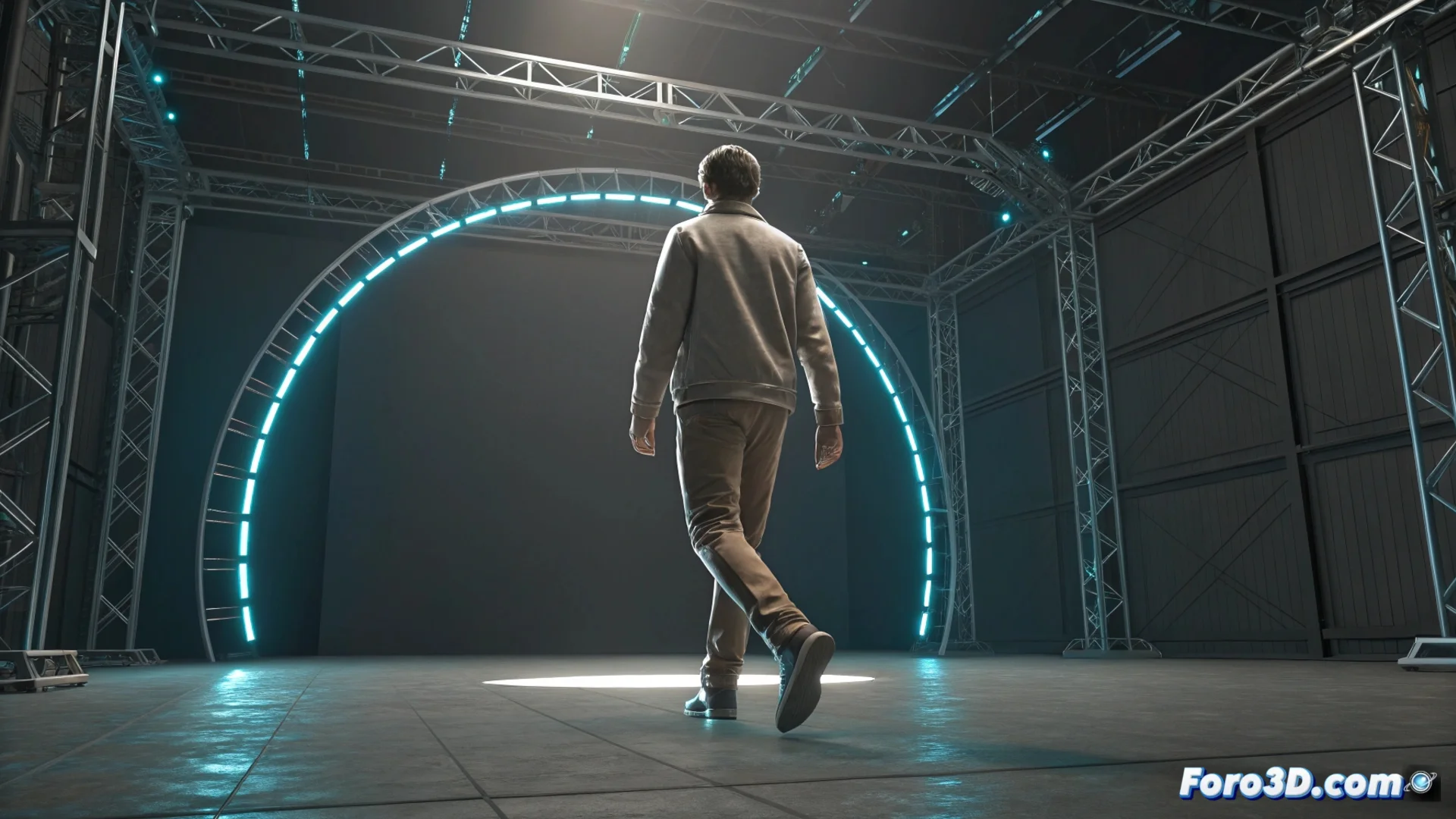
How to Animate a Run Cycle, Jump, and Landing in 3ds Max
Creating a dynamic sequence that combines running, jumping, and landing requires careful planning of each movement phase. The first step is always to prepare the character's structure, whether with a custom bone system or using the built-in Biped tool. This lays the foundation for precise control over each joint. 🎬
Establishing the Fundamental Poses
For the run cycle, you must define the extreme positions that mark the rhythm: the moment when the foot makes contact with the ground, the low pass position, and the highest point or high pass. It is vital that the body weight transfers from one leg to the other in a believable way. When transitioning to the jump, identify and set up its key phases: preparation or anticipation, takeoff, the highest moment in the air, and the start of the fall. The connection between running and jumping must feel organic, with a slight anticipation of the movement to give it fluidity.
Essential Phases for Animating:- Run Cycle: Work on contact, low pass, and high pass poses, focusing on weight transfer and hip rotation.
- Jump Sequence: Define preparation, takeoff, peak point in the air, and start of the fall poses.
- Landing and Recovery: Show a clear impact where the legs absorb the force, followed by a brief movement to stabilize and resume running.
Patience and observing real video references are your best allies for capturing the nuances that make an animation convincing.
Organizing and Refining the Sequence
It is very practical to separate the animation into distinct layers or use the Curve Editor to fine-tune the model's behavior. During the run, adjust the arm swing and hip rotation to inject naturalness. In the jump, carefully control the trajectory curve and how the body compresses at the moment of ground contact. The landing is a critical moment; it must convey impact, with the legs bending to absorb the energy, followed by a quick recovery to continue.
Tools and Techniques for Polishing:- Use the Curve Editor to smooth transitions and eliminate mechanical or robotic movements.
- Test different speeds for the run cycle until it fits perfectly with the jump action.
- Review the animation as a whole, paying attention to the rhythm and energy flow throughout the entire sequence.
Final Evaluation and Troubleshooting
Review the complete animation, focusing on synchronization and the natural progression of energy. Adjust the curves so that the transitions are more organic. A common mistake is for the character to seem to float instead of jump, as if defying gravity. When this happens, it is a sign that you need to review and correct the animation curves once again. Finally, export your work in the format required by your game engine or rendering software. ✨