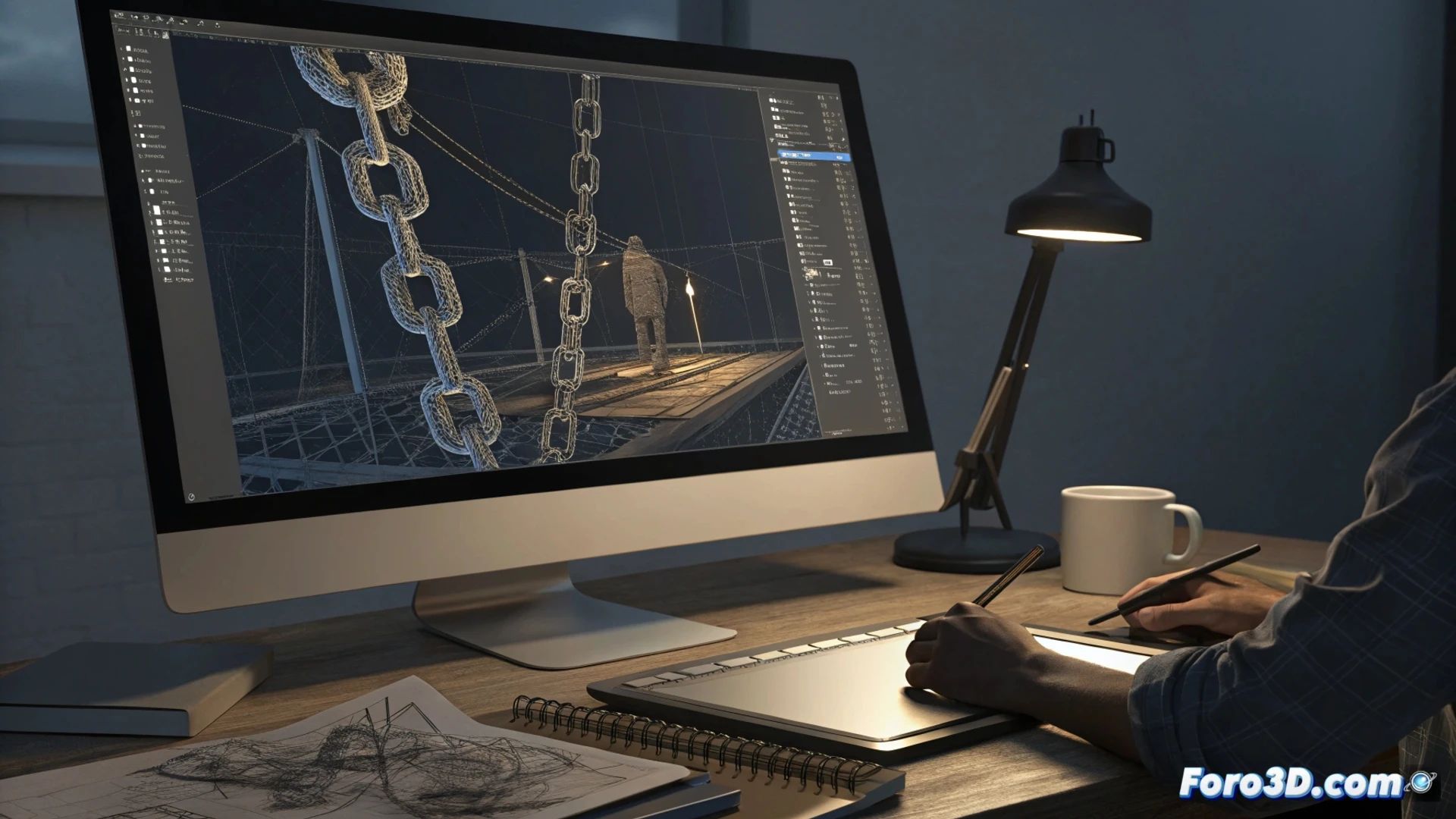
How to Animate a Model in Cinema 4D: Essential Techniques
To bring your 3D creations to life, it is essential to master a structured workflow. The foundation lies in organizing the object hierarchy and using specialized rigging tools. This systematic approach transforms a static model into a character ready to perform. 🎬
Setting Up the Structure and Basic Rig
The first step is to build a parent-child chain within the Object Manager. Then, assign the Joints Rig tag to the elements that need to move. This action automatically generates a virtual skeleton. To define how the geometry deforms, activate Weighting Mode and paint the influences on the mesh.
Key steps to get started:- Organize all model components into a logical hierarchy.
- Apply the rigging tag to objects that will act as bones.
- Use the weighting tool to adjust surface deformation.
A well-prepared rig saves countless hours of manual frame-by-frame adjustment.
Automate Movements with IK and Controllers
To animate more effectively, integrate inverse kinematics (IK) and null objects as controllers. Link the skeleton bones to a null using the IK Target tag. This allows the entire arm to adapt realistically when moving an endpoint like a hand. You can record these positions directly in the timeline by inserting keyframes.
Advantages of using IK:- Complex bone chain movements are controlled from a single point.
- Adjustments are more intuitive and natural for animating limbs.
- Facilitates creating repetitive animation cycles, like walking.
Polish and Add Realism with Advanced Tools
To refine the animation, the Motion Mixer allows you to combine and overlay recorded action cycles. Add secondary motion details with deformers like Flexi to simulate swaying or Slider for subtle vibrations. Finally, access the Keyframes Editor to smooth transitions between poses by modifying interpolation curves. Prior planning is always more effective than trying to fix a complex animation on the fly. ✨