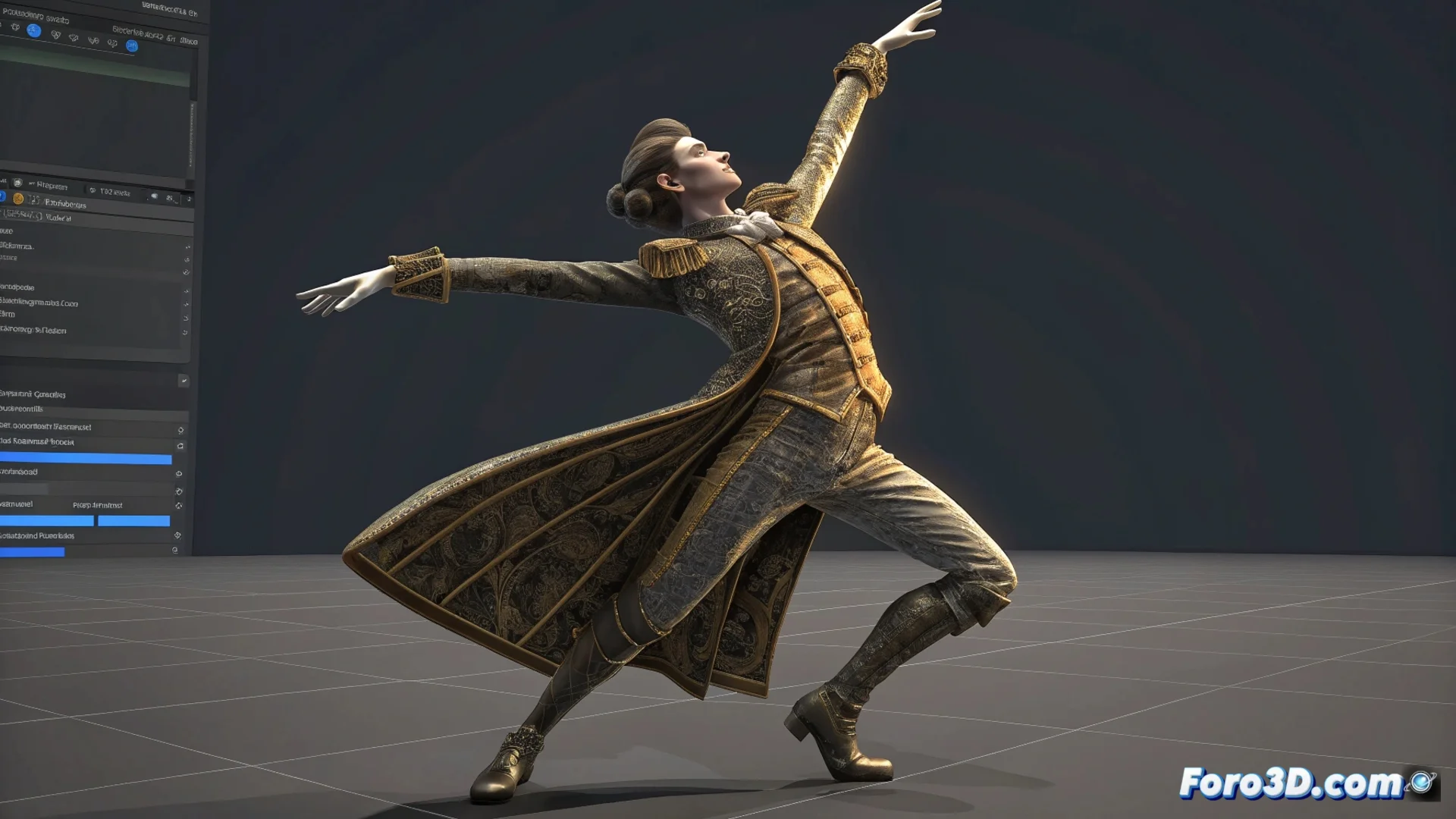
How to Animate a Dancing Character in Blender
Bringing a character to life with a dynamic choreography in Blender requires combining a well-configured skeletal structure with fluid motion data. Whether you use motion capture or animate manually, the process involves several key stages to achieve a convincing dance. 🕺
Setting up the base: the rig and motion source
The starting point is a model with a functional skeleton or rig. You can use a predefined humanoid rig or build one to measure. Then, you need the dance sequence. An efficient way is to use motion capture (mocap), importing files in formats like BVH or FBX that Blender can interpret and assign to the rig. If you don't have this data, the alternative is to animate pose by pose, a method that takes more time but gives absolute control over each movement.
Prepare the rig before importing:- Verify that the bone rotations are correct and define rotation limits if necessary.
- When bringing in mocap data, use the NLA space (Non-Linear Animation) to manage, blend, and adjust animation tracks with ease.
- Align the scale and orientation of the imported skeleton so it fits perfectly with your 3D model.
Motion capture saves time, but a strange movement in an arm can make your character look like it's swatting invisible bees instead of dancing. Always review the key poses.
Refine and enrich the animation
Once the base animation is applied, it's time to polish and detail. The graph editor is your ally for smoothing curves and eliminating abrupt jerks, achieving more natural transitions. This is the moment to incorporate secondary animation, such as hair swaying or clothing flow, which you can simulate with physics or animate by hand. 🔄
Crucial aspects to review:- Review and correct the skin weight (skinning) to avoid unwanted deformations in the mesh during complex turns and steps.
- Add appropriate lighting and set up the render to highlight the energy and fluidity of the final choreography.
- Evaluate the overall sync and rhythm, ensuring the movement feels organic and connected.
Final tip for a believable dance
Success lies in the balance between using efficient tools like mocap and dedicating time to manually adjust the details. Don't underestimate the importance of reviewing the skinning and polishing the curves; it's these refinements that transform a mechanical sequence into a dance full of life and personality. ✨