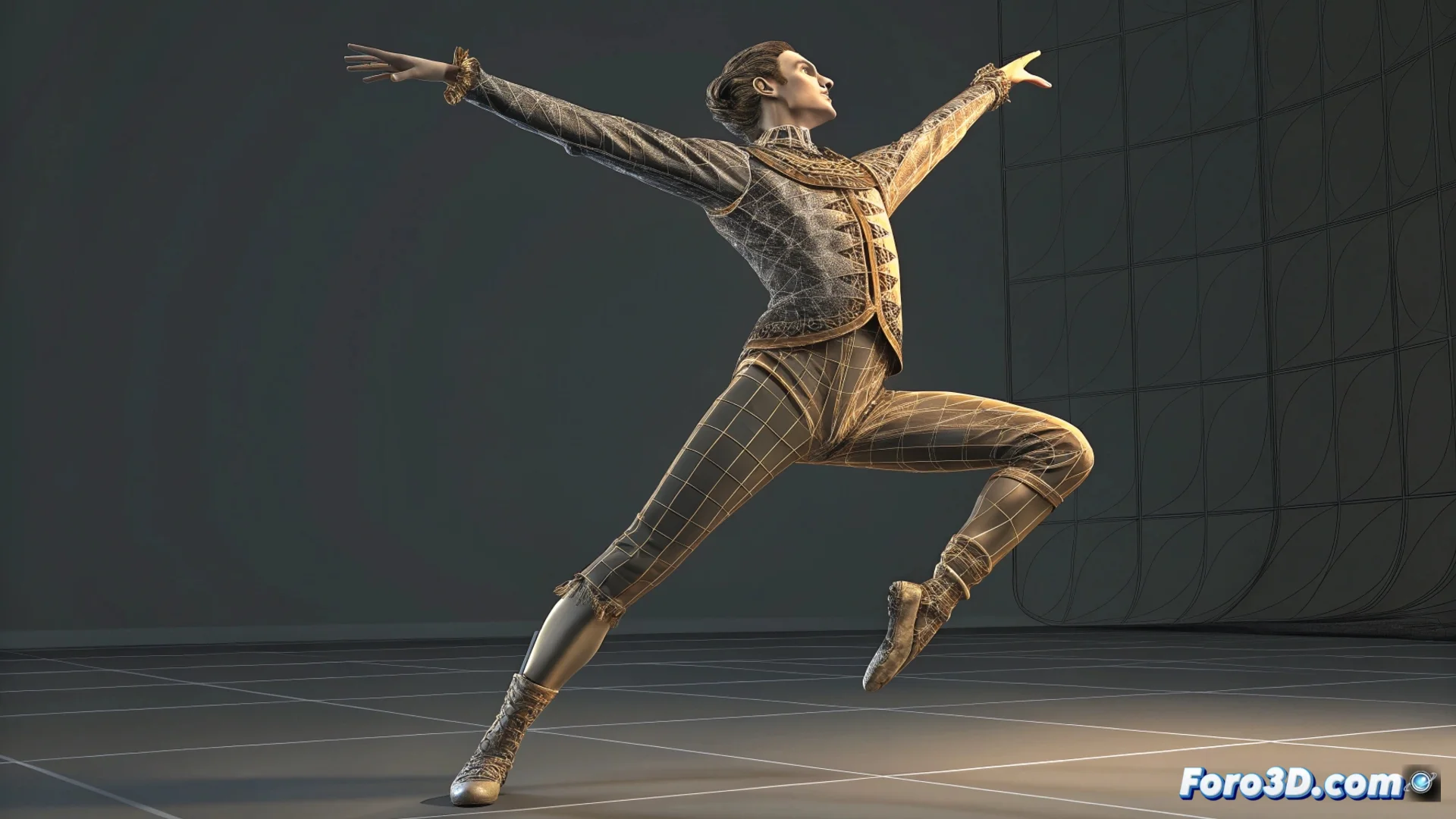
How to Animate a Dancing Character in 3ds Max
Bringing a dancing character to life in 3ds Max requires planning and executing several meticulous steps. It all starts with a model that has a properly configured skeleton or rig, ensuring that the skin assignment deforms the mesh naturally. 🕺
Prepare the Base and Use References
Before animating, it's essential to have a clear visual reference. Importing a video of the dance you want to replicate as a background image in the viewport will serve as a precise guide to capture the essential movements. This resource is invaluable for maintaining the fidelity of the choreography.
Key initial steps:- Adjust the rig and skin: Verify that all bone controllers work and that the mesh deforms smoothly.
- Import visual reference: Load a video or image sequence into the background viewport to follow the choreography.
- Plan the main poses: Identify the peak moments of the dance that will define your animation.
Patience is your best ally; the first attempt may seem clumsy, but with constant adjustments, you'll achieve a believable dance.
Build the Animation Sequence
Open the Curve Editor and the timeline (Track Bar). The process is based on defining key poses that mark the milestones of the movement, such as a jump or a turn. Set keyframes for the rotation and position of the controllers on those frames. Then, work on the in-between frames to create smooth transitions and shape the basic dance cycle. ✨
To refine and add realism:- Fine-tune interpolation curves: Use the Curve Editor to adjust the acceleration and deceleration of each movement, polishing the transitions.
- Apply animation principles: Integrate concepts like anticipation, exaggeration, and follow-through to add weight and personality.
- Add details with layers: Use Animation Layers to overlay secondary movements (hair, clothing) without modifying the main animation.
Polish the Final Result
The final phase consists of reviewing and adjusting. Observe the overall fluidity, correct any stiffness, and ensure the character has the appropriate energy and rhythm. Using 3ds Max tools to polish every detail will transform a mechanical sequence into a lively dance. The key is to iterate and constantly observe the reference to capture the essence of the movement. 🎬