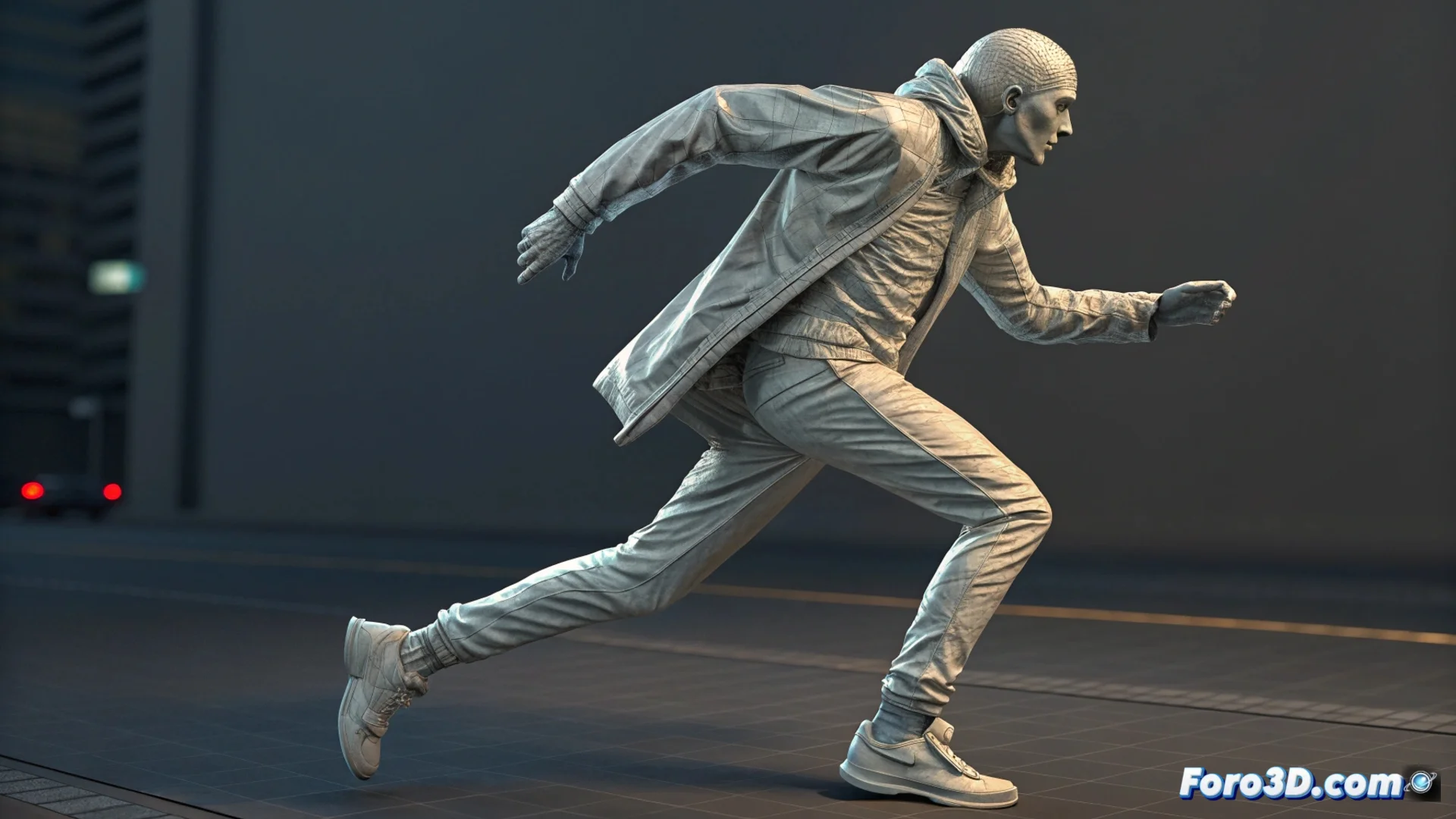
How to Animate a Character and Their Clothing in Blender
Bringing a model and its outfit to life in Blender requires combining rigging and physics simulation techniques. The goal is for the clothing to move in a believable and organic way, following the character's action. 🎬
Prepare the Model and Clothing
Before starting to animate, it's essential to have the character ready. You must create a bone skeleton (rig) to move it. The clothing must be an independent object with sufficiently dense geometry to fold without issues. A key step is painting the vertex weights of the garment to define how it adheres to the underlying body.
Fundamental Initial Steps:- Create or import the character's mesh and build its rig.
- Model or add the clothing as a separate object in the scene.
- Review and increase the subdivision of the clothing mesh so it deforms well.
Patience is your ally; sometimes the fabric decides to dance its own choreography, getting tangled in impossible places just when you thought you were done.
Apply and Configure Cloth Simulation
The core of the technique lies in the Cloth modifier. When applied to the garment, it turns it into a physical object. You must define the character's mesh as a Collision object so the cloth interacts with it. Adjusting parameters like stiffness, damping, and mass allows you to control the fabric's behavior, from lightweight silk to heavy canvas. You can preview the result to see how it drapes and folds. 👕
Key Cloth Modifier Configuration:- Apply the Cloth modifier to the clothing mesh.
- Select the character's body as the Collision object in the properties.
- Test stiffness and damping values to achieve the desired fabric type.
Combine Animation with Physics
Animate the character's skeleton with keyframes as usual. Then, in the timeline, activate the cloth simulation so it calculates frame by frame. The clothing will automatically react to the movements. If certain areas don't behave, you can use pins or vertex groups to anchor them. For total control, you can bake the simulation, which turns it into manually editable keyframes. This process integrates the body's organic animation with the clothing's realistic dynamics. ✅