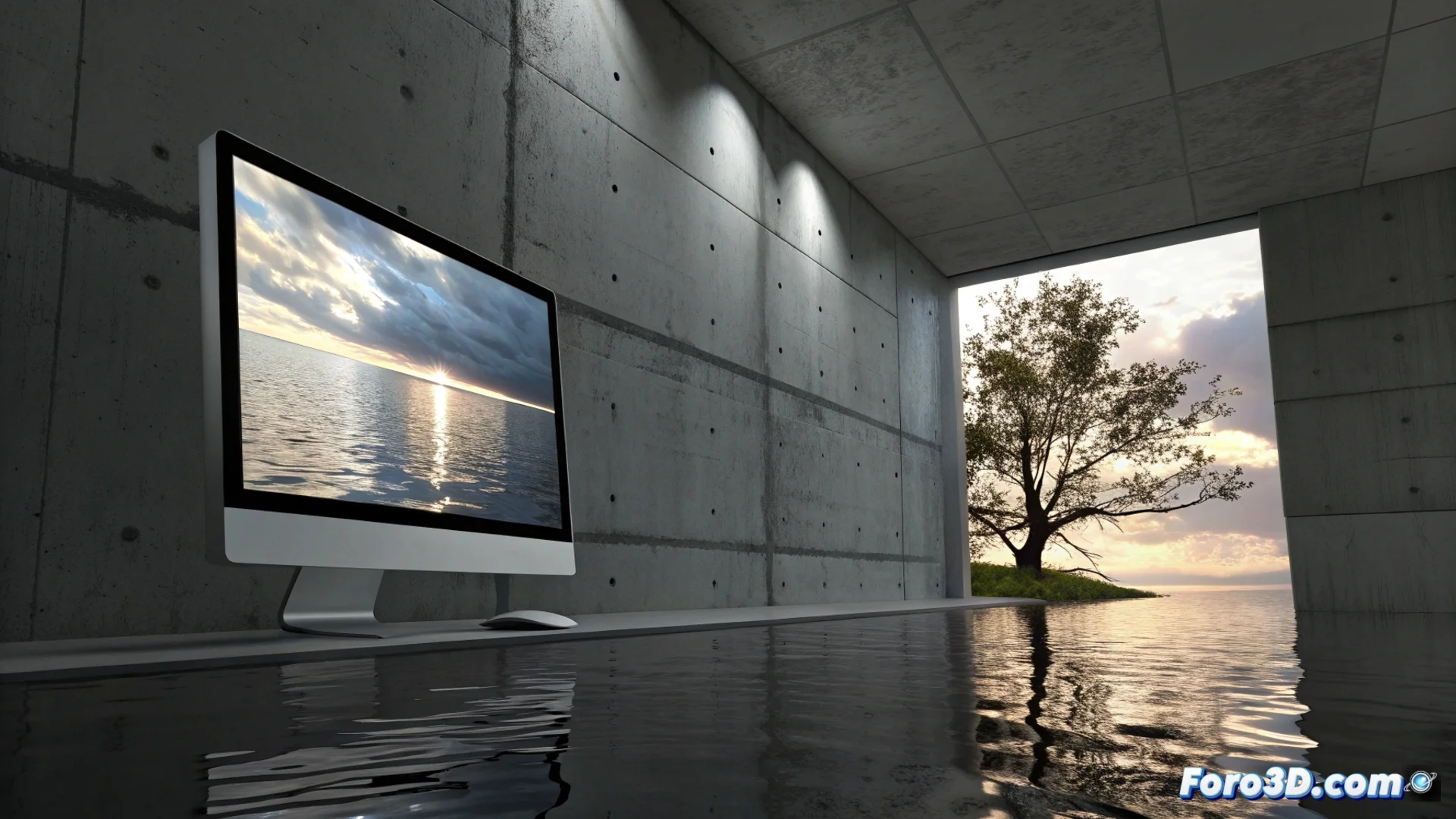
Getting Water Reflections on a Wall with 3ds Max
Creating the illusion of water sliding down a wall in 3ds Max requires a smart approach with materials that can distort light and generate variable reflections. Instead of simulating fluids, you can fool the eye using textures and render settings. 🎨
Setting Up the Base Material
The first step is to assign a V-Ray or Corona type material to the wall geometry. Enable the reflection options in the material. To simulate the characteristic ripple of water, apply a Noise or Cellular map in the bump channel. Modifying the size and intensity of this map allows you to control the scale and strength of the distortions on the surface.
Key steps for the material:- Use an advanced render material (V-Ray/Corona) with reflections enabled.
- Apply a Noise map in the bump slot to create water relief.
- Adjust the Size and Strength parameters of the noise to define the texture.
The trick is to fool the eye with textures and reflections, not to recreate the entire ocean.
Controlling Reflections and Distortion
The real magic happens in the reflection channel. Introduce the same noise map you used for the bump, but now in the reflection slot. This makes the reflection intensity non-uniform, mimicking how water distorts images. Set the reflection color to a light gray and adjust its power with the reflectivity control. For more realism, you can connect a Falloff map to the reflection, which will make it more intense at grazing angles. 💧
Optimizing the Reflection Effect:- Connect the Noise map to the reflection channel to vary its intensity.
- Use a Falloff map so the reflection is stronger at oblique angles.
- Adjust the color and reflectivity value to achieve a believable watery tone.
Lighting and Rendering the Scene
Lighting is essential for the effect to work. Use a realistic HDRI environment or a light that emulates the sky to provide interesting visual content to reflect. Ensure the wall has smooth geometry and position the camera at an angle that allows the distortions to be well perceived. When preparing the render, check that the antialiasing sample settings are sufficient to capture the fine details of the noise map without generating artifacts or digital noise in the final image. A single well-configured frame can save hours of fluid simulation for a static effect. ✨