Fundamentals for Animating a Character in Blender
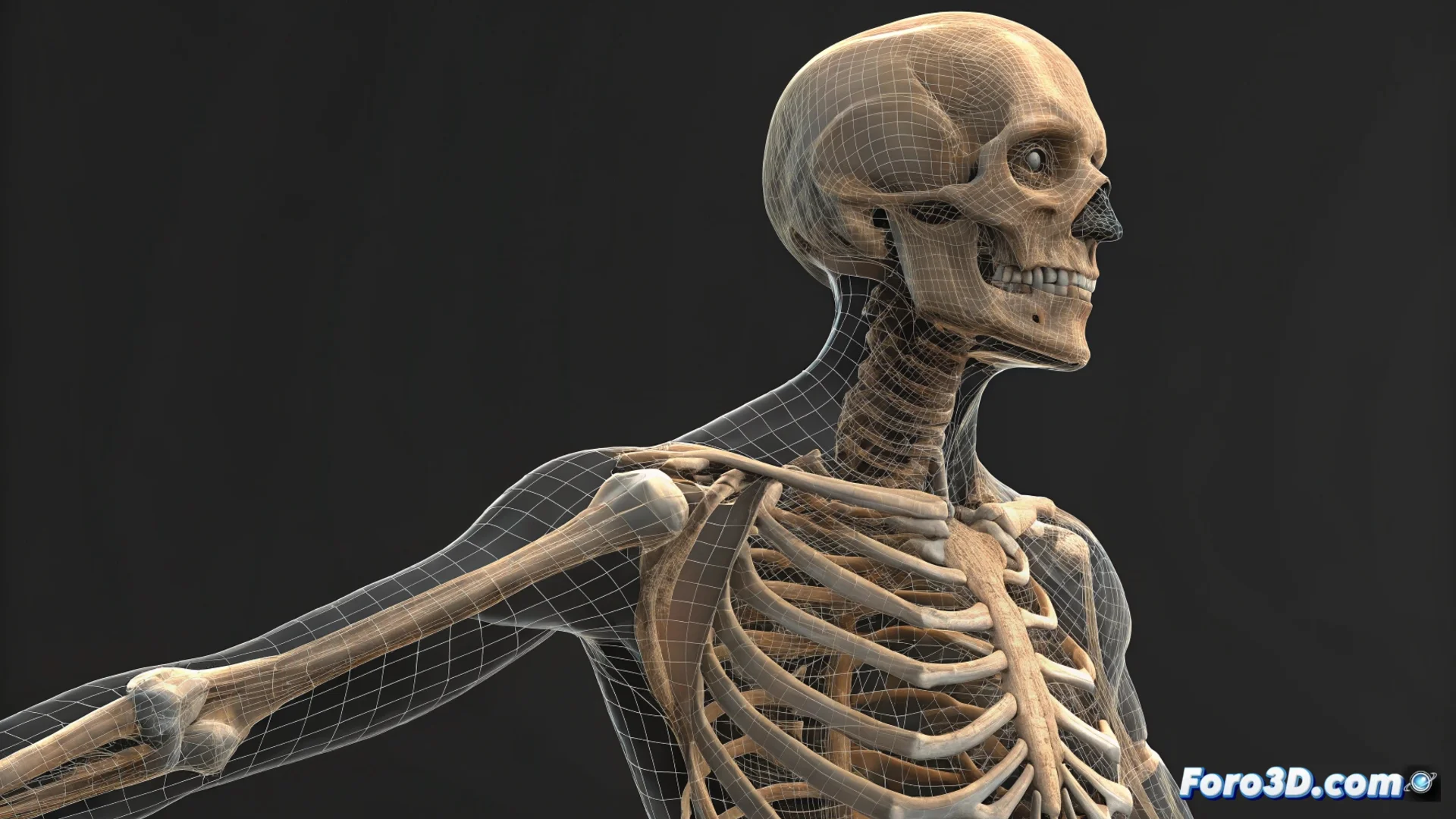
Bringing a 3D model to life in Blender requires mastering the principles that govern its movement. It all starts with the rig or internal framework, a structure of bones that defines how the character's body is positioned and deformed. Manipulating these bones, either directly or through special controls, is the foundation for creating any action. 🦴
The Digital Skeleton and Its Influence
The bones function as the model's skeleton. When rotating or moving them, they affect the vertices of the surrounding mesh. For this deformation to be realistic, vertex groups are assigned and influence weights are defined. Precisely painting these weights is crucial so that areas like elbows or knees bend in a natural and believable way.
Key Rigging Concepts:- Control Structure: The rig defines the hierarchy and behavior of the bones.
- Vertex Weights: Determine how much each bone influences a mesh area.
- Natural Deformation: The goal is for the digital skin to stretch and compress without artifacts.
A good rig is invisible; the viewer only perceives the character's fluid and organic movement.
Coordinates and Movement Automation
It is vital to differentiate between the global space of the scene and the local space of a bone or its parent. Applying transformations in one system or the other completely changes the result. To simplify complex tasks, constraints and modifiers are used, such as Inverse Kinematics (IK). This tool allows, for example, fixing a foot to the ground while the rest of the leg adjusts automatically. 🤖
Tools to Optimize Animation:- Inverse Kinematics (IK): Automates the calculation of joints to reach a target.
- Constraints: Limit or guide bone movement under certain rules.
- Custom Controls: Visual interfaces (like curves or cubes) to manipulate the rig more intuitively.
Mastering the Scene
Although automation is powerful, sometimes the character can "rebel," placing a foot where it is not wanted. These moments remind us of the importance of deeply understanding the relationship between bones, weights, and coordinate spaces. Mastering these fundamentals is what ultimately allows you to impose your creative will and make the model move exactly as you imagine. 💪