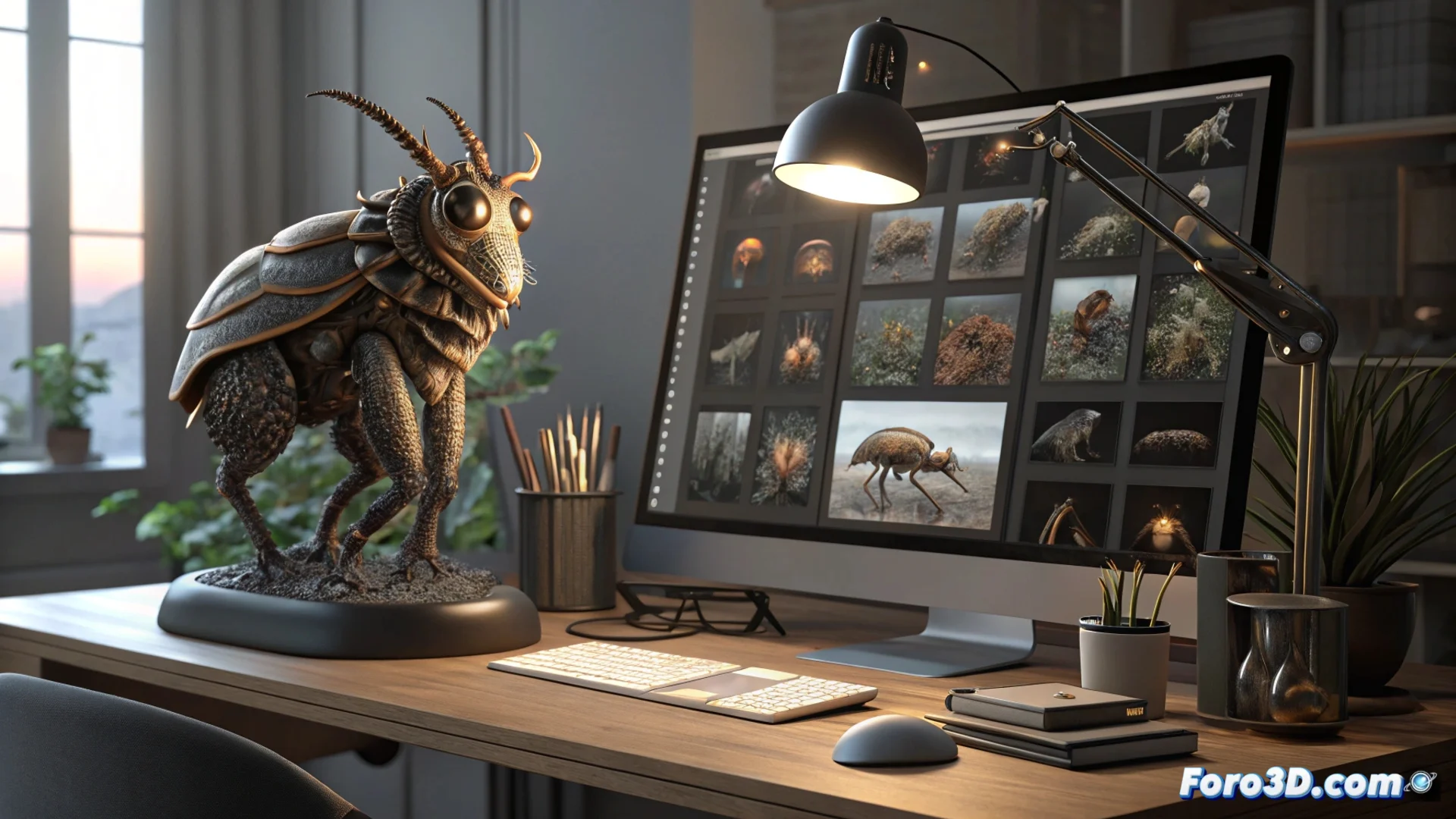
FrameRef: organize visual references within your 3D viewport
For digital artists, managing mountains of inspiration images often breaks concentration. FrameRef emerges as a straightforward solution: a digital board that anchors within your 3D application's own viewport. Stop switching between windows and keep all your notes and sketches just one click away. 🎨
Native integration in the workspace
This plugin connects to the viewport of programs like Blender, creating floating and persistent panels. Within them, you can load multiple images, move them, resize them, and adjust their transparency. The goal is clear: you don't need a second monitor or to minimize your main project to see a browser. Everything stays on a single visual canvas.
Key features of the floating panel:- Group references into thematic collections for quick location.
- Add simple text annotations over the images.
- Adjust opacity and position so it doesn't cover your 3D model.
Some artists comment that their screen might look like a detective's board, but with low-poly spheres instead of suspect photos.
Optimize critical creative stages
FrameRef is designed for phases where visual decisions are constant. During the initial block, shape modeling, or texture application, having references in view greatly speeds up the process. It helps maintain project coherence and make design decisions with greater confidence.
Benefits for the workflow:- Reduces constant pauses to search for images in other apps.
- Centralizes inspiration and notes in a single accessible place.
- Allows immediate comparison of your progress with the reference.
A tool to tame visual chaos
In essence, FrameRef doesn't aim to add complex features, but to solve a practical problem: organizing the chaos of references that every artist accumulates. By integrating discreetly into the viewport, it promises to make your digital space more efficient and your mind more focused on what's important: creating. 🚀