Cyberpunk is not just neons and action; its melancholic side explores loneliness in the hypertechnological city. This tutorial covers how to build a scene that conveys that feeling of isolation and futuristic nostalgia using Blender. We will focus on the atmosphere, color palette, and composition to tell a silent story amid the smoke and digital glow.
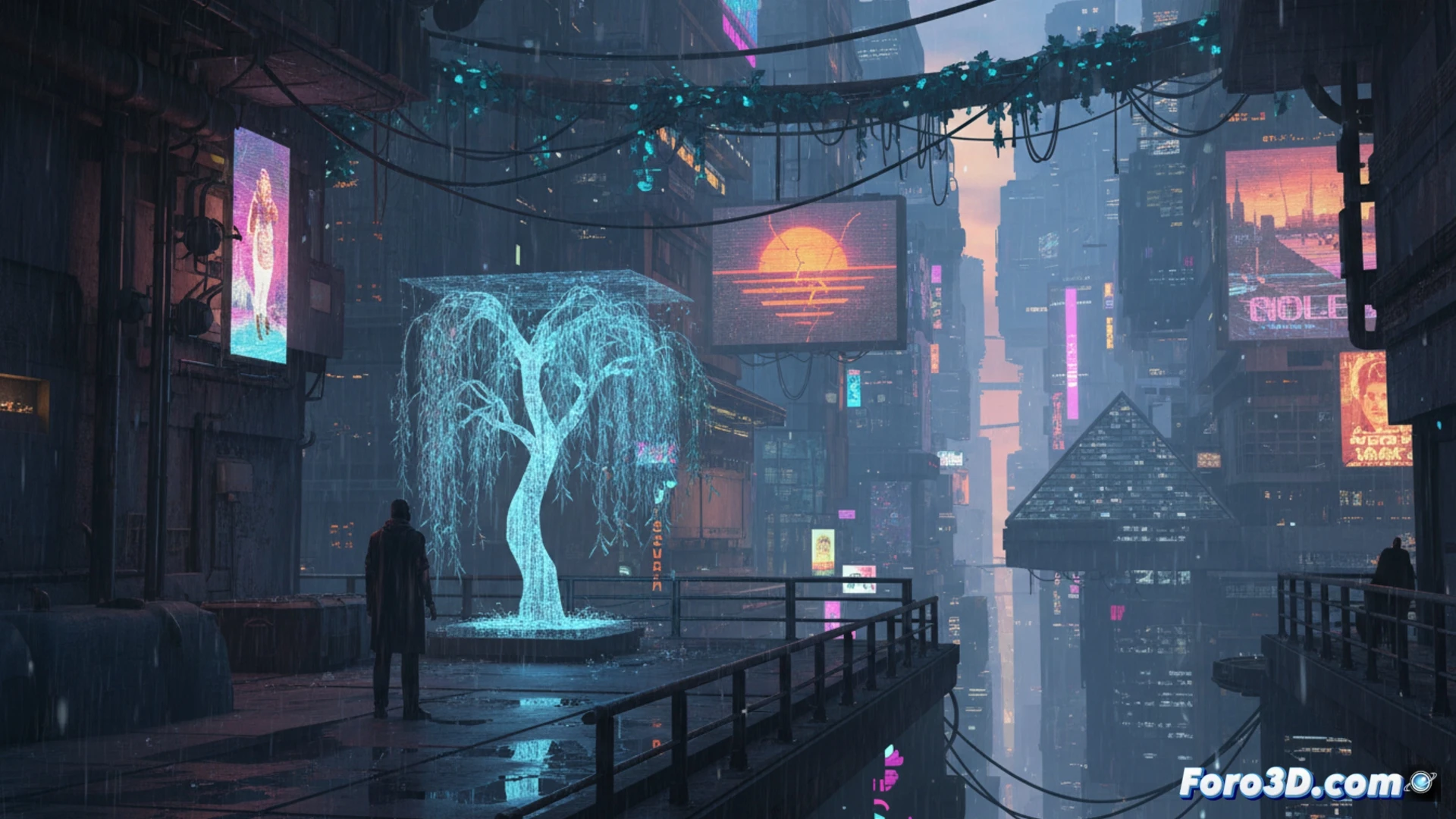
Lighting and Atmospheric Volume Setup 💡
The key is in the light. Use a world with a dim HDRI texture and add point lights in cyan or magenta with low power to simulate distant neons. A plane with orange emission can recreate a solitary window. It is crucial to add a density volume (Shift+A > Volume > Density) so that the light diffuses in the humid air. Adjust the density and anisotropy to achieve that characteristic polluted god rays.
And your render, does it cry alone in the rain? 🌧️
For the rain, it's not enough to put a gray plane and wait for it to get wet. Duplicate your ground mesh, give it a transparent material with rain particles, and prepare to adjust the fall speed 37 times. The final result will be that your cyborg character, designed to withstand hostile environments, will seem like it left the towel at home. Melancholy is guaranteed, especially for you, watching how render times go up for four drops.