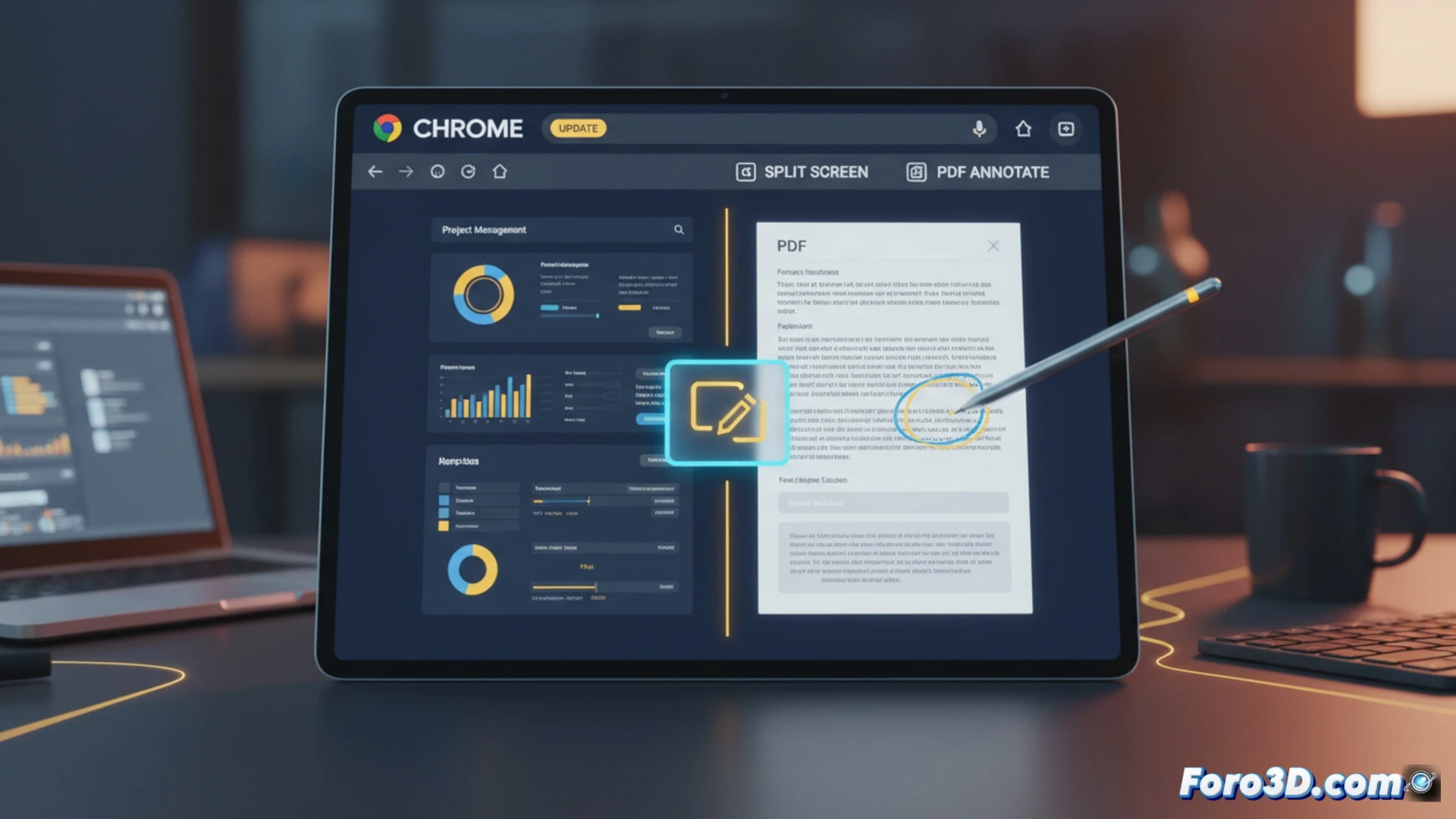
Google has implemented a series of changes in Chrome aimed at workflows. The update introduces a native split-screen mode to place two tabs side by side. Additionally, direct annotation tools for PDFs are incorporated, allowing text highlighting and adding notes without external applications. These adjustments aim to reduce switching between windows and keep activity within the browser.
Native Integration and Data Persistence in the Browser 🔐
The split-screen feature manages tabs as independent views within the same window, using the system's window management APIs. For PDF annotations, Chrome uses the built-in viewer based on PDFium, where marks and comments are serialized and attached to the document. This data is saved locally and synchronized through the Google account, using the same system that stores passwords and preferences.
Goodbye to 50 Open Tabs (Well, Maybe Not) 😅
With these tools, Google hopes we organize our mess better. Now we can have the chaos of two tabs open in an orderly way, and scribble on a PDF with the same ease as signing a receipt. It's a step toward productivity, although the real victory will be when the browser decides on its own which of those 50 dormant tabs to close. That would be a development.