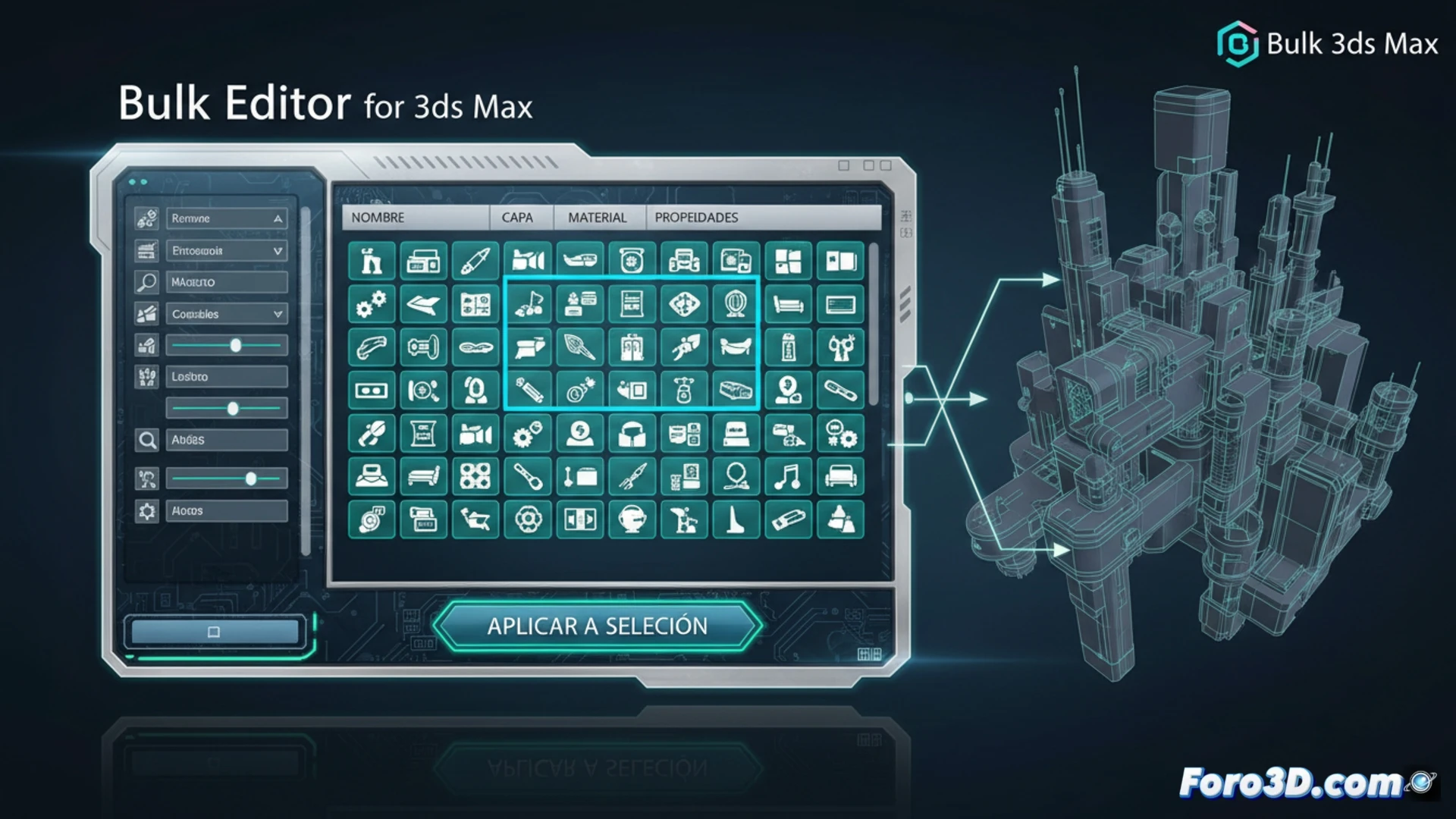
In 3D modeling projects with high object density, modifying properties individually becomes a repetitive task. Bulk Editor for 3ds Max addresses this issue by providing a unified panel to apply changes to multiple selected elements. This tool is designed for artists who need to adjust parameters such as names, layers, display properties, or even materials collectively, streamlining the organization of complex scenes without manual intervention on each object.
Command Architecture and Selection Filtering ⚙️
The tool operates by intercepting the active selection in the 3ds Max viewport and exposing its editable properties in a central list. It uses the software's native commands through MAXScript, ensuring compatibility and stability. Its interface allows filtering objects by type, name, or layer before applying any modification, preventing accidental changes. Adjustments are propagated in a single operation, reducing the number of system calls and optimizing execution time for bulk selections.
Goodbye to Repetitive Clicking: Your Finger Will Thank You 👆
The ritual is well-known: select an object, open its panel, change a value, repeat with the next... and so on a hundred times. With Bulk Editor, that monotonous cycle of clicks is interrupted. Your right hand, accustomed to spasmodic movement between keyboard and mouse, may initially feel disoriented, even unemployed. Don't be surprised if your index finger, suddenly freed, starts drumming on the desk looking for a new occupation. The transition may be traumatic for it, but the scene will be organized in minutes.