BlenderKit has expanded its functionality beyond 3D assets. Now its library integrated into Blender also includes add-ons, both free and paid. Users can search for, try, and install them directly from the software interface, a system designed to financially support developers. To access it, you only need to have the BlenderKit add-on installed, log in, and change the search type to add-on.
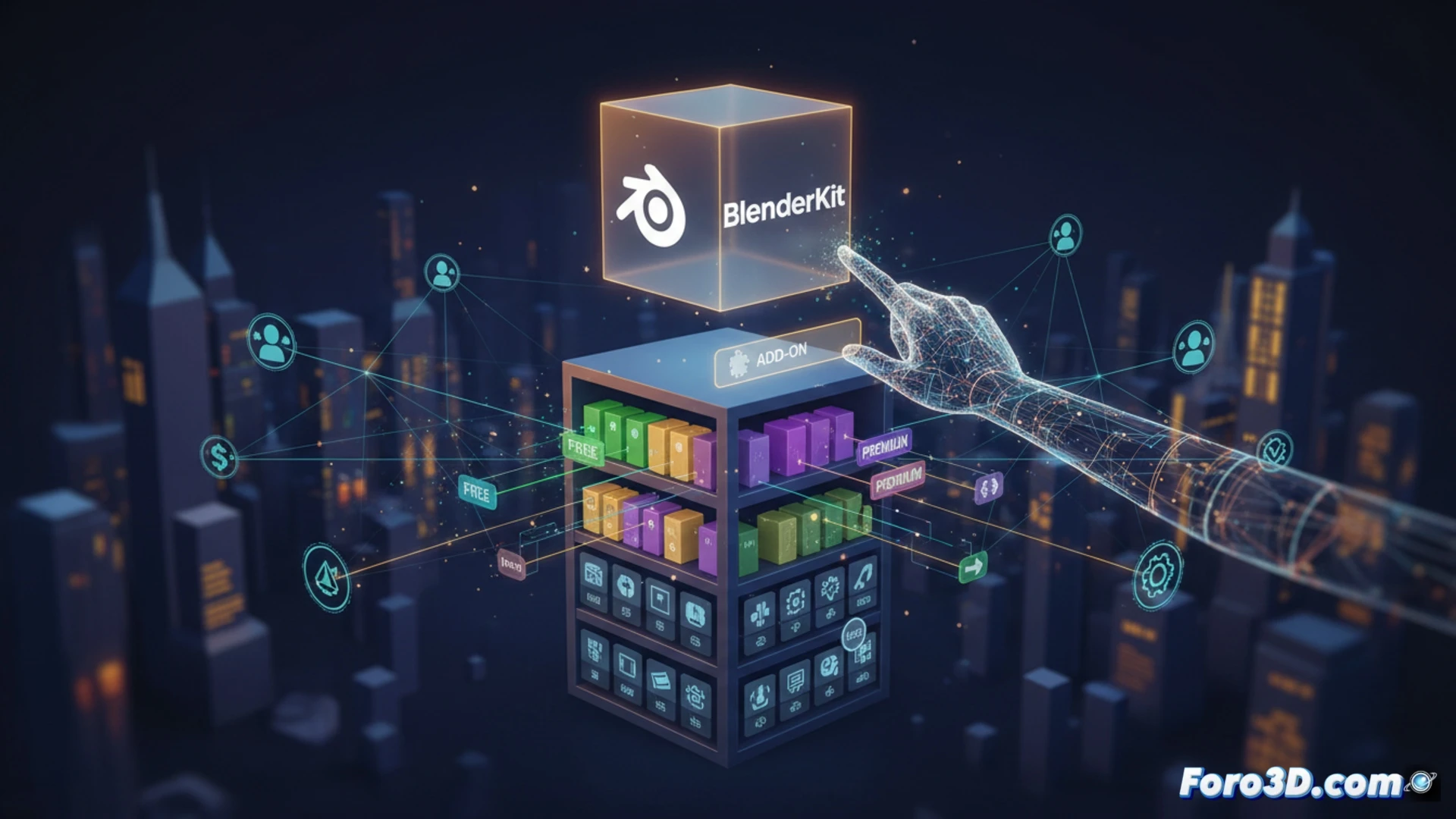
Installation Flow and Dependency Management ⚙️
The technical process is straightforward. Add-ons marked as free are installed with a simple drag to the 3D viewport. Paid ones display a purchase button that redirects to the author's website, after which the add-on becomes available in the account. BlenderKit allows choosing between permanent or temporary installation; the latter is useful for testing tools without cluttering the preferences list. The integration handles dependencies automatically, activating the add-ons after download.
Your Shopping Cart Now Lives Inside Blender 🛒
It's a notable advancement: there's no excuse anymore for not getting distracted. While modeling that crucial character, a glance at the side panel shows you an add-on that generates perfect clouds. One click, a redirect, and your work session turns into a round of payment windows. The temporary option is a consolation, like renting a hammer to hang a picture. But we know how it ends: the collection of temporarily tested tools grows until it rivals your list of untextured objects.