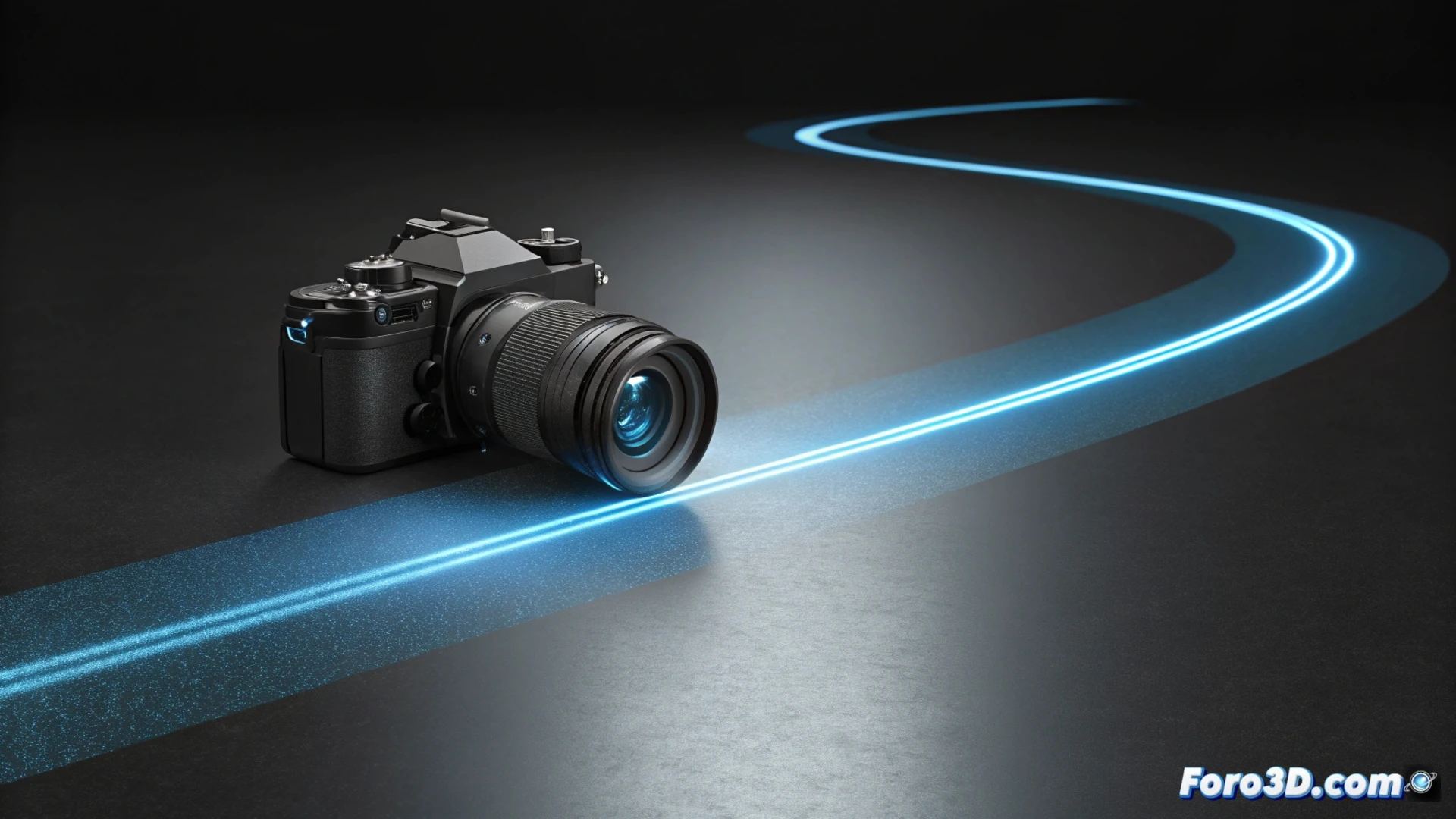
Automate a Camera Path with Coordinates in Blender
Generating an automatic and smooth camera movement is essential for producing videos or virtual tours. In Blender, you can achieve this without manually animating each frame, using path curves and a constraint system that controls displacement and orientation. 🎬
Set Up the Path and Link the Camera
The first step is to trace the route that the camera will follow. To do this, create a curve, either of type Bezier or NURBS, that defines the desired path. Then, select the camera object and add a constraint called Follow Path. In its properties, assign the newly created curve as the target. This will link the camera's movement to the curve's path.
Key initial steps:- Draw a curve in 3D space to mark the path.
- Apply the Follow Path constraint to the camera and select the curve as the target.
- To make the camera look at a specific point during the journey, add a second constraint of type Track To and choose the object to focus on.
The combination of the Follow Path and Track To constraints allows separating movement from orientation, giving total control over the shot.
Adjust the Animation and Speed
With the camera linked to the curve, you must define the frames between which the displacement will occur. This is done in the Path Animation tab of the constraint. To handle speed, you can animate the Offset value or modify the evaluation curve in the graph editor, which allows you to speed up or slow down the movement at specific points.
To refine the path:- Edit the curve's control points directly in the 3D view to create smooth turns or change elevation.
- Enable the Follow Curve option in the constraint so the camera aligns better with the path's curves.
- Press Alt + A in the 3D view to preview the path in real time and check the result.
Control Orientation and Polish the Result
The Track To constraint ensures the camera always points at its target. It is crucial to verify that the camera object's -Z axis is the one orienting toward the point of interest. To make the movement seem more natural and organic, experiment with the path curve's interpolation types. This method is very effective for creating cinematic transitions or architectural tours, avoiding tedious frame-by-frame work. Remember that sometimes the camera can behave unexpectedly, like a tourist who insists on filming their own feet instead of the landscape. 🎥