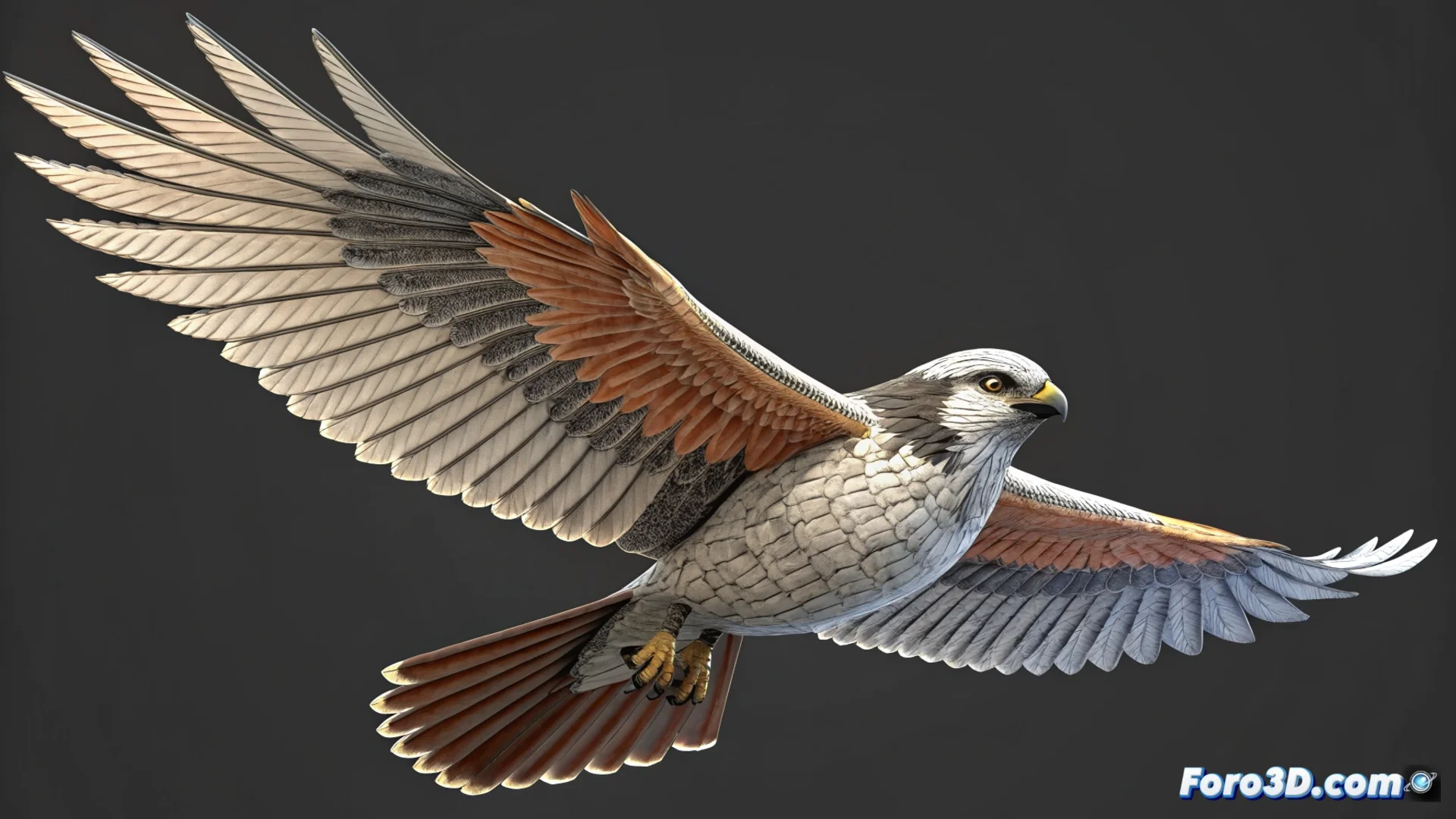
A Quick Way to Animate Birds in Blender
Bringing a 3D bird to life can be intimidating, but with Blender it's possible to achieve it agilely. 🐦 The key is to use a practical approach that combines a basic skeleton with the appropriate modifiers to convincingly simulate wing flapping without spending weeks on the process.
Prepare the Bone Structure
The first step is to build the framework that will move the model. Use the bone tool to generate three elements: one central for the torso and two lateral for each wing. It's crucial that the wing bones are well positioned and linked as children of the main bone. Apply the Armature modifier to the bird's mesh so that it follows the skeleton's deformation. Assign the wing vertices to their respective bones through vertex weighting, ensuring clean and natural movement.
Key steps for rigging:- Create three bones: body and two wings.
- Link the wing bones to the main one in a hierarchy.
- Apply the Armature modifier to the bird model.
- Weight the vertices correctly for optimal deformation.
A simple and well-configured rig is the foundation for any smooth and believable animation.
Create the Flight Movement
With the skeleton ready, move on to animating the flapping cycle. Open the Graph Editor for precise control over interpolation. Set keyframes in the rotation of the wing bones, defining the key positions of the cycle: retraction, maximum extension, and downstroke. Duplicate this keyframe pattern to repeat the movement and achieve continuous flapping. Adjust the interpolation curves to smooth the transitions between poses, eliminating that mechanical look and adding organic fluidity.
Workflow for animating:- Use the Graph Editor to handle the animation.
- Define rotation keyframes for the wings.
- Copy and repeat the basic cycle to extend the action.
- Modify the interpolation curves for greater naturalness.
Final Tip
Prioritize getting a basic movement that works before diving into complex details like animating individual feathers. A bird that flies simply but effectively is usually a better result than a hyper-detailed model stuck in an endless production phase. 🚀 Focus on refining the base with modifiers and curve editing; complexity can be added later on solid foundations.