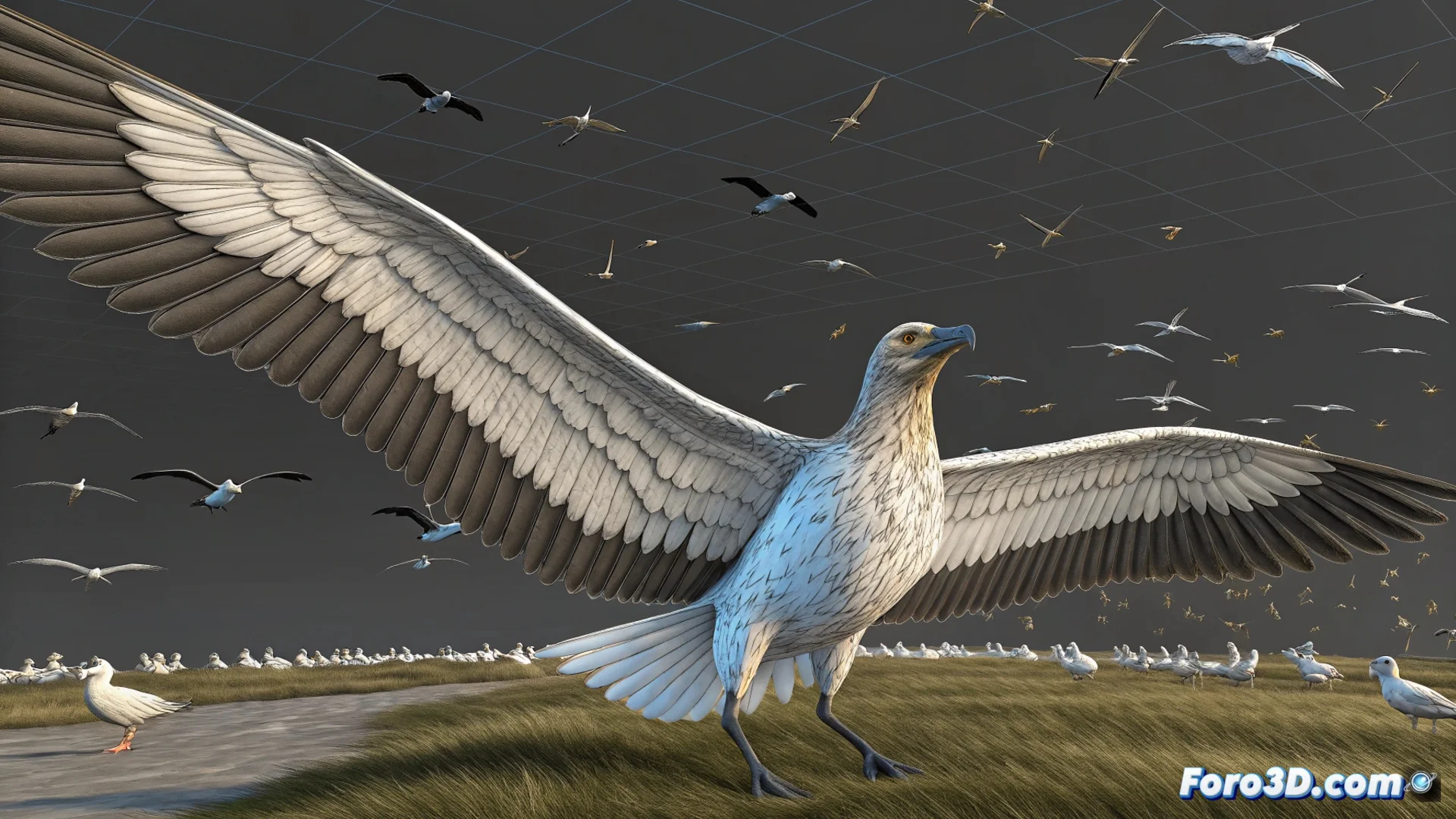
A Quick Way to Animate Birds in 3ds Max
Creating realistic bird animations can be a challenge, but 3ds Max offers several tools to streamline this work. From native methods with modifiers to particle systems and external plugins, there are options for every level of complexity. The goal is to achieve organic movement without investing weeks in the process 🕊️.
Using the PathDeform Modifier for Simple Flights
A straightforward technique uses the PathDeform modifier. First, you assign this modifier to the bird's geometry. Then, you link it to a spline or curved line that acts as the flight path. The bird will automatically follow this trajectory and adjust its orientation, greatly speeding up the workflow. To avoid the movement looking mechanical, you can add a noise controller in the rotation parameters. This simulates the small natural corrections a bird makes while flying.
Key advantages of this method:- Quick setup: Linking the model to a path is a matter of a few clicks.
- Automatic orientation: The bird turns and tilts according to the curve without needing to manually animate each turn.
- Easy to adjust: Modifying the trajectory is as simple as editing the spline, and the animation updates instantly.
The key to making it look real is not just the movement, but also the variation; avoid having all birds flap at the same time.
Managing Flocks with Particle Systems
When the project requires animating a group of birds, the most efficient solution is to use a particle system like Particle Flow (PFlow). In this system, each particle can carry an instance of the bird's geometry. You can direct the particle flow using deflectors or deformation spaces to simulate the flock's flight. To generate flapping, a common strategy is to use two alternative objects (with wings in high and low positions) and a Shape Instance operator that switches between them at a determined speed.
Main steps with PFlow:- Instance the geometry: The Shape Instance operator places the bird model on each particle.
- Define the behavior: Use forces and deformation spaces to guide the flock's flight in a believable way.
- Animate the flapping: Alternating between two objects with different wing poses creates the illusion of basic cyclic movement.
Automate with Specialized Plugins
For projects that demand many animated birds with a high level of detail, integrating a specific plugin can save a lot of time. Tools like Flight Studio or Bird Flight are designed exclusively for this task. They usually include preconfigured rigs with dedicated controls for the flapping cycle, gliding, and group behaviors. This allows you to avoid building each system from scratch and focus on directing the overall action and refining the animation.
In short, whether with native tools like PathDeform and PFlow, or with external plugins, 3ds Max provides a range of possibilities for animating birds quickly and effectively. Success lies in combining these techniques and, above all, introducing random variations in the movement to break artificial synchronization and add realism to the scene 🎯.