A user has shared a method for transferring Miis from Nintendo 3DS to Tomodachi Life: Living the Dream on Nintendo Switch and Switch 2. Nintendo does not offer an official solution, but the process, based on a Reddit thread from nine years ago and updated by IGN, requires an amiibo. The maneuver is not simple, but it allows you to preserve those lovingly created characters.
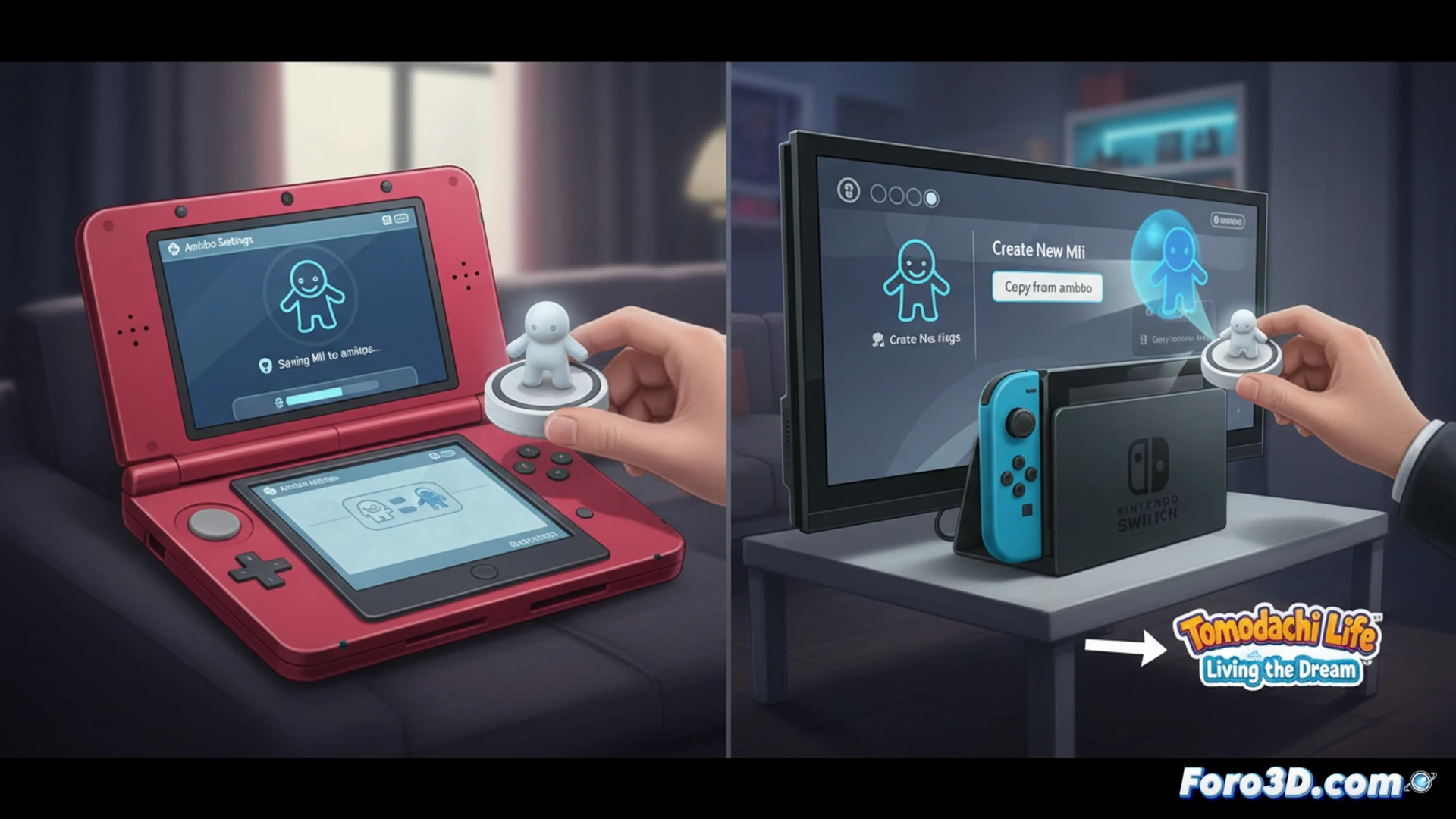
The technical process for data migration with amiibo 🎮
First, turn on your 3DS and access the quick settings to select amiibo Settings. Then choose Register Owner and Nickname, follow the steps, and save a Mii from your collection to the amiibo. This step is more straightforward on a New 3DS, New 3DS XL, or New 2DS XL, which have built-in NFC. If you are using an older model, you will need an external NFC reader. Afterwards, on your Switch or Switch 2, go to settings, select the Mii tab, and choose Create New Mii and then Copy from amiibo. Scan the amiibo and the Mii will be transferred. When you open Tomodachi Life: Living the Dream, you can add the Mii from your device.
Nintendo and its love for archaic processes 🕹️
Of course, Nintendo could have added a simple option to transfer Miis via Wi-Fi or with a QR code. But no, they prefer you to dust off that external NFC reader you bought for the Wii U and use an amiibo like it's a floppy disk from the 90s. At least the method works, even though it will make you feel like a digital archaeologist rescuing data from a console that is already gathering dust.