Not all motherboards are the same when building a system for 3D modeling or rendering. Although low-end models are not defective, they have critical limitations in connectivity and voltage regulation. For professional workflows in Blender or Unreal Engine, these details determine whether your CPU will maintain peak performance or suffer from thermal throttling.
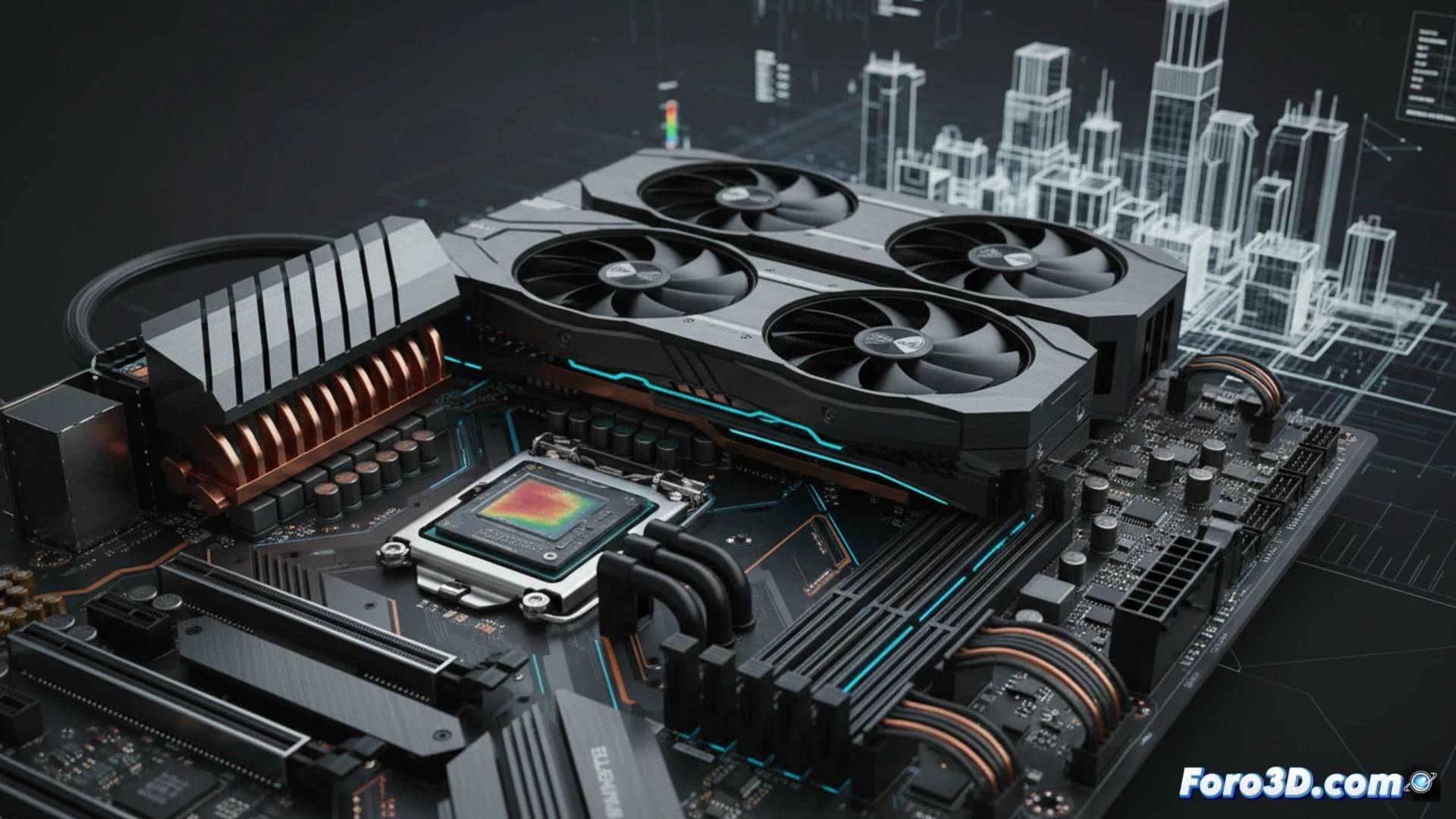
PCIe 5.0 and VRM: the foundation of rendering performance 🖥️
Connectivity directly affects the transfer speed of textures and assets. Low-end motherboards are usually limited to PCIe 4.0, while mid-range ones offer PCIe 5.0 for the graphics card, and high-end models extend it to all M.2 slots. In complex simulations or rendering with powerful CPUs like a Core i7 or Ryzen 7, the VRM is key: cheap models lack sufficient heatsinks and power phases, causing overheating and speed reduction. A motherboard with a robust VRM ensures your processor works at 100% for hours without thermal throttling.
Smart investment for stable 3D workflows 💡
Choosing a mid-range or high-end motherboard is not a luxury; it is a technical decision to avoid bottlenecks. In simulation or rendering tasks with engines like Cycles or V-Ray, a poor VRM can extend work times and compromise system stability. Investing in a motherboard with PCIe 5.0 and good voltage cooling is the foundation for a reliable and productive 3D system in the long run.
What specific factors of VRM quality and connectivity options of a motherboard can make a difference in the performance and stability of a system intended for 3D modeling and rendering?
(PS: If the computer smokes when opening Blender, you might need more than just a fan and faith)