For many users, dependence on cloud services like iCloud or Google Drive implies recurring costs and a surrender of control over their data. A home NAS emerges as a practical alternative. This device, connected to the home network, centralizes storage, allows automatic backups of computers and mobile devices, and facilitates multimedia streaming. It is a solution for those who prioritize privacy and seek direct control over their digital information.
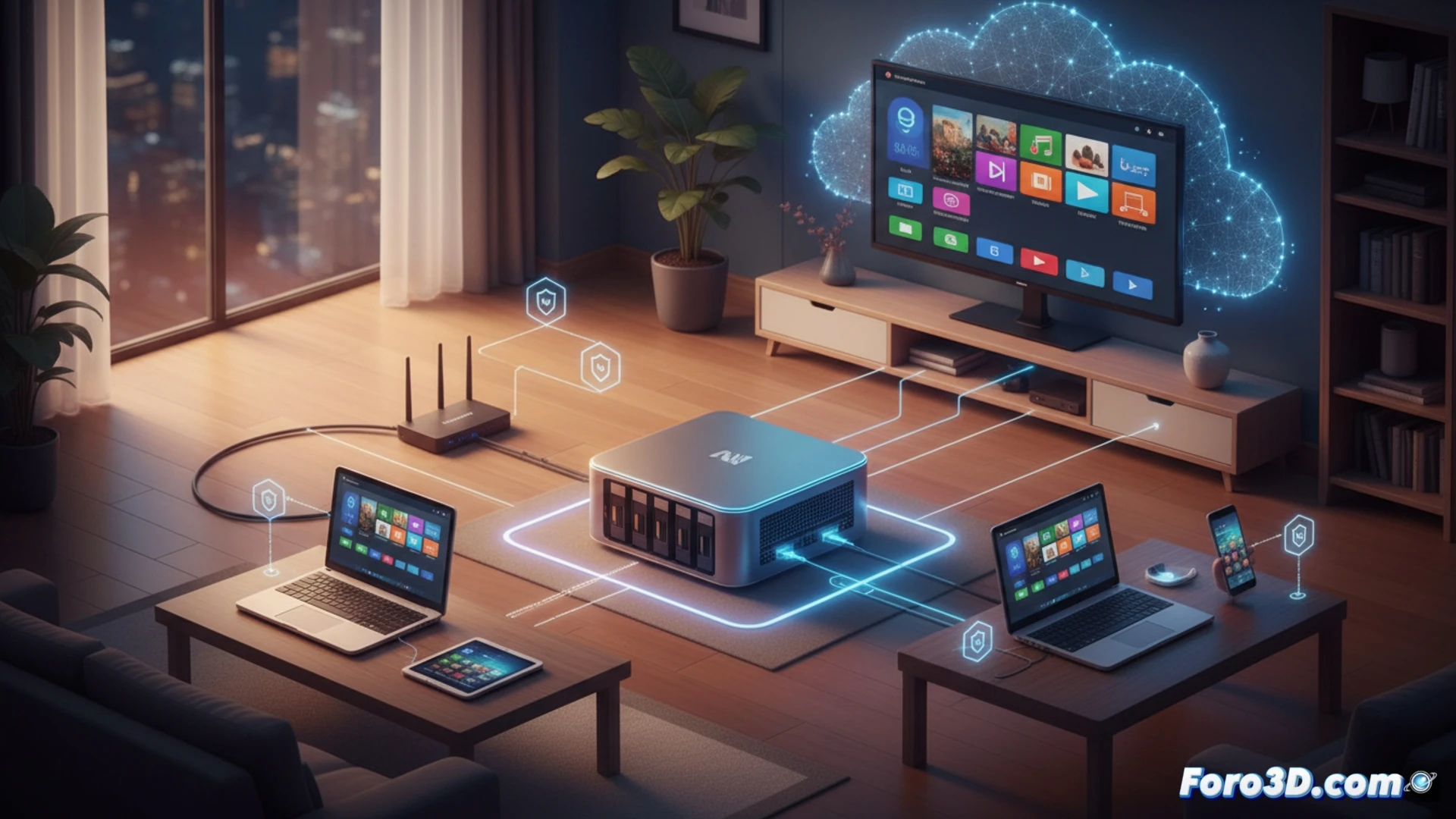
Architecture and Protocols of a Local NAS Server 🖥️
Technically, a NAS is a specialized computer with one or more disks, typically in RAID, and an embedded operating system like TrueNAS Core or distributions from Synology or QNAP. Its core is the file system, managed by software that serves data via network protocols like SMB/CIFS for Windows, AFP for Apple, and NFS for Linux. Container virtualization, via Docker, and services like Plex for media, extend its functions beyond mere storage.
Goodbye to the Public Cloud, Hello to the Cloud You Can Turn Off When You Want 😄
The freedom of your own cloud has its little rituals. Instead of complaining on social networks when the service of the day has an outage, you can now direct your complaints straight to the router, or to the hard drive that decided to make the click of death on a Sunday afternoon. The experience of managing your own server includes moments like explaining to your family that the movie isn't playing because the NAS is updating metadata. Of course, you decide on the price increases, usually when buying another disk.