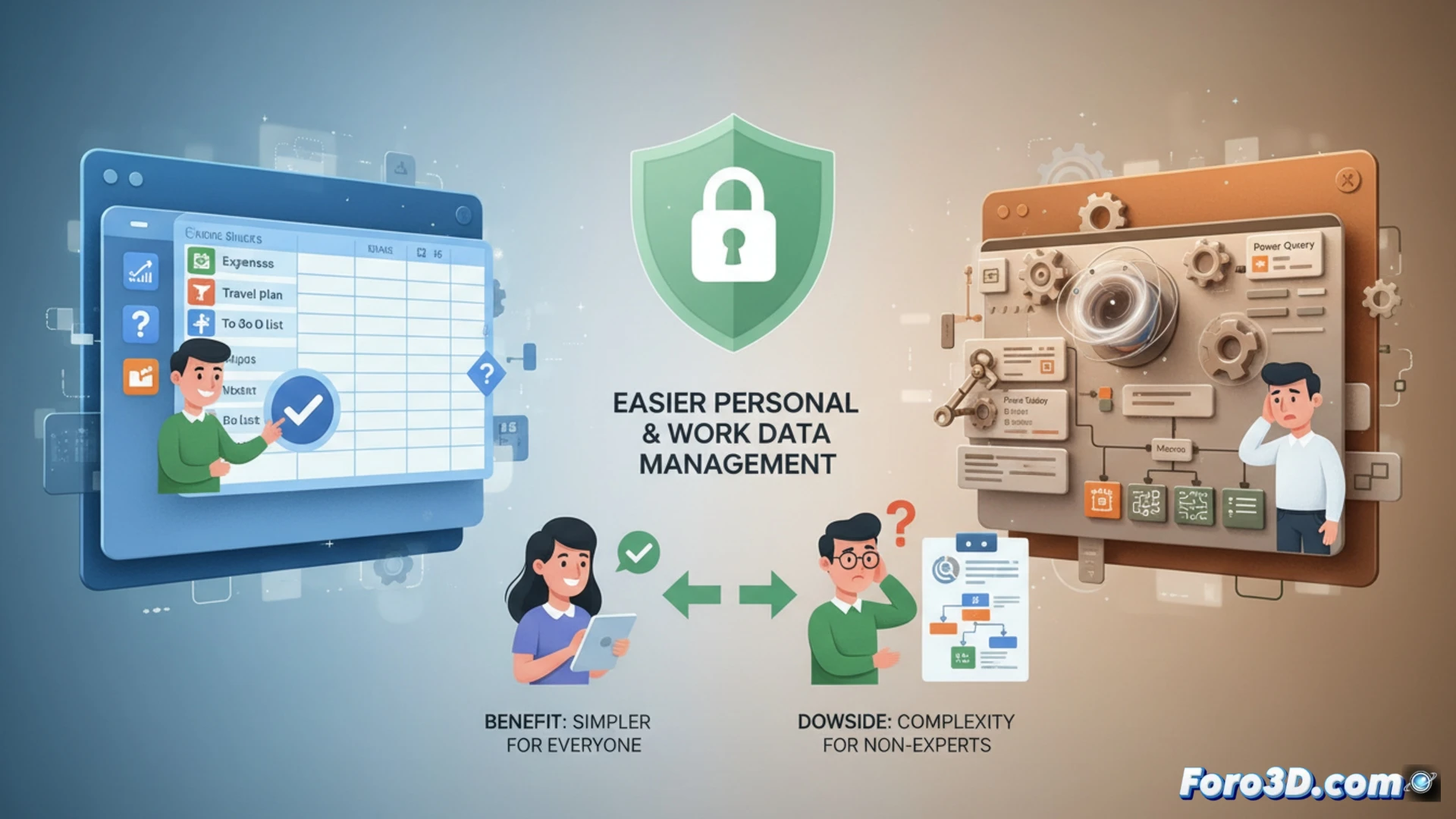
Spreadsheets are an everyday tool for organizing personal and work information. Functions like SUM, AVERAGE, or IF allow for easy management of expenses, trips, or lists. The main difference between options like Google Sheets and Microsoft Excel lies in complexity. While one bets on simplicity and basic automation, the other deploys an advanced arsenal for data analysis.
The Engine Behind Automation and Deep Analysis 📊
Technically, Excel's power is based on tools like Power Query to integrate and transform data from multiple sources, pivot tables to summarize information interactively, and macros to automate repetitive tasks with VBA. These functionalities turn the spreadsheet into a lightweight business intelligence platform. Google Sheets, with App Script and built-in functions, offers a more accessible and collaborative approach, though less powerful for ETL processes or complex data models.
The Emotional Journey of Facing a Pivot Table 😵💫
Nothing connects a user more with their spiritual side than trying to create their first pivot table. It's a moment of deep introspection where one wonders if dragging that field to Values was an error in judgment or a cry for help. While the screen shows something resembling the aftermath of a numbers party, Google Sheets watches you from another tab, with its mocking simplicity, reminding you that you just wanted to add up the grocery expenses. The spreadsheet then reveals its true function: to measure our patience.