Choosing the right video cable is a decision that many 3D professionals underestimate. An inadequate connection can result in low resolution, limited refresh rates, or flickering that ruins visual precision during modeling and rendering. HDMI and DisplayPort are the dominant standards, but not all versions offer the same performance. Knowing their differences is key to avoiding bottlenecks in your workstation.
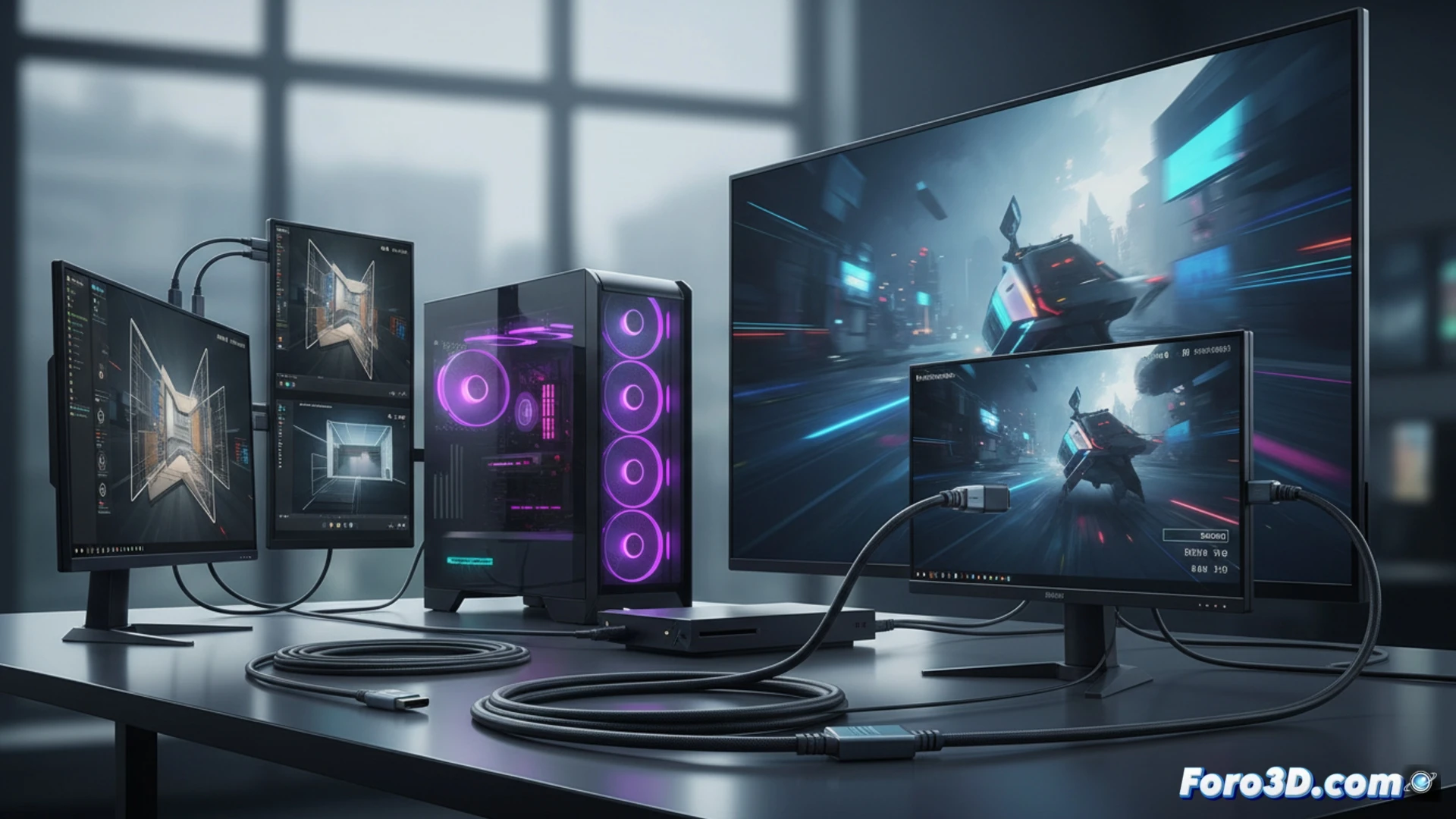
HDMI 2.1 vs DisplayPort 2.0: Performance and Synchronization 🖥️
HDMI 2.1 is the king of entertainment, supporting 4K at 120 Hz and up to 8K at 60 Hz, ideal for modern consoles. However, in the realm of 3D modeling, DisplayPort 2.0 offers crucial technical advantages. This standard handles bandwidths exceeding 80 Gbps, allowing 4K resolutions at 240 Hz or even 16K without compression. But its biggest asset is native support for adaptive sync technologies like FreeSync and G-Sync. While HDMI 2.1 also supports VRR, DisplayPort implements these technologies more robustly and with lower latency, eliminating tearing and micro-stuttering when manipulating complex meshes or real-time animations.
Visual Precision Allows No Compromises 🎨
For a professional 3D workflow, where every pixel counts, DisplayPort 1.4 or higher remains the primary recommendation. It ensures stable color reproduction and allows daisy-chaining monitors to expand your workspace without saturating GPU outputs. If your monitor only has HDMI, opt for version 2.0 at minimum, although you will lose native adaptive sync. In summary: prioritize DisplayPort for your main modeling monitor, and reserve HDMI for secondary displays or media consumption.
What critical differences exist between HDMI and DisplayPort to guarantee maximum color fidelity and synchronization on professional 3D monitors?
(PS: remember that a powerful GPU won't make you a better modeler, but at least you'll render your mistakes faster)