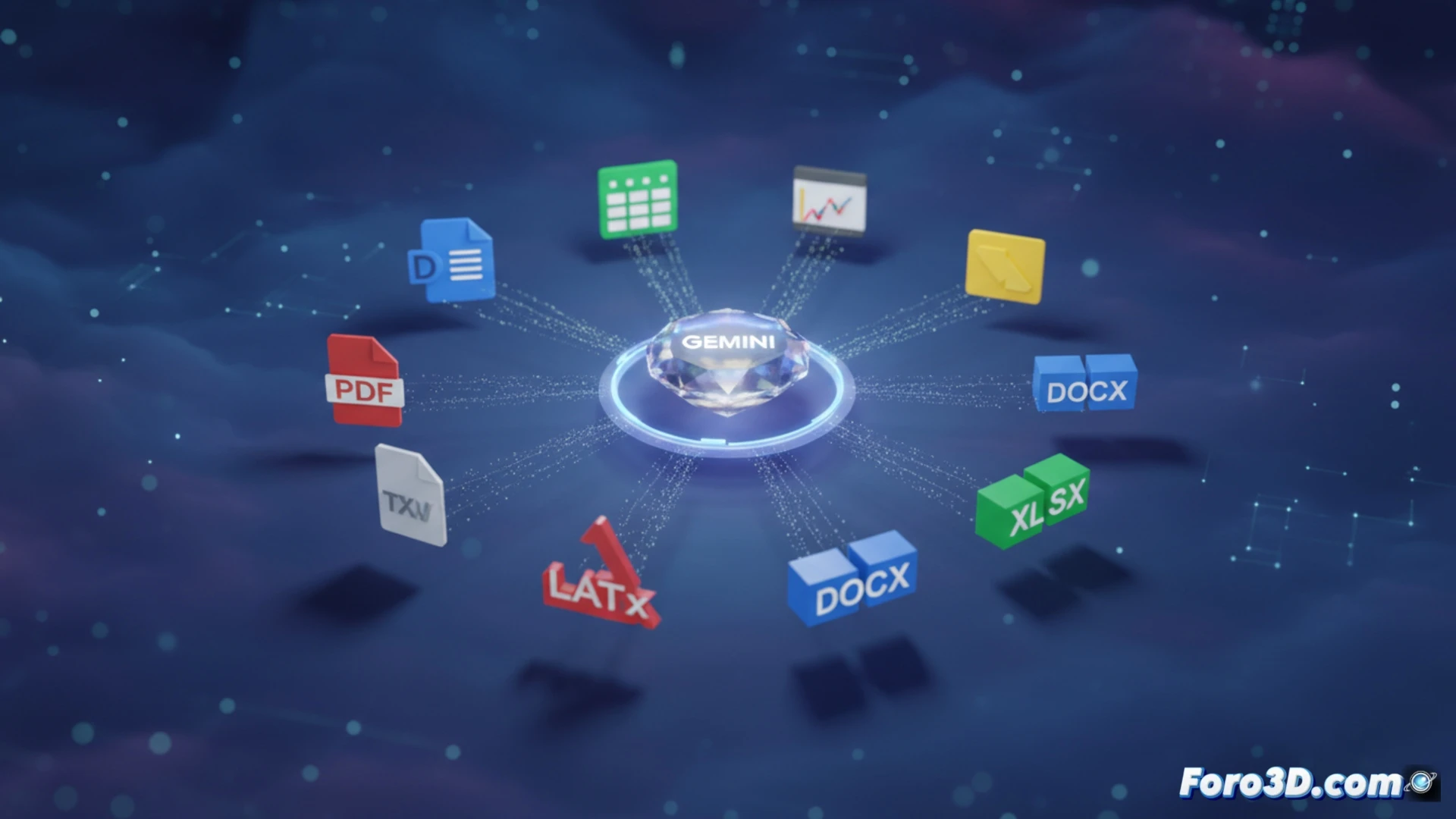
Google has announced that its Gemini app has been able to generate files directly from the conversation since April 29. You no longer need to copy the text, open an editor, and paste it: the assistant creates Google Workspace documents (Docs, Sheets, Slides), PDF, DOCX, XLSX, CSV, LaTeX, TXT, RTF, and MD. The feature is available to all users, regardless of plan, globally.
Support for key formats and global availability 🚀
The integration covers both native Google formats (Docs, Sheets, Slides) and universal standards (PDF, DOCX, XLSX, CSV). It also includes technical options such as LaTeX, TXT, RTF, and MD. When generating the file, Gemini structures it according to the conversation content and delivers it ready to download or open directly in the cloud. There are no limits by subscription plan: all users access the same export capability without intermediate steps.
Gemini now saves you the drama of pasting text in the wrong place 😅
Google has decided it's had enough of seeing users paste AI responses into Notepad before realizing they forgot to save. Now Gemini delivers the file directly, avoiding that moment of panic when you close the tab without copying. That said: if you were hoping it would also make you coffee while exporting, you'll have to wait for the next update.