Framework has launched the Laptop 13 Pro with Ubuntu preinstalled, a CNC aluminum chassis, and a haptic trackpad that promises over 20 hours of battery life. CEO Nirav Patel compares it to a MacBook Pro for Linux users, but for 3D professionals, the key question is whether it can handle intensive workloads in Blender, Maya, or Unreal Engine. We analyze its performance against the MacBook Pro M5 and its repairability proposition.
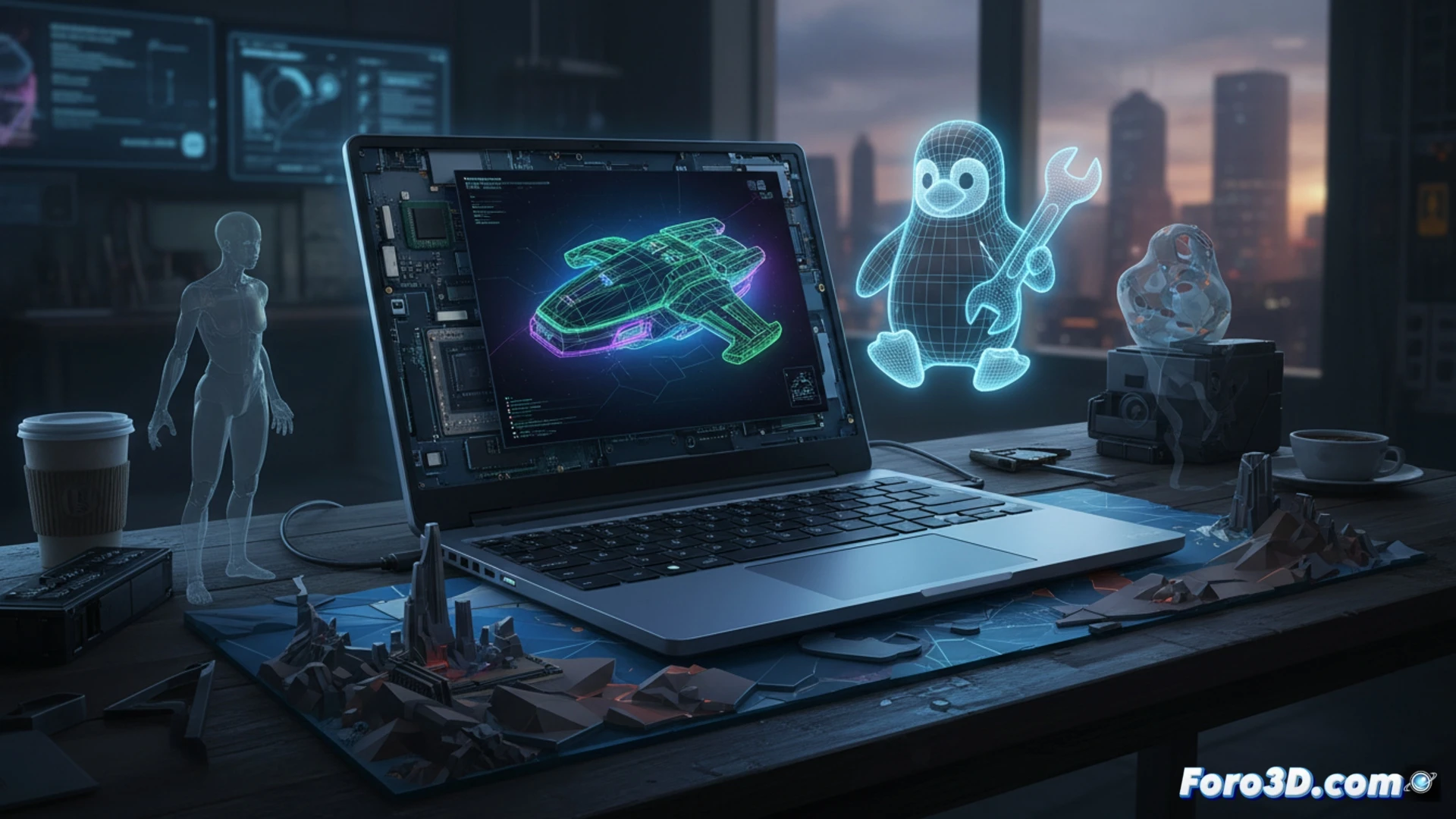
Performance and GPU for Rendering and Simulation 🎮
The Framework 13 Pro uses 13th-generation Intel Core processors with integrated Iris Xe graphics. In Blender benchmarks, its performance in Cycles falls far short of a dedicated GPU or the Apple M5 silicon with hardware ray tracing. For simulations in Maya or Unreal Engine, the lack of a discrete graphics card limits fluidity in complex viewports. However, its energy efficiency is notable: in battery tests with light rendering, it reaches 20 hours, surpassing the M5 in low-load tasks. For 3D workflows, prioritizing 32 GB of RAM and a fast NVMe SSD is recommended, although the integrated GPU remains the main bottleneck.
Repairability and Linux as a Production Advantage 🔧
The true strength of the Framework 13 Pro is its modular design. It includes a screwdriver to change ports, battery, keyboard, and screen without soldering. For 3D studios looking to reduce electronic waste or upgrade components without changing equipment, this is revolutionary. Additionally, Ubuntu eliminates the distractions of Windows 11 and its AI features, offering a stable environment for Linux rendering pipelines. Although it won't replace a workstation, it does change market expectations by demonstrating that a popular laptop can be powerful, repairable, and free from closed systems.
With the Framework 13 Pro running Linux, how efficient are the open-source drivers for the integrated GPU when rendering complex 3D models in software like Blender, compared to proprietary drivers on Windows?
(PS: If the computer starts smoking when you open Blender, you might need more than a fan and faith)